Entries and Export
Find, sort and export every submission saved in WordPress.
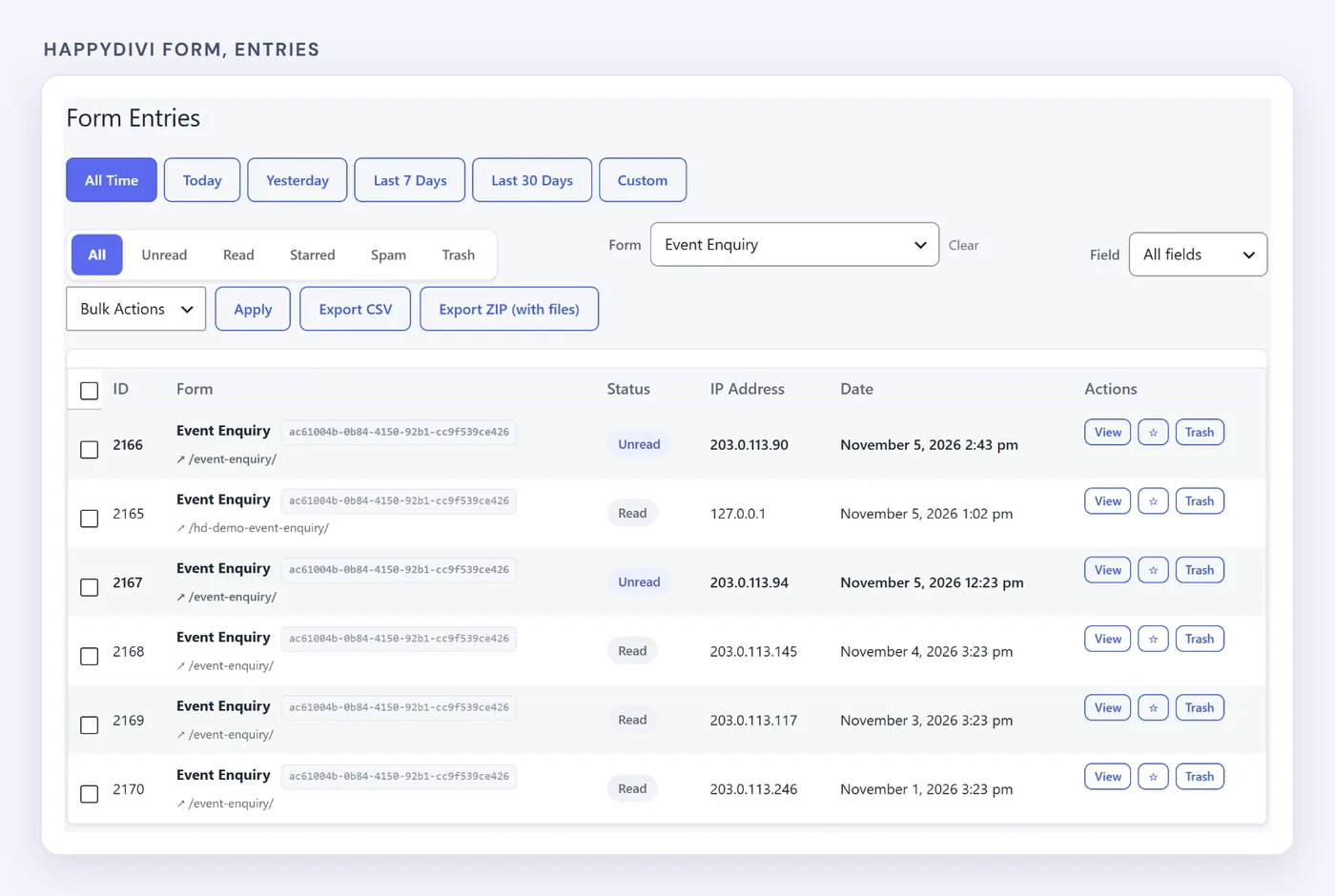
HappyDivi Form → Entries.
Find an Entry#
Use the tabs for All, Unread, Read, Starred, Spam and Trash, then filter by form or date. Forms with the same name are grouped, even if copied across pages.
Inside an Entry#
- Every submitted field, and the page and IP address it came from
- Download links for uploaded files
- Notification History, showing what was sent, and the error if it failed
- Resend, which sends again using the form's current settings
Export (Pro)#
Set your filters, then export. CSV gives a spreadsheet of the filtered entries. ZIP adds the uploaded files.
Where Entries Are Stored#
Entries are in the plugin's own database tables, separate from posts. Deleting the plugin keeps your data unless you turn on Delete all data when the plugin is uninstalled first, under Settings → Form Features. Read more about saving Divi form entries.