Picture a good enquiry on a Friday afternoon. Your Divi form says "sent", the visitor waits, and the email quietly lands in a spam folder nobody checks. On Monday you never knew it existed.
This happens because Divi's Contact Form module does not save submissions. It sends one email and keeps nothing. To keep every entry, you need either an add-on that stores Divi's form data or a form module that saves entries itself.
Here are your three options, and how to set up the one that fits.
Three Ways to Save Your Divi Form Submissions
| Option | Best for | Trade-off |
|---|---|---|
| Add-on for Divi's form, such as Divi Contact Form Helper | Keeping your existing forms exactly as they are | A paid add-on on top of Divi's form |
| General form plugin, such as WPForms, Gravity Forms or Fluent Forms | Sites that already use one everywhere | Usually placed by shortcode, so no live design in the Visual Builder |
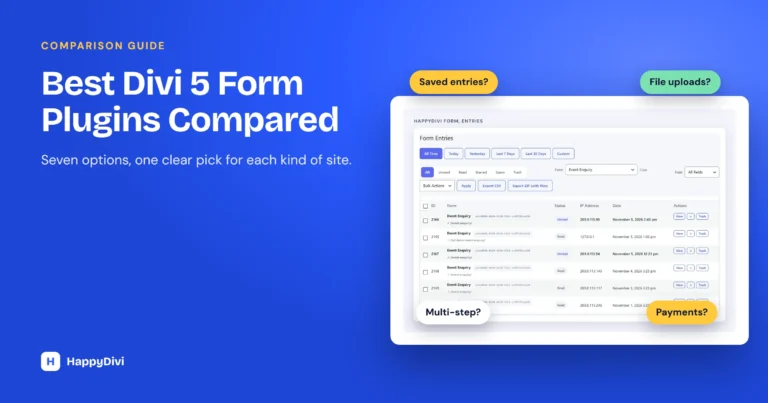
| Native Divi 5 form module, such as HappyDivi Form | New forms designed directly in the Visual Builder | You rebuild old forms in the new module |
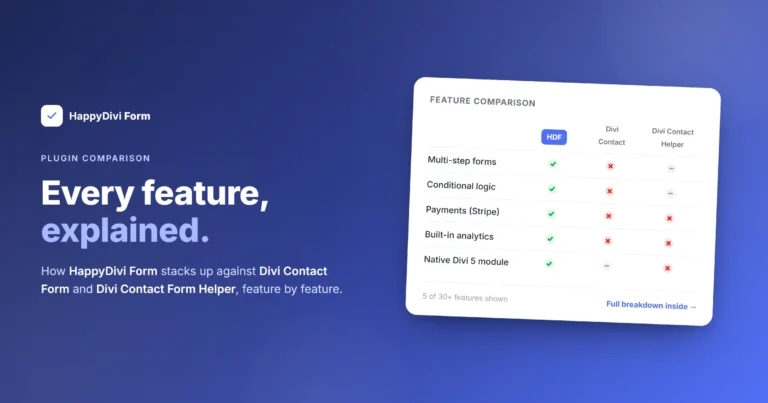
Any of these solves the core problem. The rest of this guide uses HappyDivi Form, our own plugin, because saving entries is built in and free.
How to Save Entries With HappyDivi Form
There is no setting to switch on. Each submission is saved to the database first, and only then are emails sent.
- Add a HappyDivi Form module in the Divi 5 Visual Builder and publish the page.
- Submit one test message yourself.
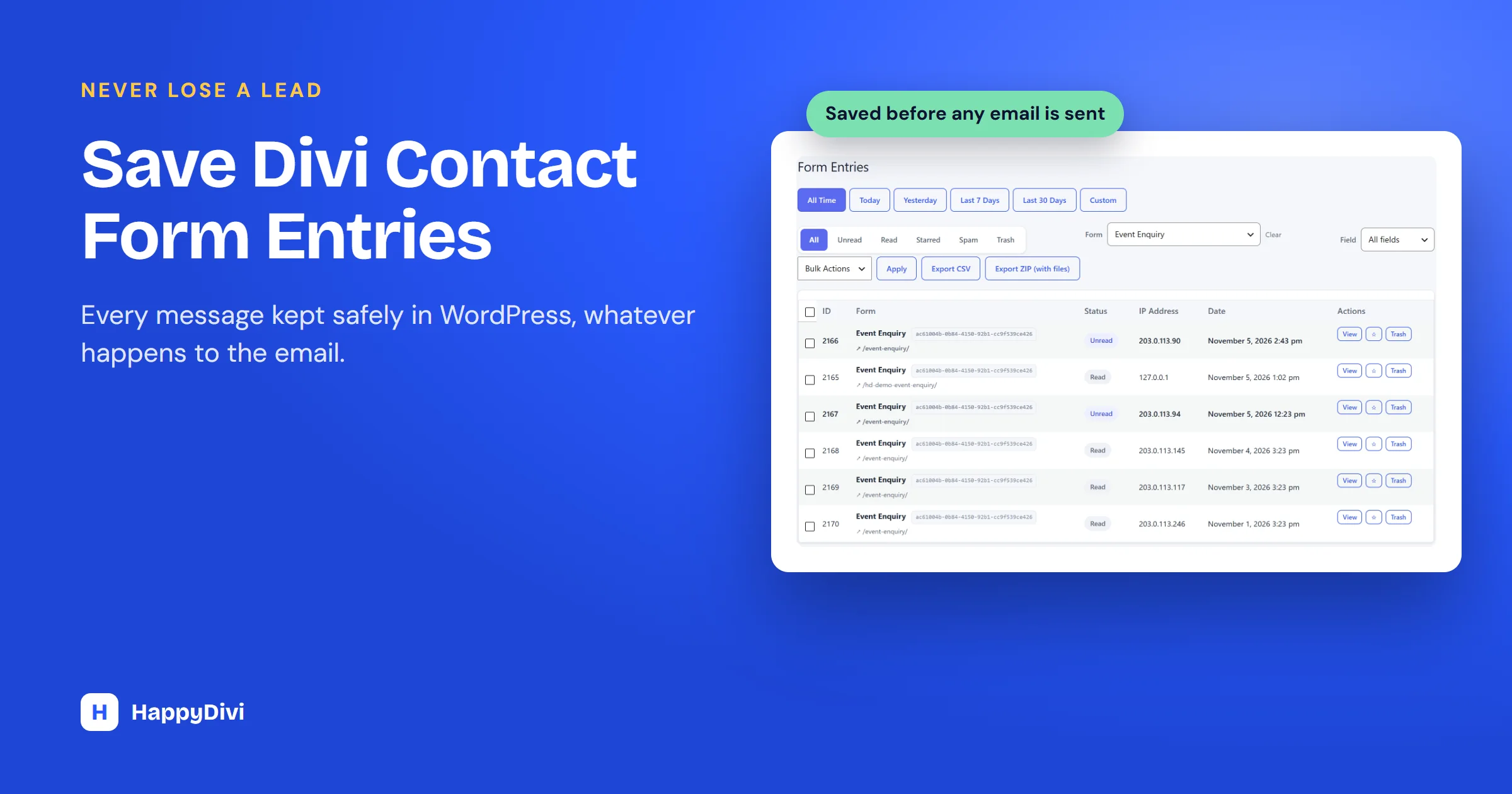
- Open HappyDivi Form → Entries in your dashboard. Your test entry is there, even if no email was delivered.
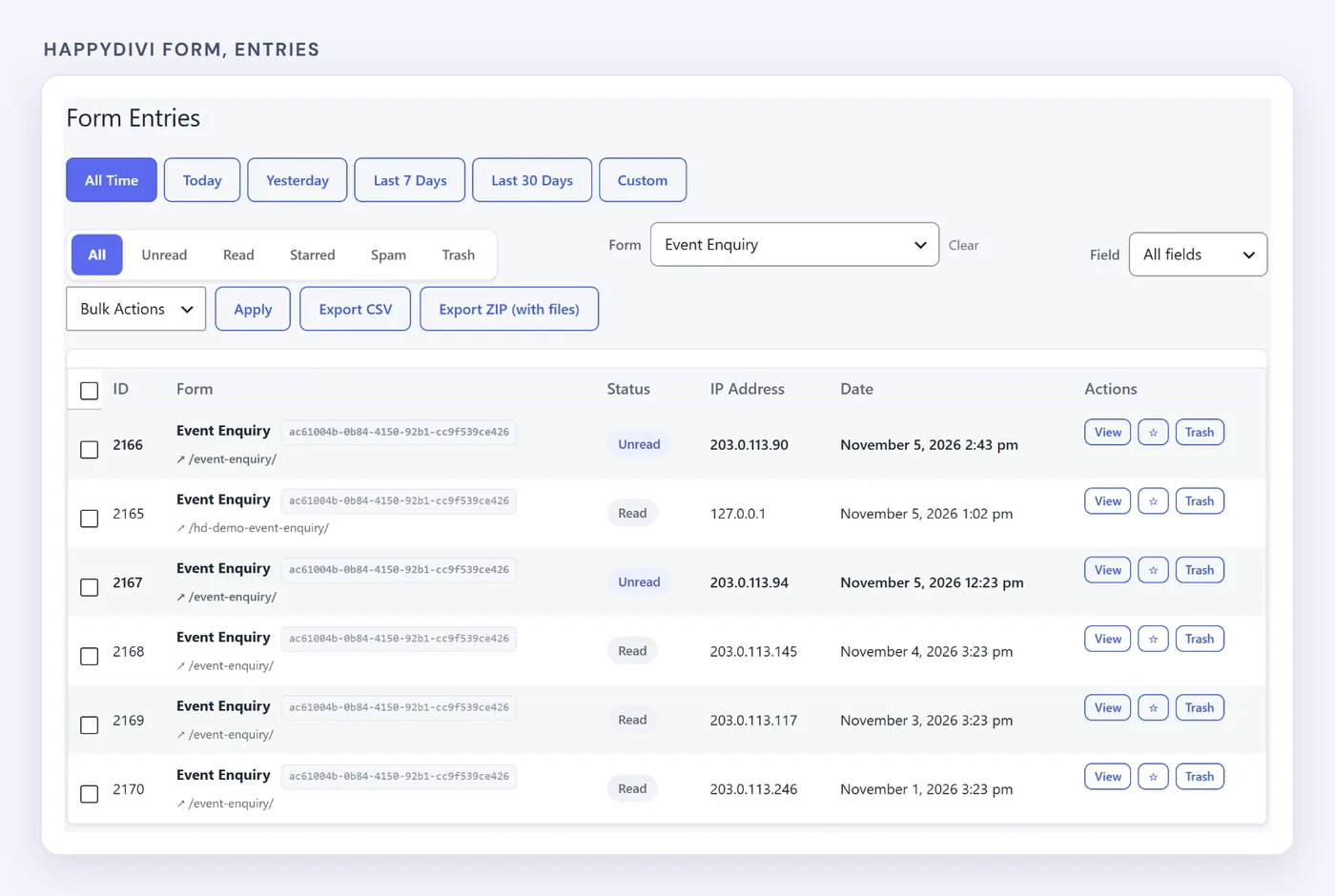
A real inbox: filter by date, status or form. These are demo entries from our test site.
Working With Your Entries
- Status tabs: All, Unread, Read, Starred, Spam and Trash.
- Filters: by form and by date range, including All Time.
- Bulk actions: star, trash, restore or mark as not spam.
- Entry details: every submitted field, uploaded files, and the emails sent for that entry, with Resend.
Entries live in their own database tables, not in WordPress post meta, which keeps the main posts table out of it.
Good habit
Treat the Entries screen as your source of truth and email as a notification. Check Unread once a day and you will catch every lead, even on days when email has a problem.
Exporting to CSV (Pro)
HappyDivi Form Pro adds the Export CSV and Export ZIP buttons you can see above. Exports follow your current filters, so you can export one form or one date range, and the ZIP includes uploaded files.
Storing Entries Responsibly
Keeping personal data means looking after it. Before you collect anything, decide how long you really need it and mention it in your privacy policy.
- IP addresses: store them, anonymize them, or do not store them at all. Free.
- Data requests: entries work with WordPress's personal data export and erasure tools. Free.
- Privacy policy text: suggested wording in the WordPress privacy guide. Free.
- Automatic deletion after a set number of days. Pro.
These tools help with compliance, but they do not replace legal advice for your situation.
Frequently asked questions
Where are Divi contact form submissions stored?
Nowhere. Divi's Contact Form module only sends an email. To keep a copy, add a plugin that stores submissions or use a form module that saves entries.
Is saving entries free in HappyDivi Form?
Yes. Every entry is saved in the free version. CSV and ZIP export and automatic deletion are Pro features.
Can I import old Divi form messages?
Not from Divi itself, because the Contact Form module never stored them. Entries start from the moment a form that saves them goes live.
Will saving entries slow my site down?
Saving happens when a form is submitted, not on every page view, so normal visitors browsing your pages are not affected.
From HappyDivi
HappyDivi Form
Saves every entry inside WordPress, so a lead never depends on an email arriving.
- 22 field types, multi-step forms and conditional logic
- Native Divi 5 module
Free plan available
From HappyDivi
HappyDivi Form
Saves every entry inside WordPress, so a lead never depends on an email arriving.
- 22 field types, multi-step forms and conditional logic
- Native Divi 5 module
Free plan available