Success Messages and Redirects
Choose what visitors see after submitting: a message, a redirect, or a different result for each answer.
Set the Default Result#
On the form module, open Form Settings and choose a Default Success Action: Show Message, Redirect, or Message then Redirect. A delay can be set from 0 to 60 seconds.
The message accepts merge tags and basic HTML, including links, bold text and lists. Scripts are removed.
Show Different Results (Pro)#
Add Success Rules, each with its own message or redirect and its own conditions. They run from the top and the first match wins. If none match, the default runs.
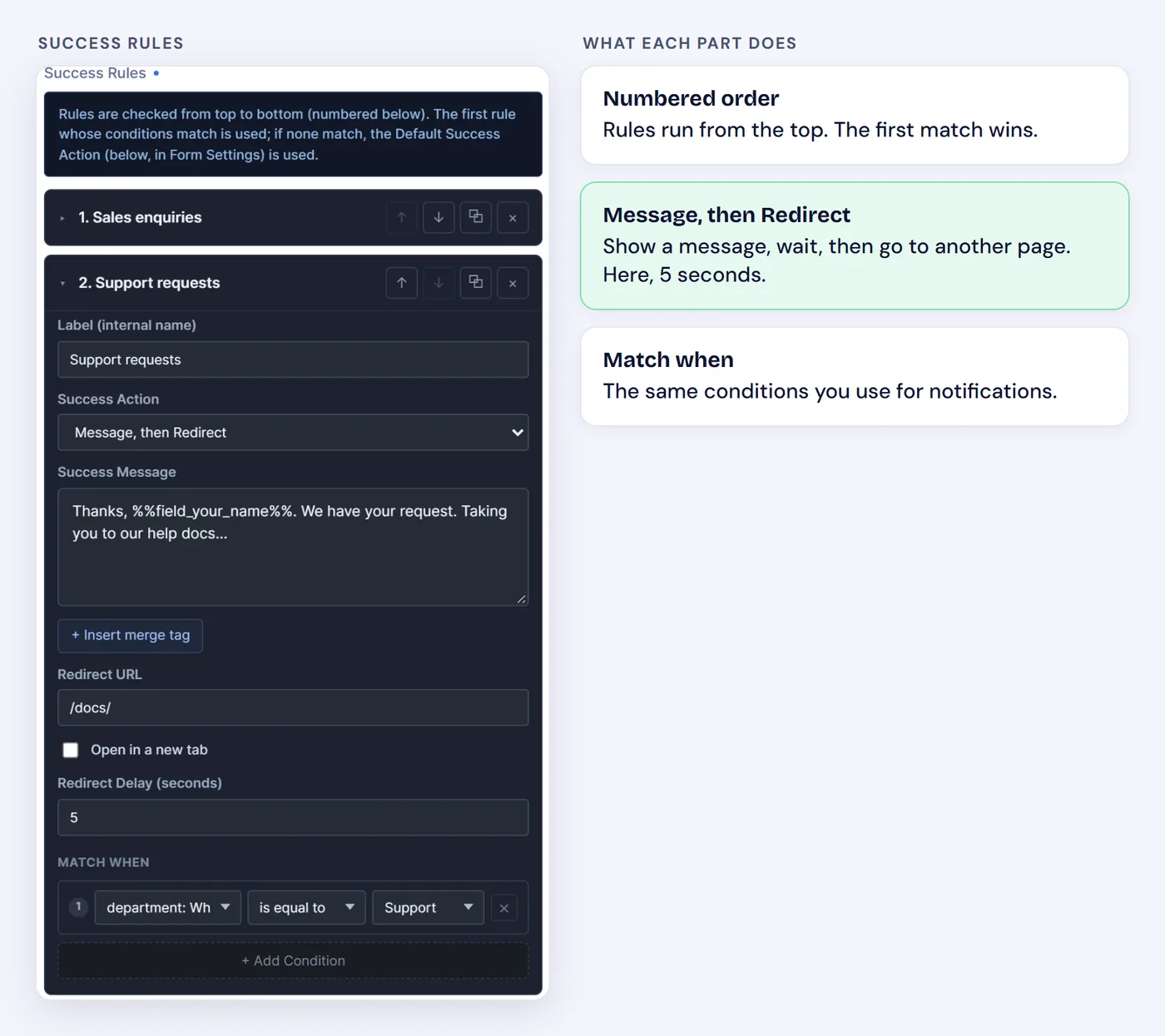
Put your most specific rule first.
See the full guide to customizing success messages and redirects.