Divi gallery speed usually suffers for two reasons: images larger than they need to be, and too many of them loading at once. Serving a smaller image size, lazy loading anything below the first screen and paginating long galleries fixes most slow pages.
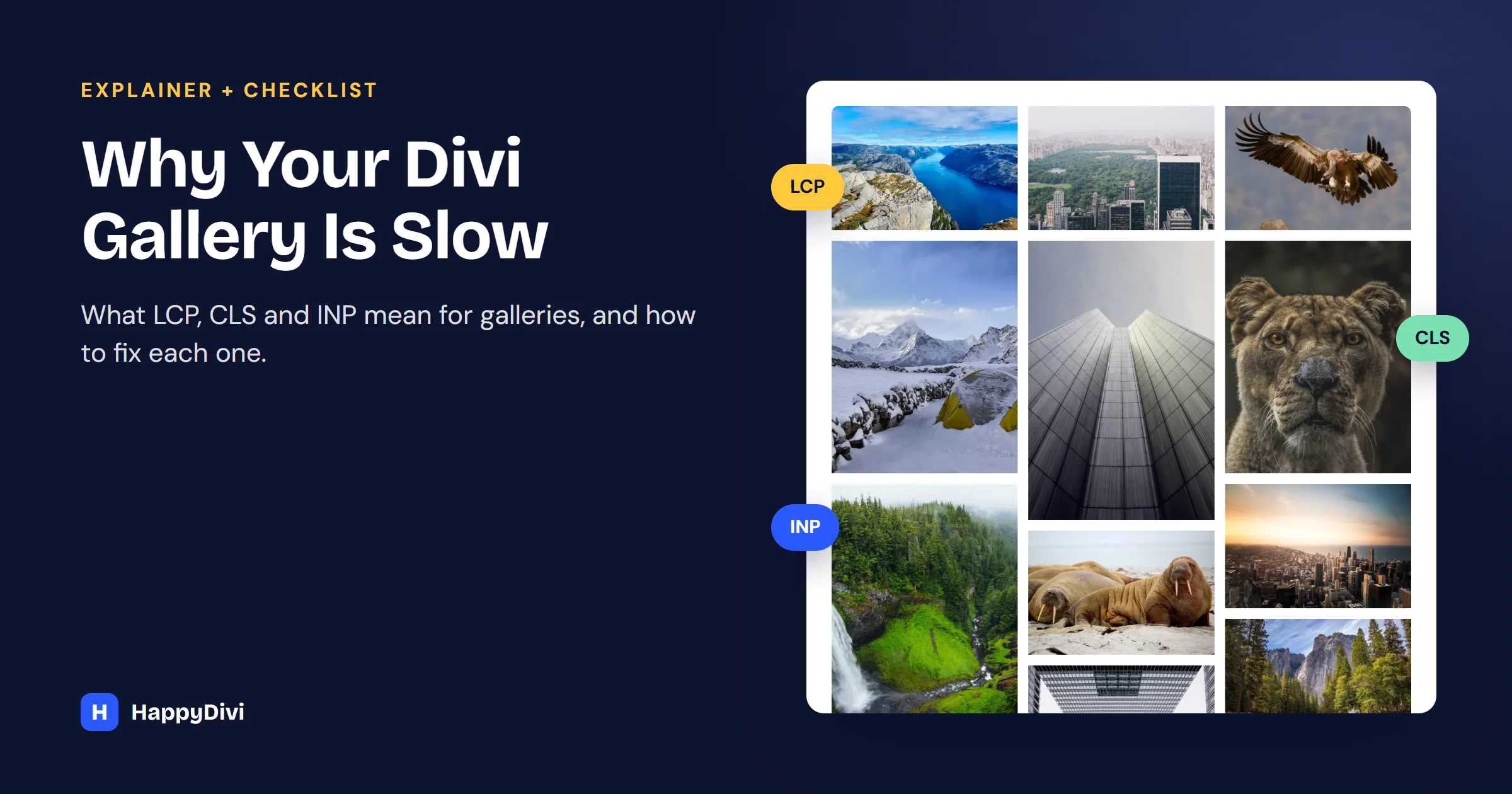
To see why those fixes work, it helps to know what Google measures. It looks at three things, called Core Web Vitals, and galleries can affect all three.
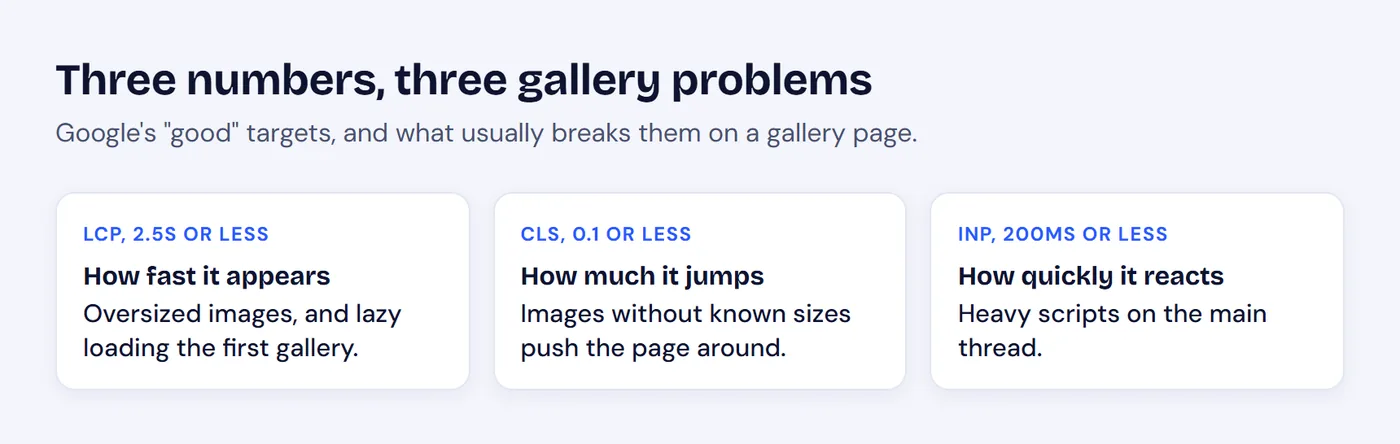
The three numbers, in plain English.
You can see yours for free: run the page through PageSpeed Insights on mobile and note which element it names as the LCP.
Why Galleries Get Slow
- Oversized images. A 4000 px photo shown 400 px wide wastes most of its bytes.
- Everything loads at once, including images far below the first screen.
- Heavy scripts. A gallery, lightbox and layout library can add a lot of JavaScript.
- Unknown image sizes. The page jumps as each image arrives.
- Plugin overlap. One plugin for products, another for portfolios, another for the lightbox.
Fix LCP: Make the First Image Appear Faster
- Serve the right size. Use a size close to how large the image displays. In HappyDivi Gallery, that means Image Size set to Large (1024px) rather than Full Size.
- Use modern formats. WebP files are usually much smaller than JPEG at similar quality.
- Do not lazy load the top of the page. If the gallery is the first thing visitors see, turn off Lazy Load Images for that gallery.
Fix CLS: Stop the Page From Jumping
- Reserve the space. Images need width and height so the browser can save room. HappyDivi Gallery outputs both from WordPress's image data.
- Fix old images. If an image has no size data, regenerate its thumbnails or upload it again.
- Use a placeholder. Loading Placeholder offers Blur-Up and Skeleton, so a cell is never just an empty gap.
Fix INP: Keep Clicks Responsive
INP gets worse when the browser is busy running scripts. Audit what your gallery loads, and remove plugins you no longer need. Here is how HappyDivi Gallery approaches it:
- No jQuery dependency. It is written in plain JavaScript.
- Files load only where used. Gallery scripts and styles load only on pages that have a gallery. Masonry, Justified, the lightbox, filters, pagination and product features are separate files, requested only when a gallery on the page uses them.
- Modern browser APIs. Lazy loading and infinite scroll use IntersectionObserver rather than constant scroll checks.
Keep Big Galleries Light
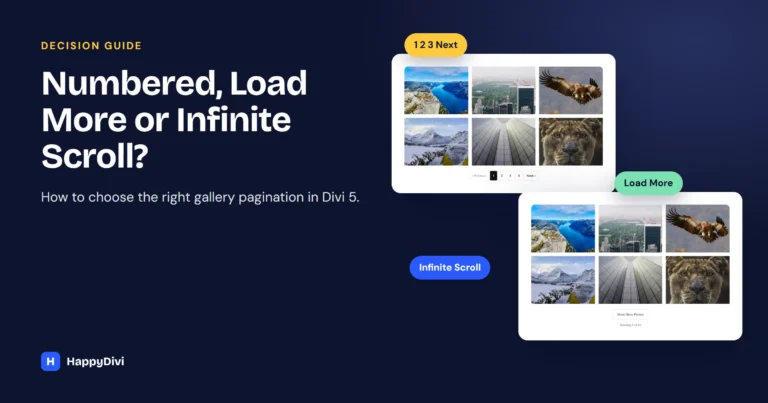
A gallery below the first screen should cost little until visitors reach it. Lazy loading starts each image about 200 px before it scrolls into view, and pagination shows a first batch, with the rest loading only on request. Our pagination guide helps you pick a type.
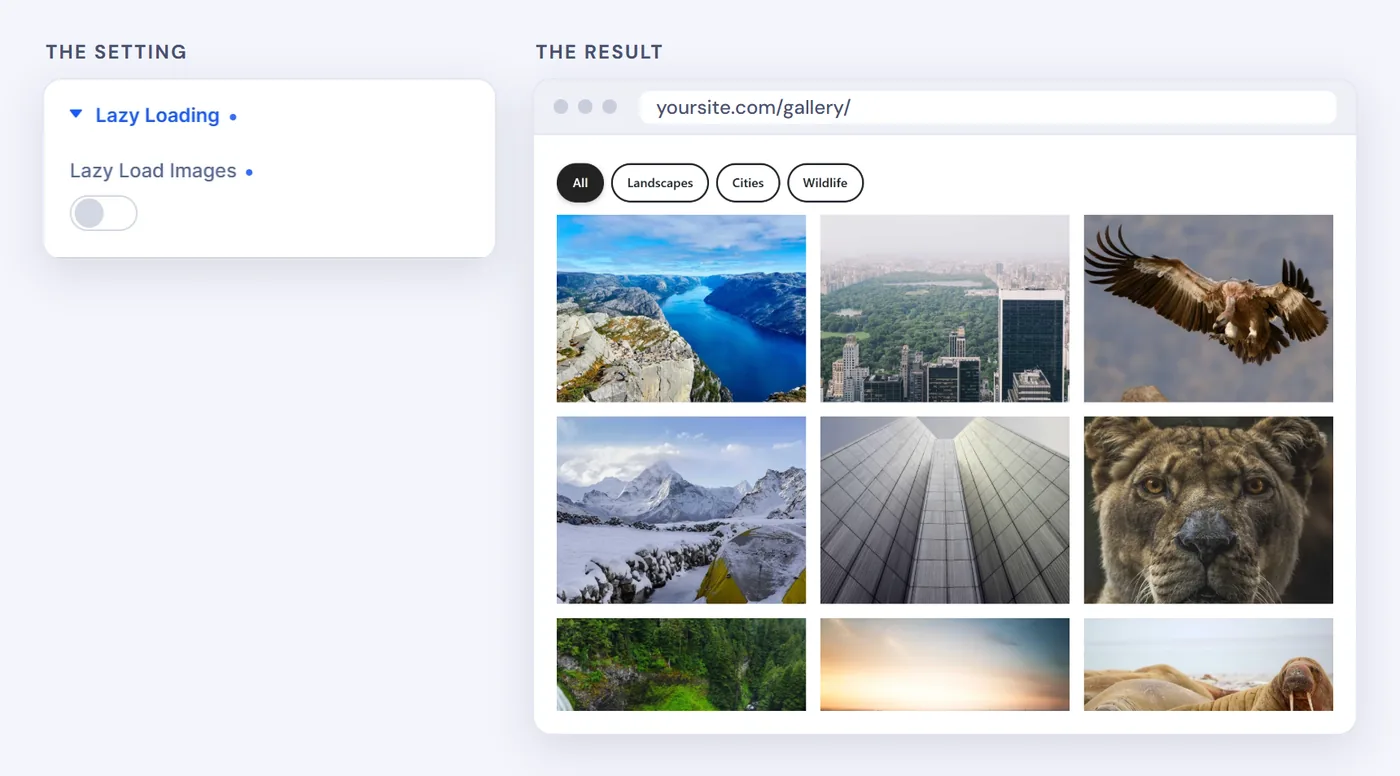
Turn lazy loading on for galleries below the first screen, and off for one at the very top.
Caching plugins
If you use a caching or optimization plugin, be careful with options that combine or delay JavaScript. They can break scripts designed to load on demand, so test your gallery after changing them.
Divi Gallery Speed Checklist
| Check | What to do |
|---|---|
| Image Size | Large, not Full Size |
| Format | WebP where possible |
| Gallery at the top of the page | Lazy loading off |
| Gallery further down | Lazy loading on, with a placeholder |
| More than about 20 images | Turn on pagination |
| Old images | Regenerate missing size data |
| Extra plugins | Remove what you no longer use |
Frequently asked questions
Do galleries affect SEO?
They can. Core Web Vitals are part of how Google assesses page experience, though great content still matters more. A faster gallery also makes for a better visit.
Should I always lazy load gallery images?
No. Lazy load galleries below the first screen, but turn it off for a gallery at the very top, or the first images may load later than they should.
Does HappyDivi Gallery load on pages without a gallery?
No. Its scripts and styles load only on pages that use a gallery, and feature code for layouts, the lightbox and filters loads only when that gallery needs it.
How do I test my gallery's speed?
Run the page through Google PageSpeed Insights on mobile, check the LCP element, CLS score and script list, then work through the checklist above.
From HappyDivi
HappyDivi Gallery
One Divi 5 module for galleries from WooCommerce, custom post types and ACF fields.
- Grid, Masonry and Justified layouts
- Built-in lightbox
30-day money-back guarantee
Want the full picture? The Complete Divi 5 Gallery Guide covers every source, layout, lightbox, filter and pagination option.
From HappyDivi
HappyDivi Gallery
One Divi 5 module for galleries from WooCommerce, custom post types and ACF fields.
- Grid, Masonry and Justified layouts
- Built-in lightbox
30-day money-back guarantee