Build Anything, right in the Divi visual builder
HappyDivi Form Module
Any form your Divi site needs.
Divi's built-in form handles a basic contact page well. The moment you need stored entries, payment collection, appointment bookings, or conditional routing by department, HappyDivi Form picks up from there as a native Divi 5 module styled from the Design tab like everything else on your page.
Divi 5 module
Every entry stored
30-day money back
22
Field Types
100%
ENTRIES STORED
Multi-step
Answer Summary
38
Ready Templates
30-day money back
No questions asked, every plan
5.0 ★ rated
HappyDivi Gallery · same team
Free to start
No credit card required
Lifetime updates
Pay once on Pro, updates forever
Built by the team behind HappyDivi Gallery - 5.0★ rated, Divi 5 modules
Built for More Than Contact Forms.
See what you can build with HappyDivi Form
Explore professionally designed form experiences for contact, registration, bookings, applications, payments, surveys, and more. Every design is built natively for Divi.
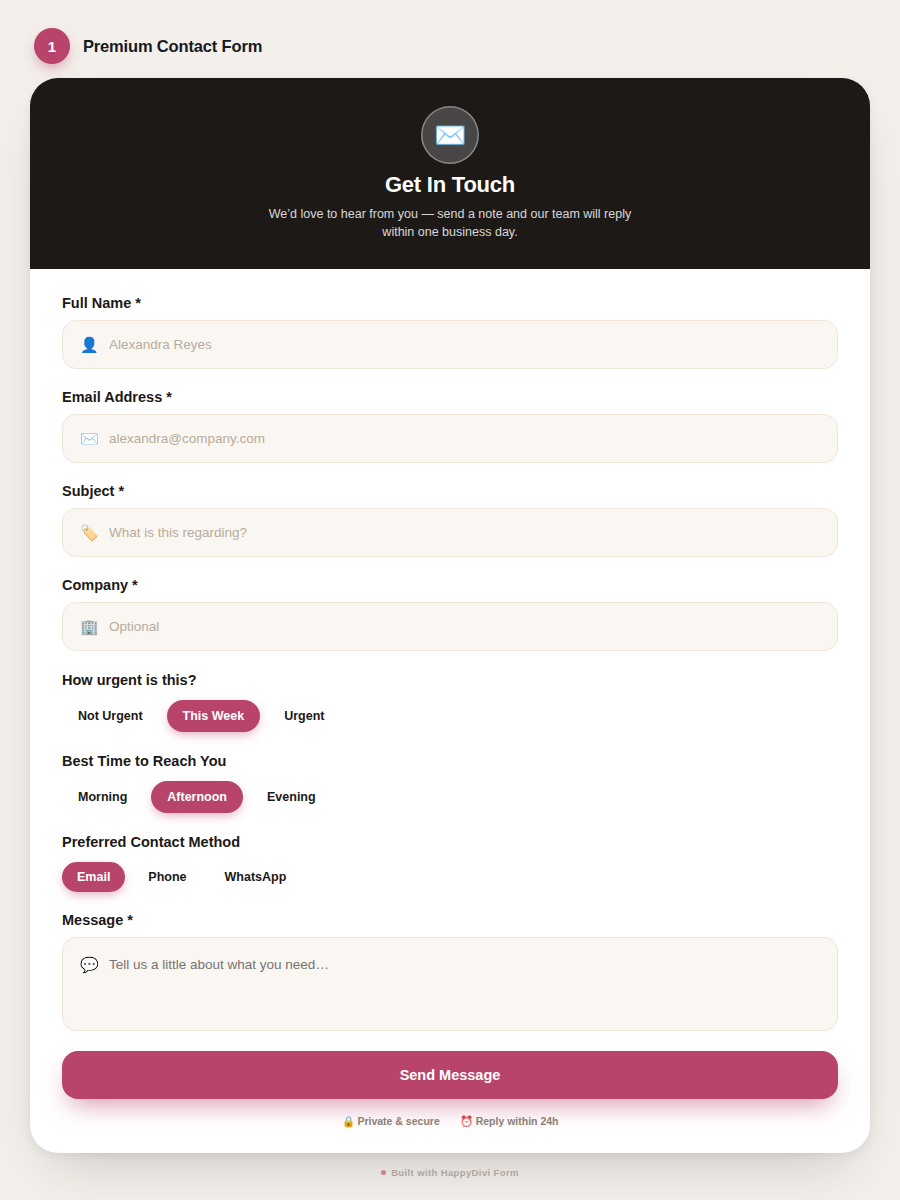
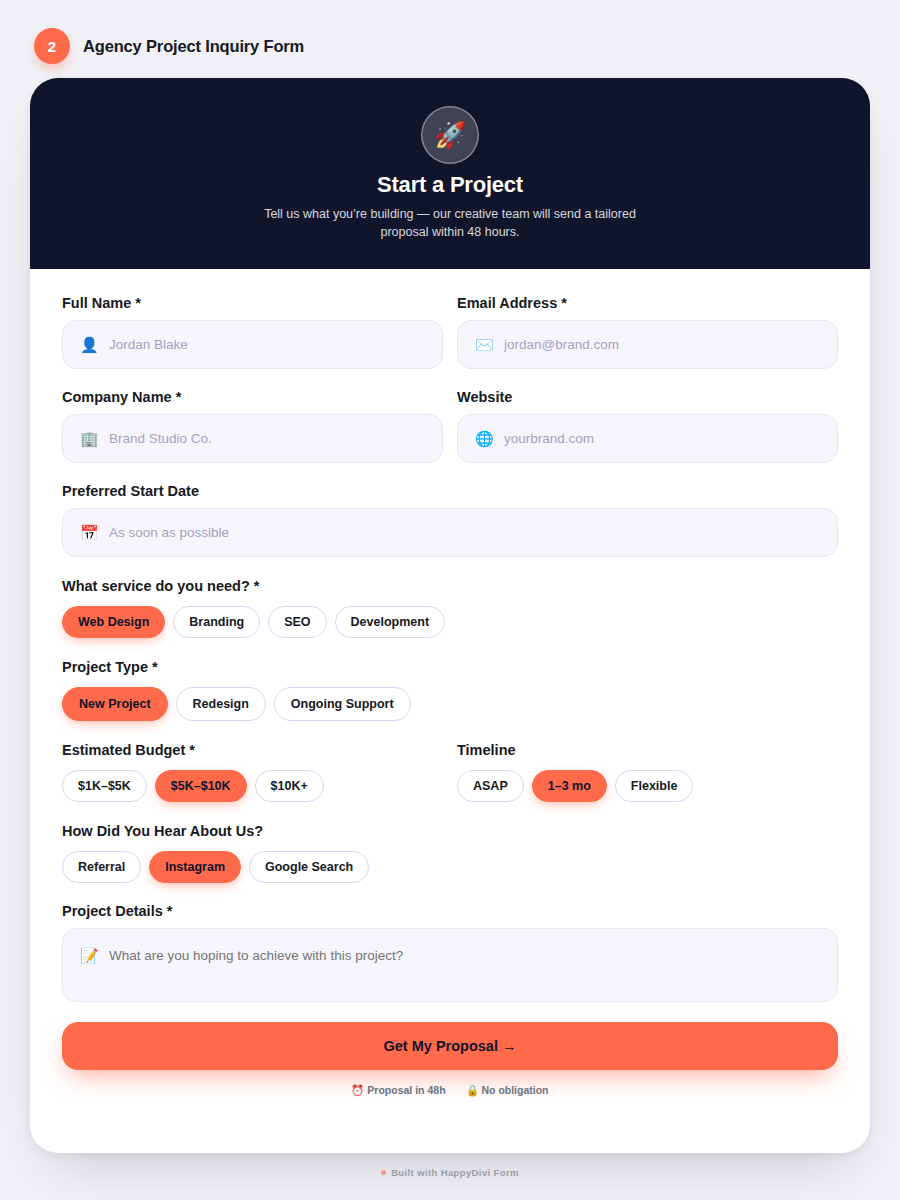
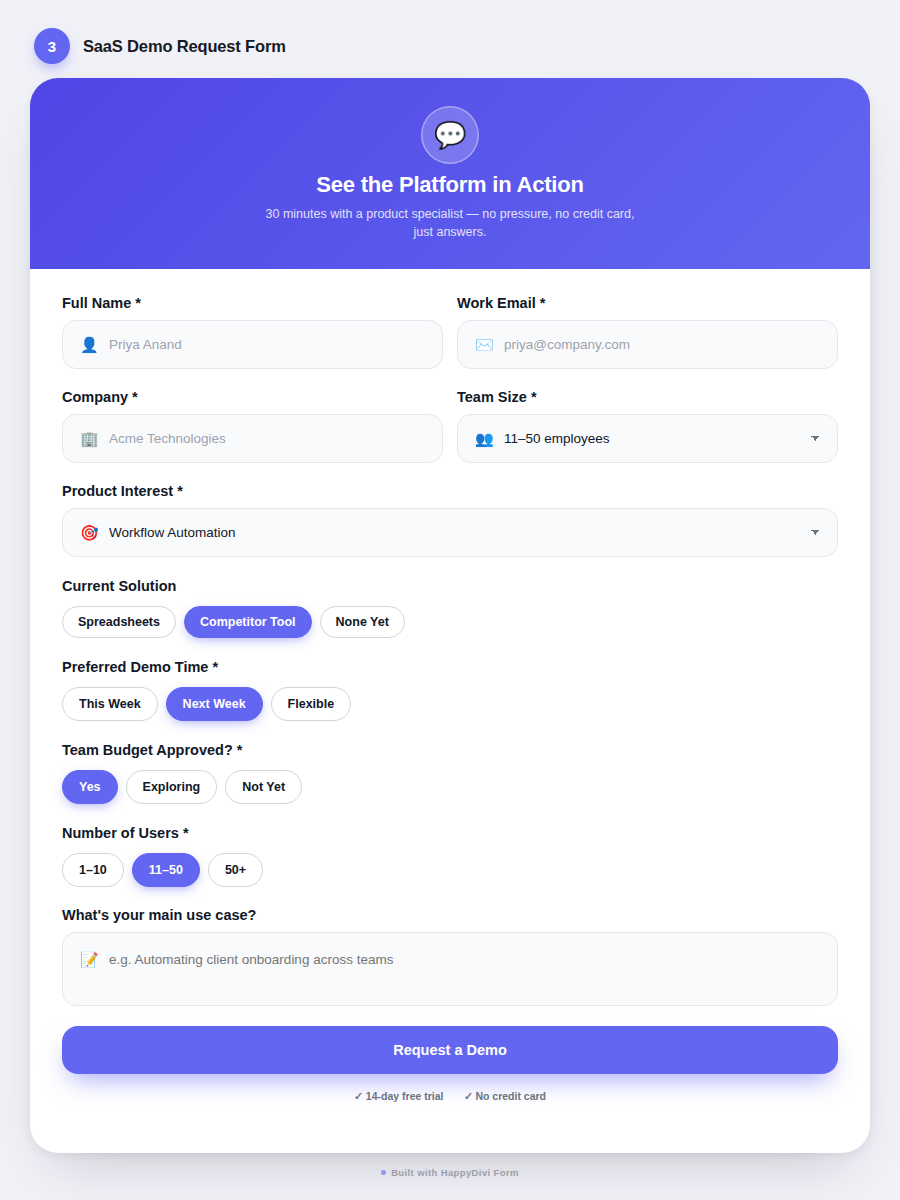
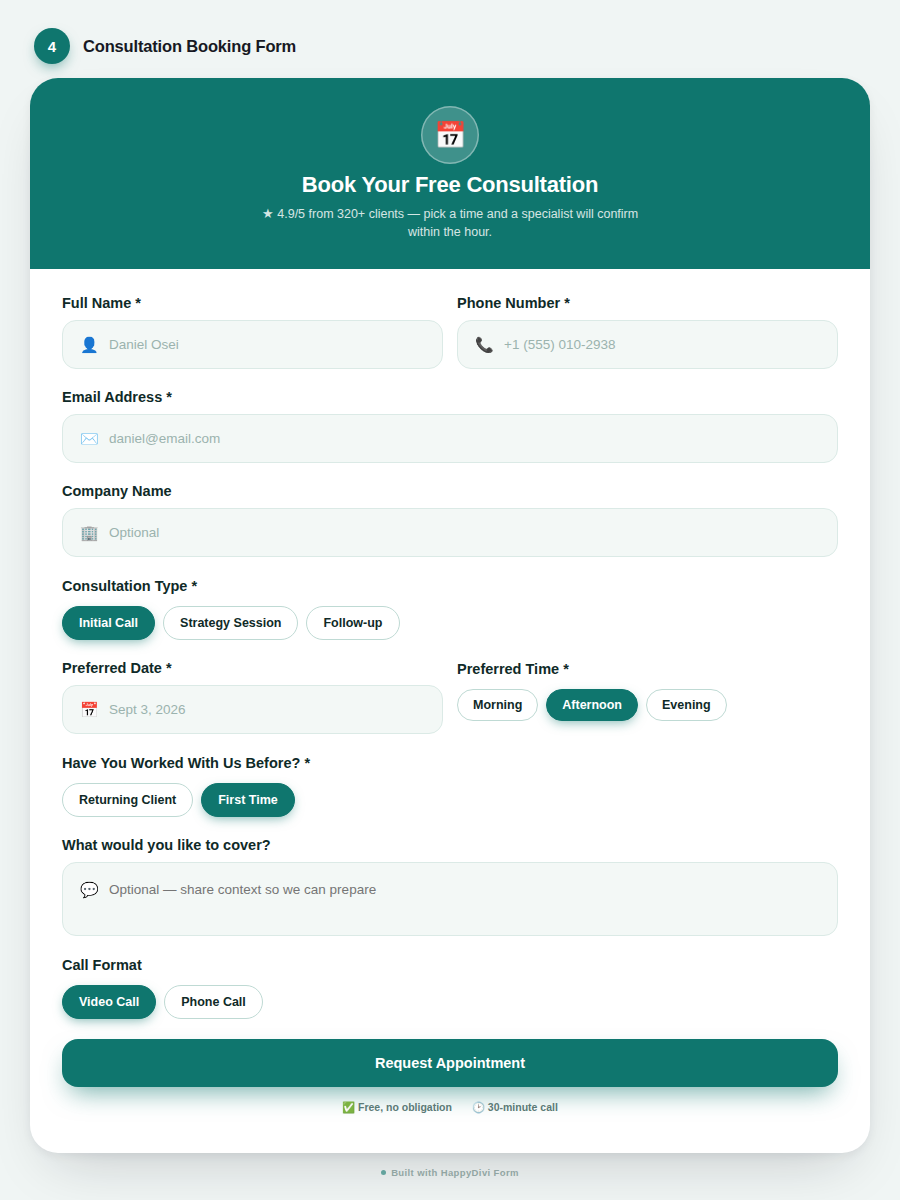


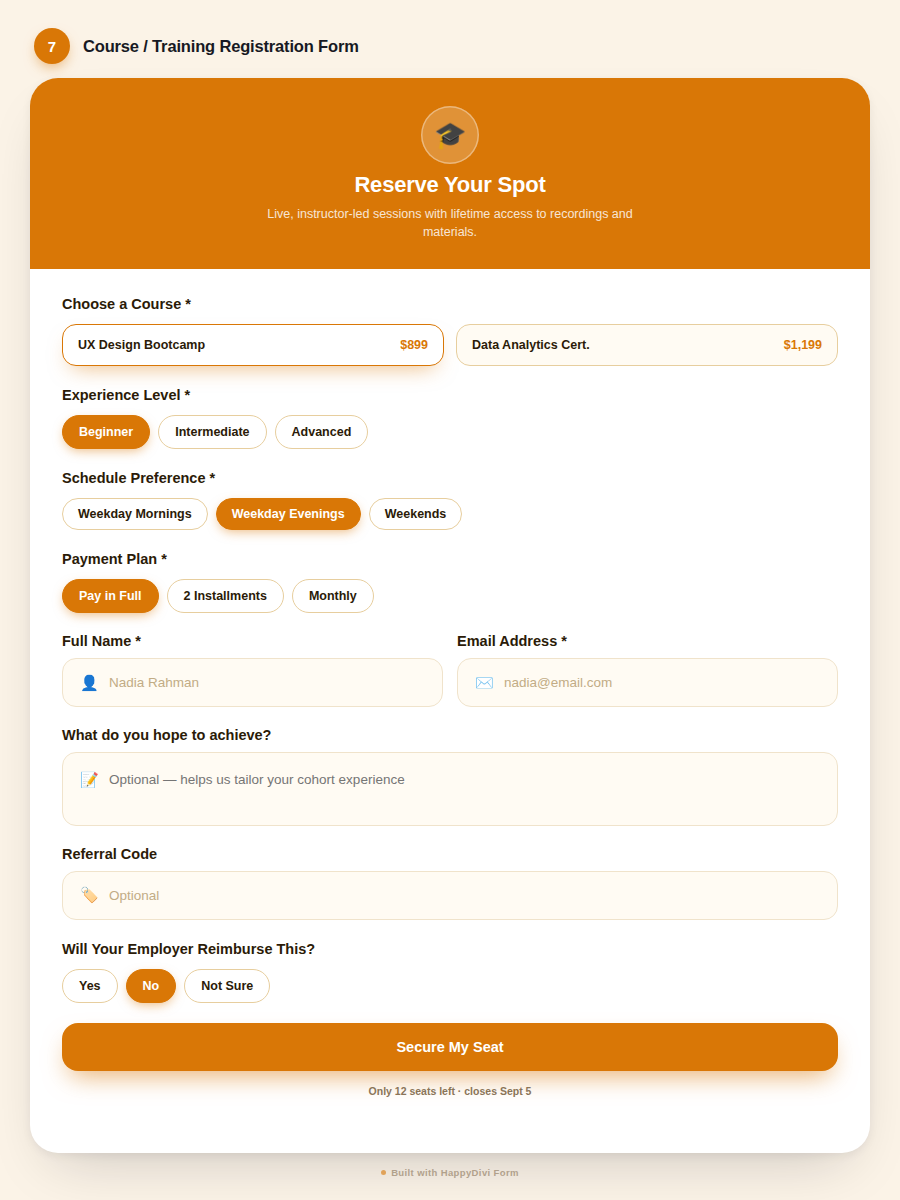
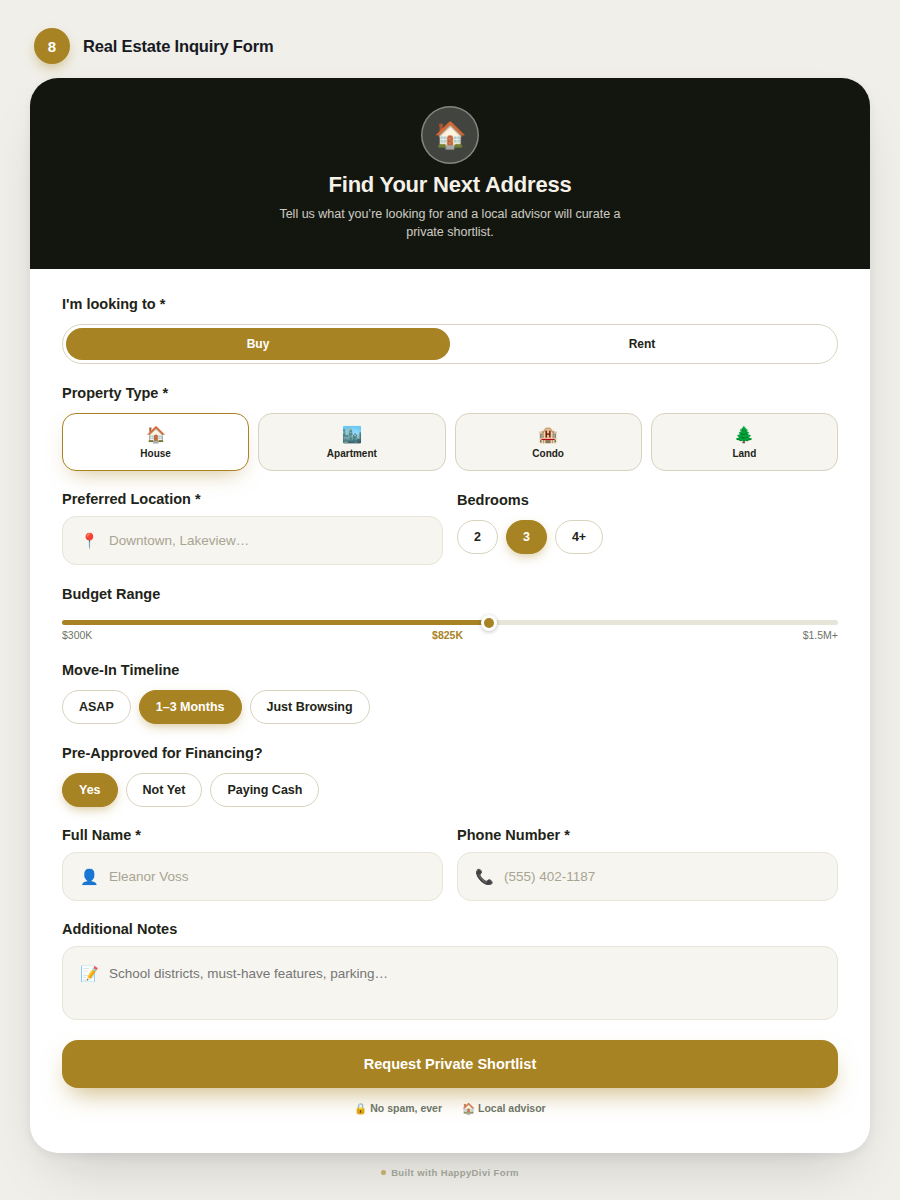
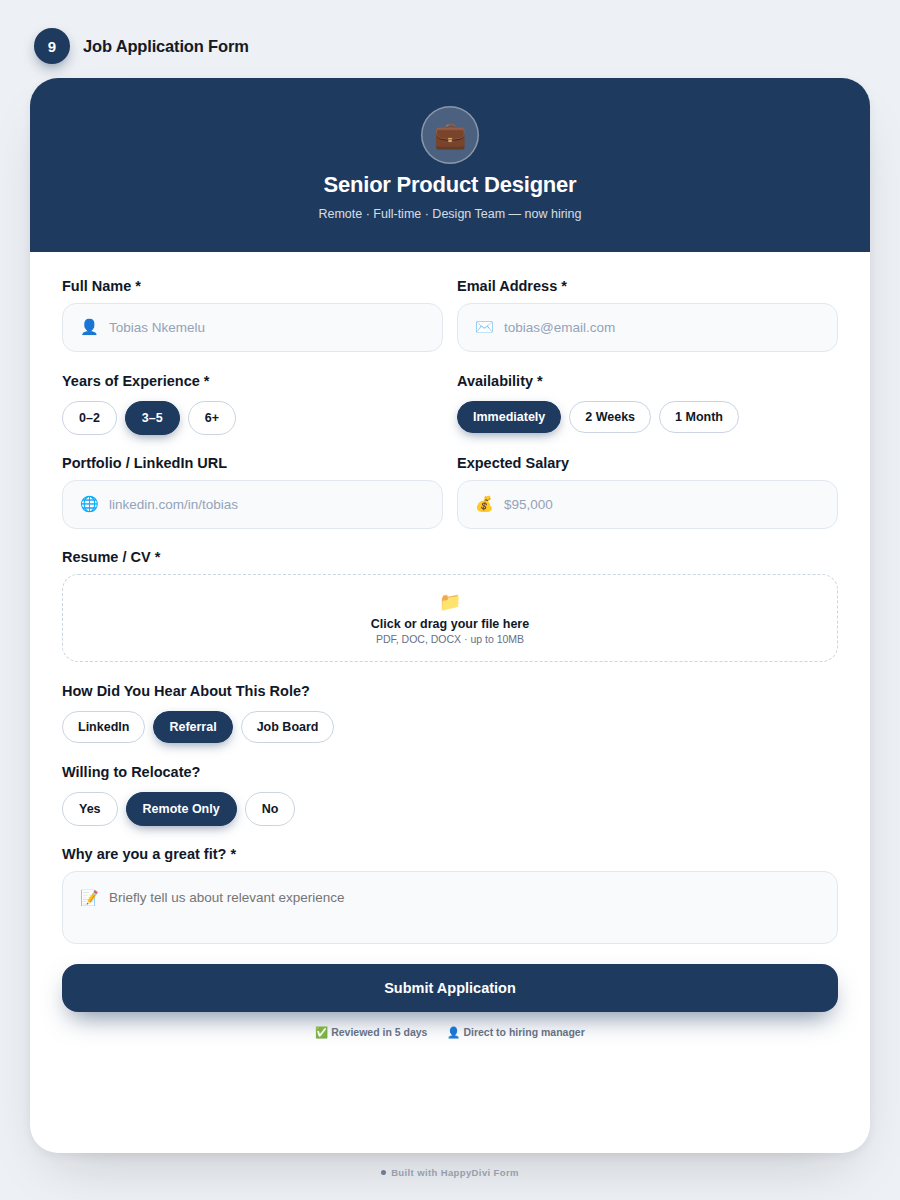
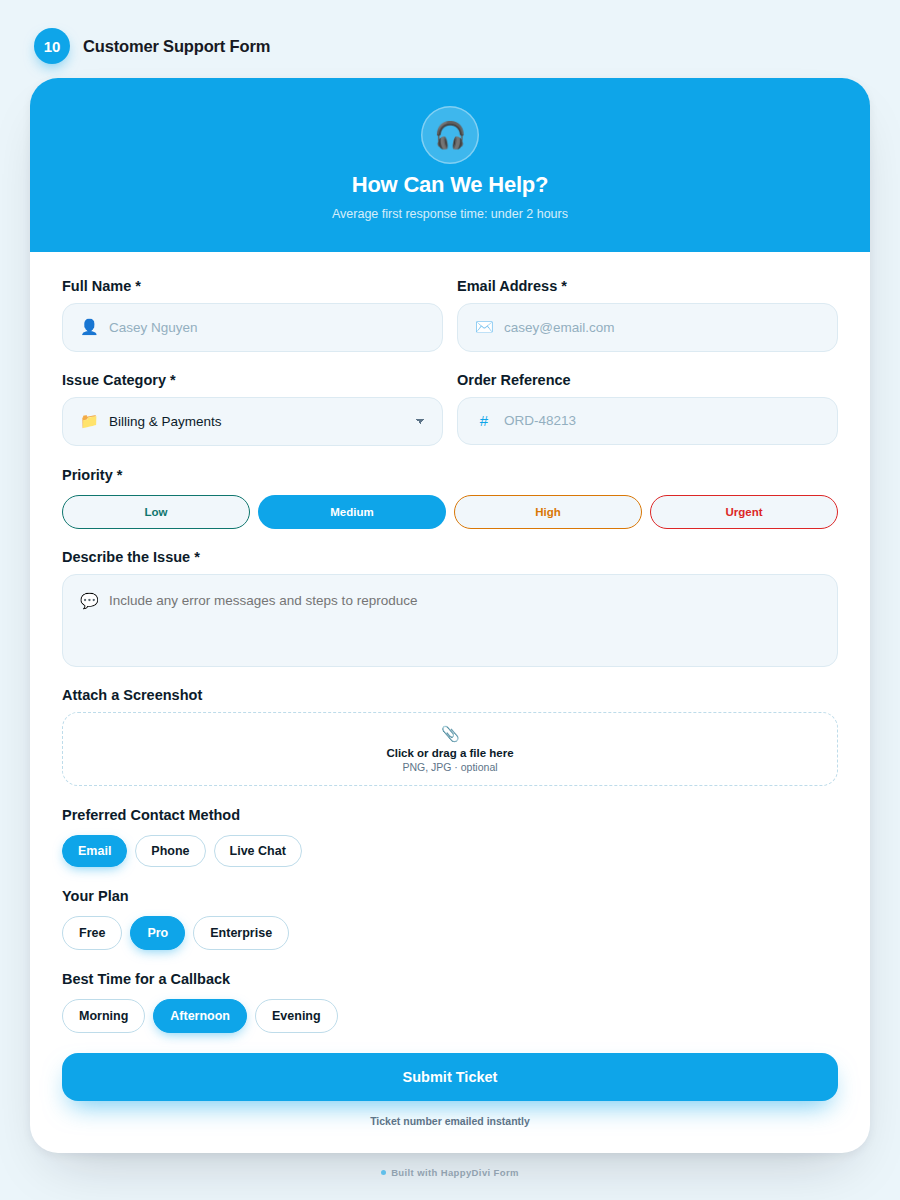
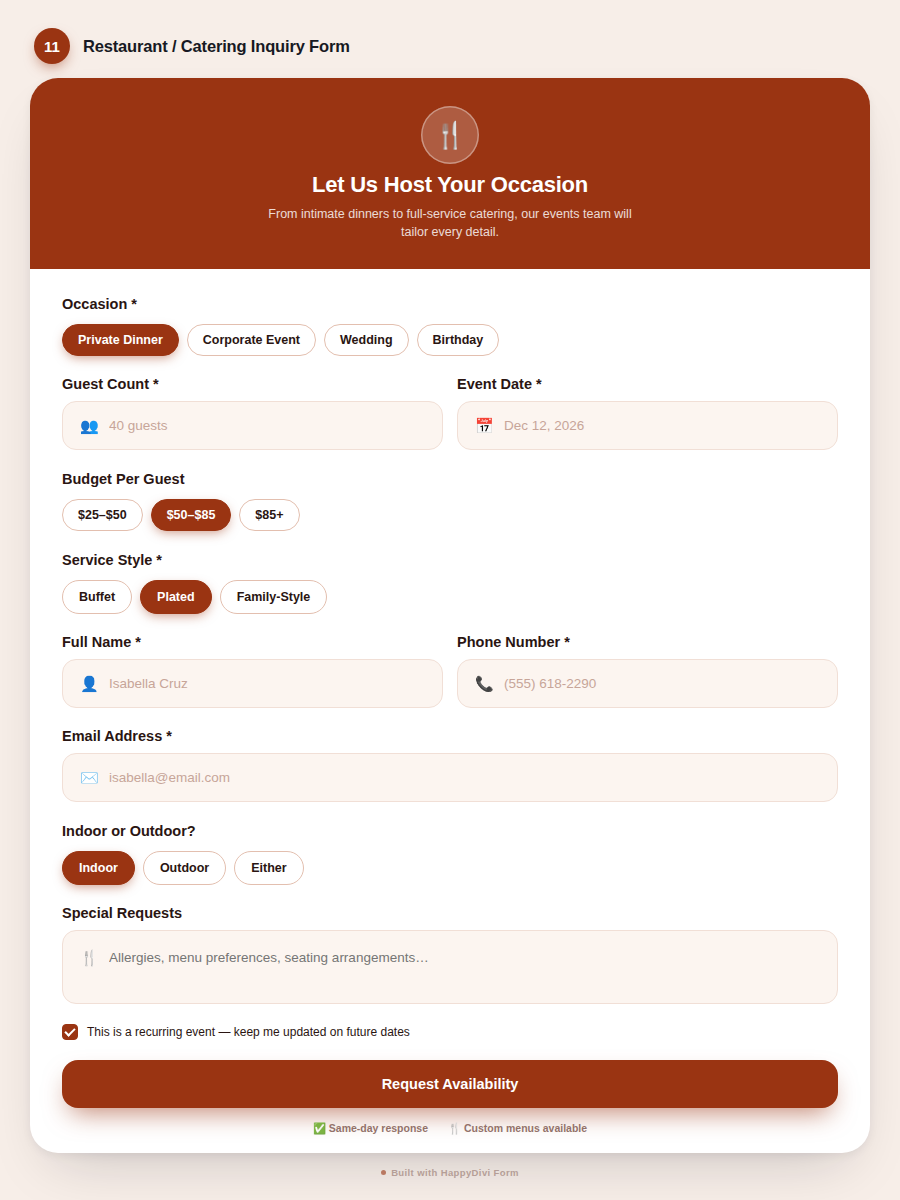
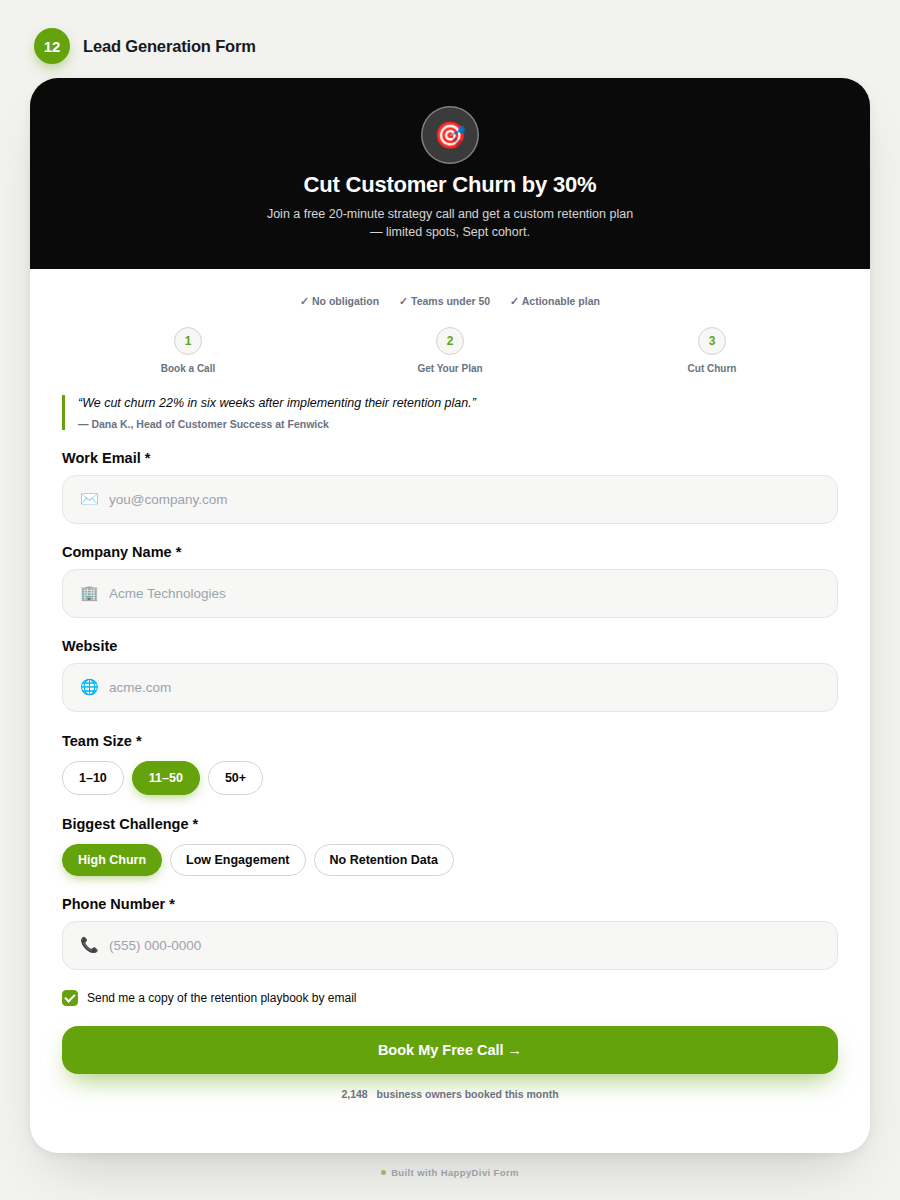
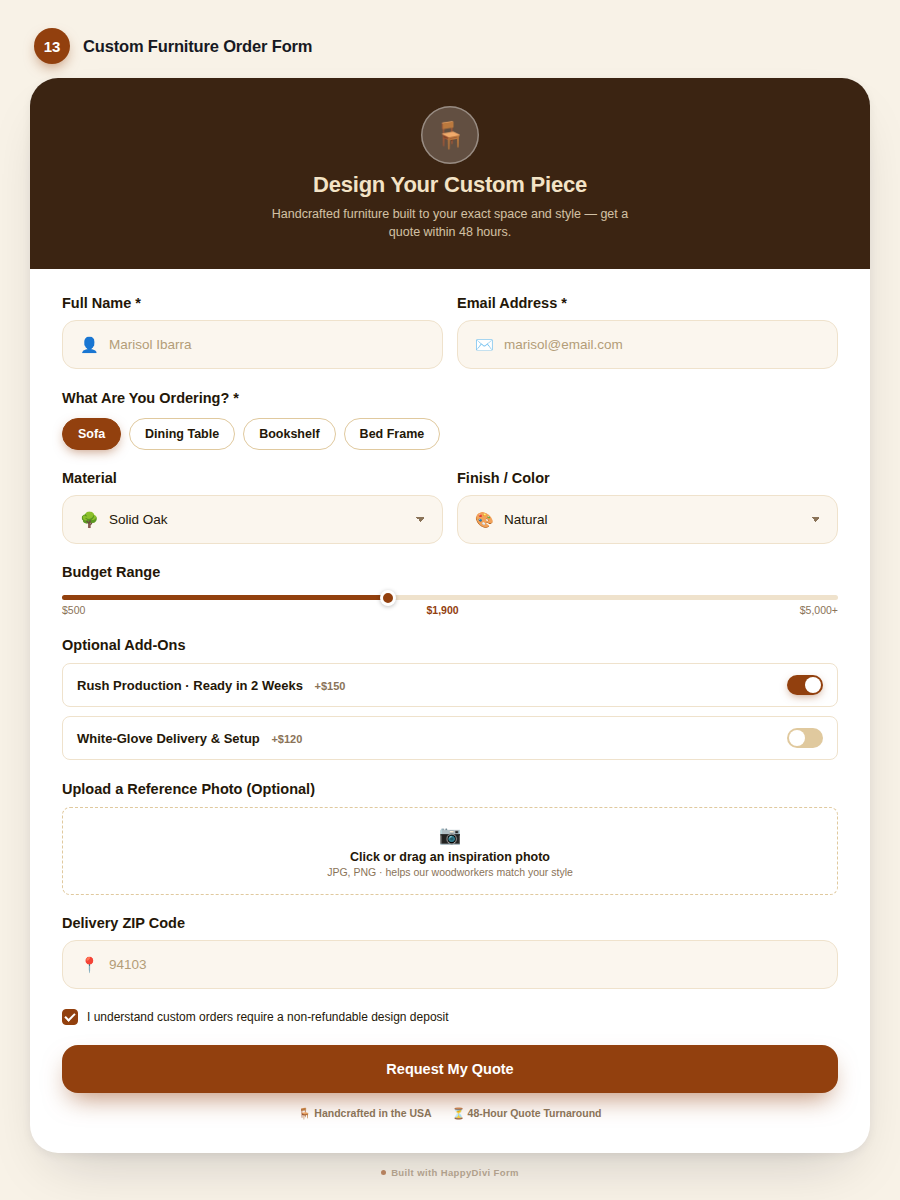
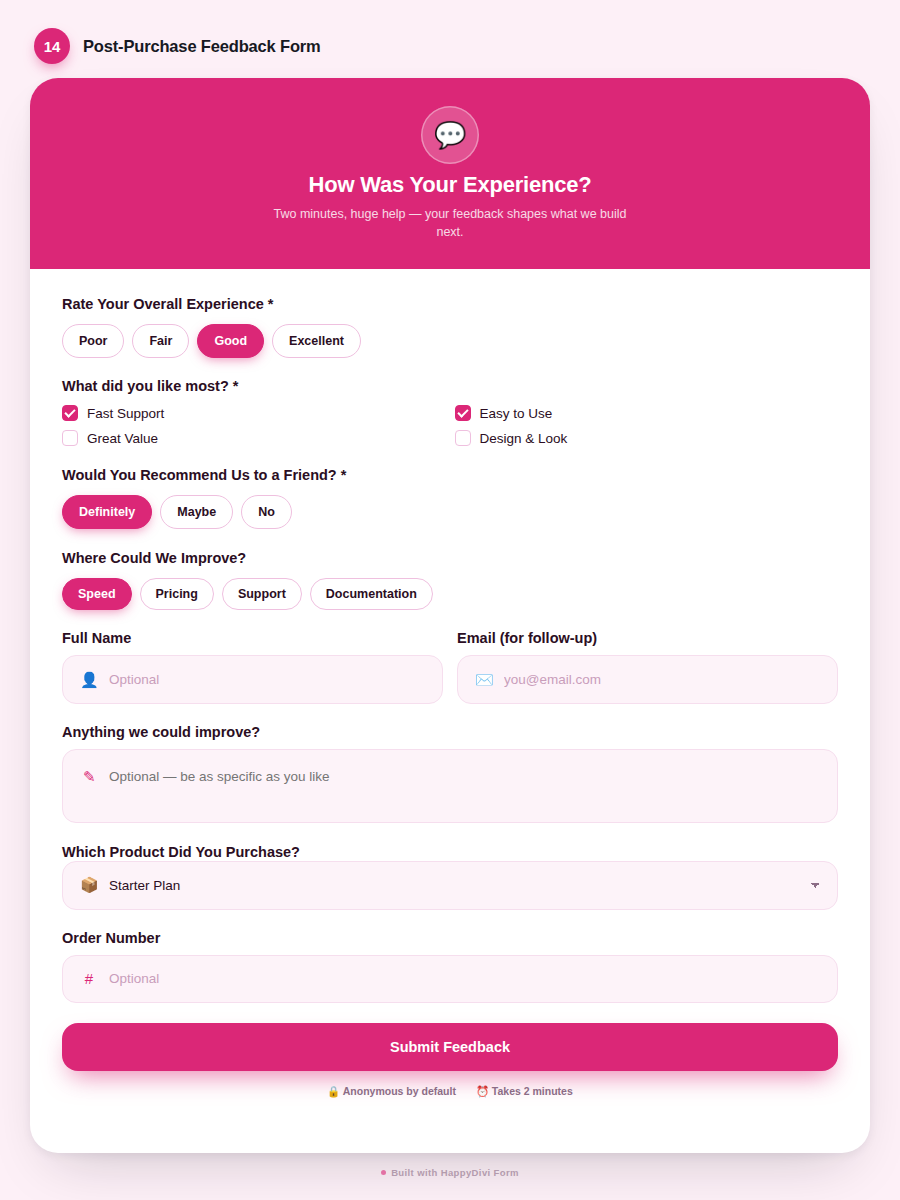

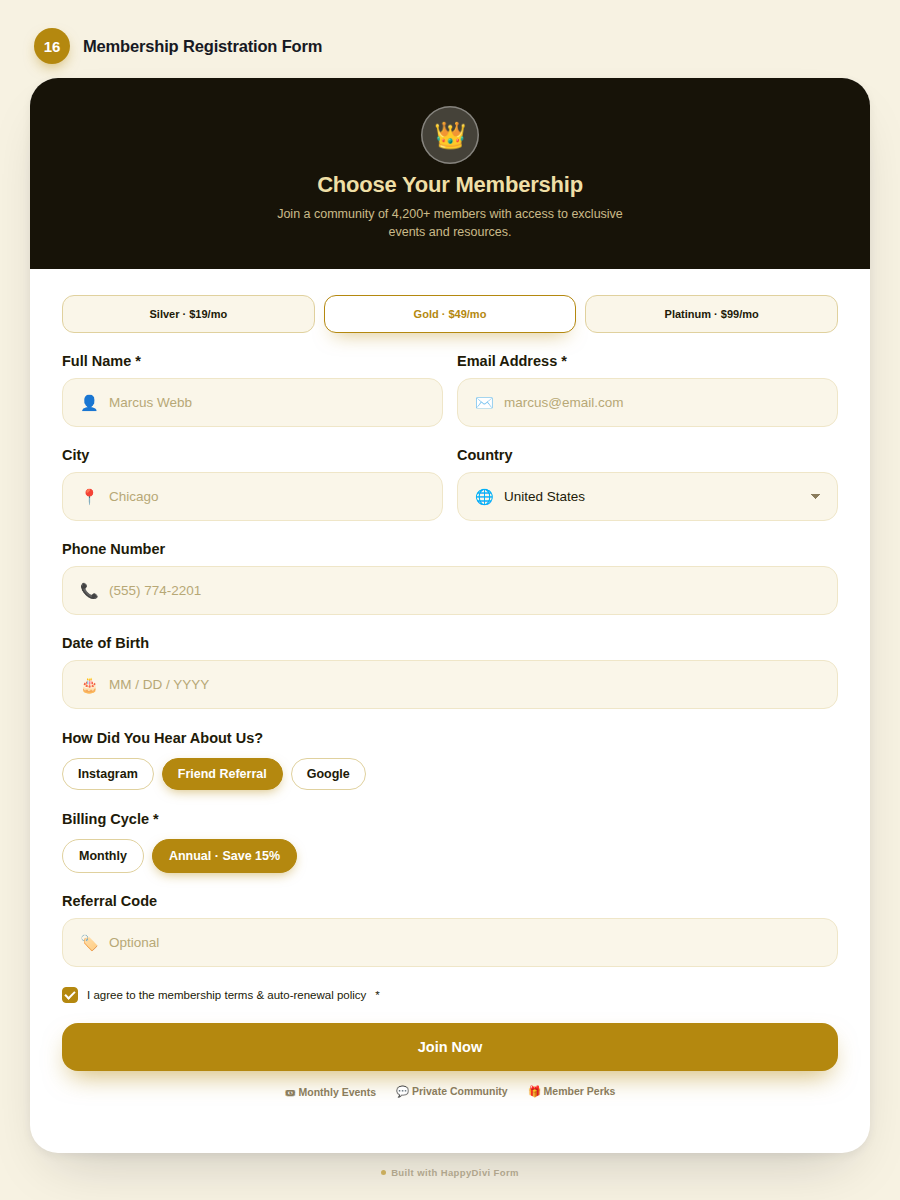
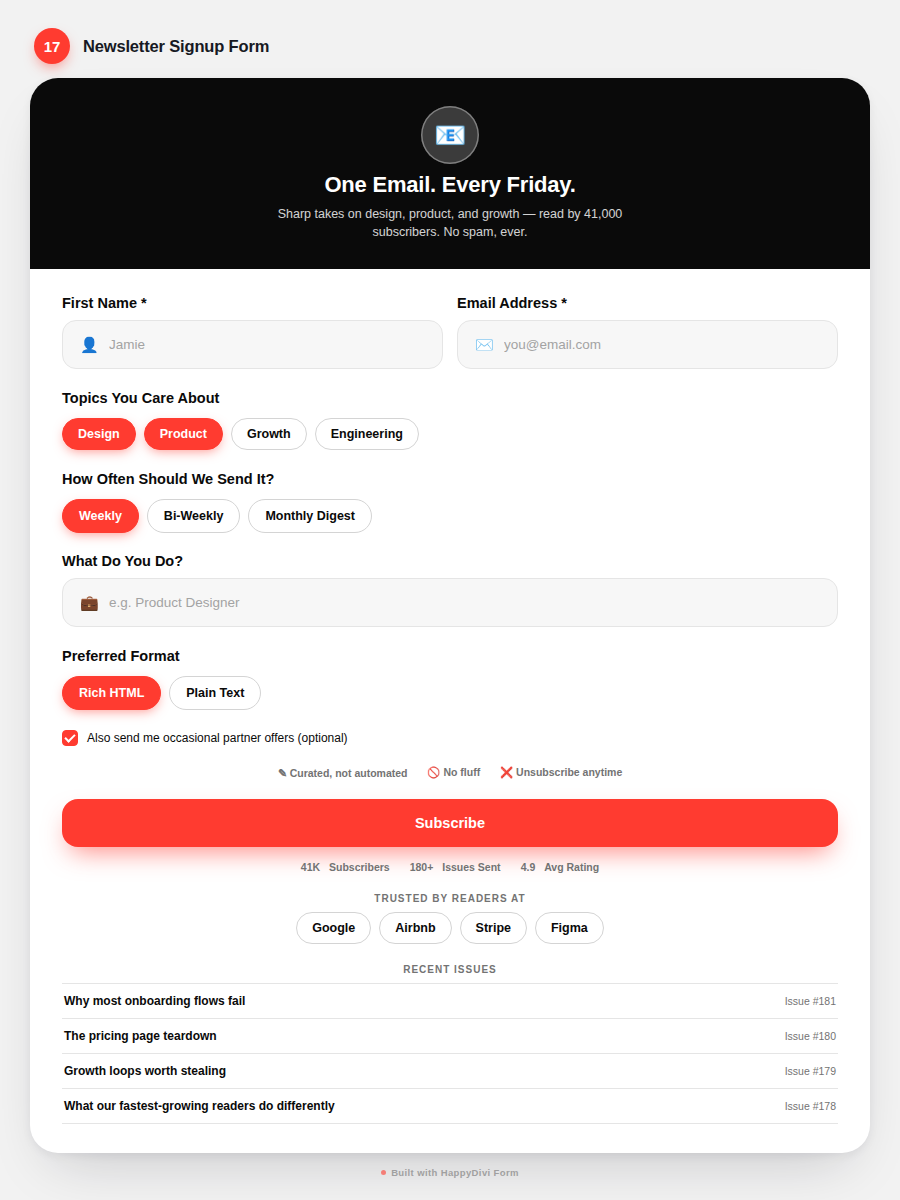
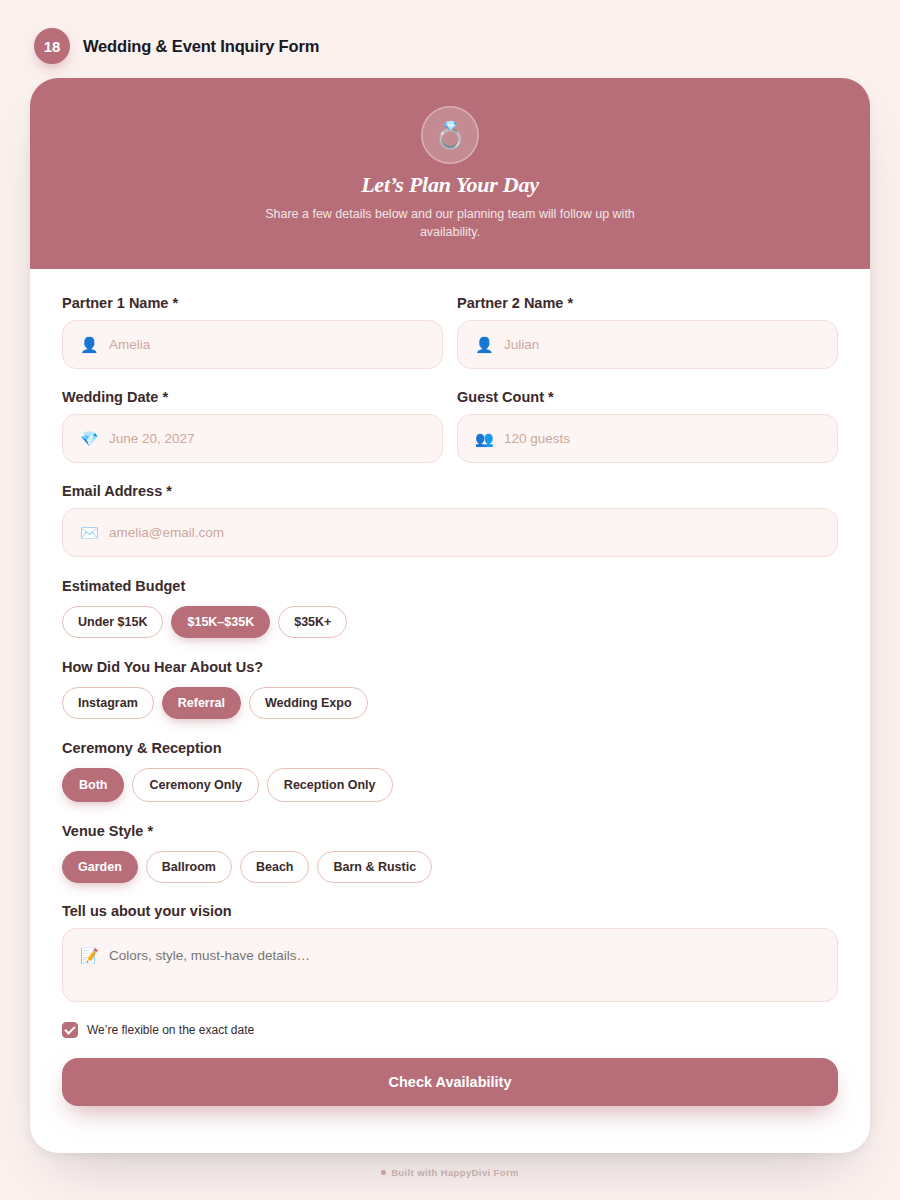
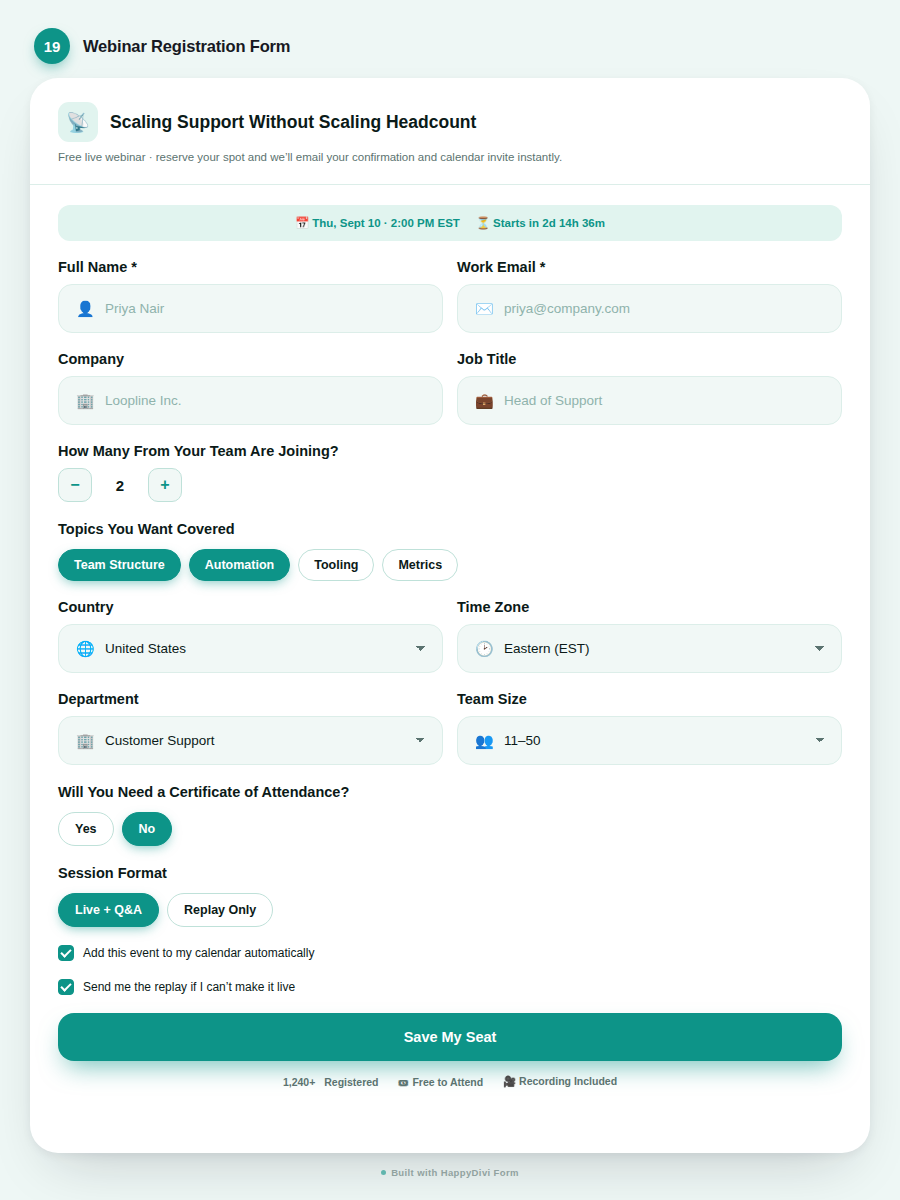
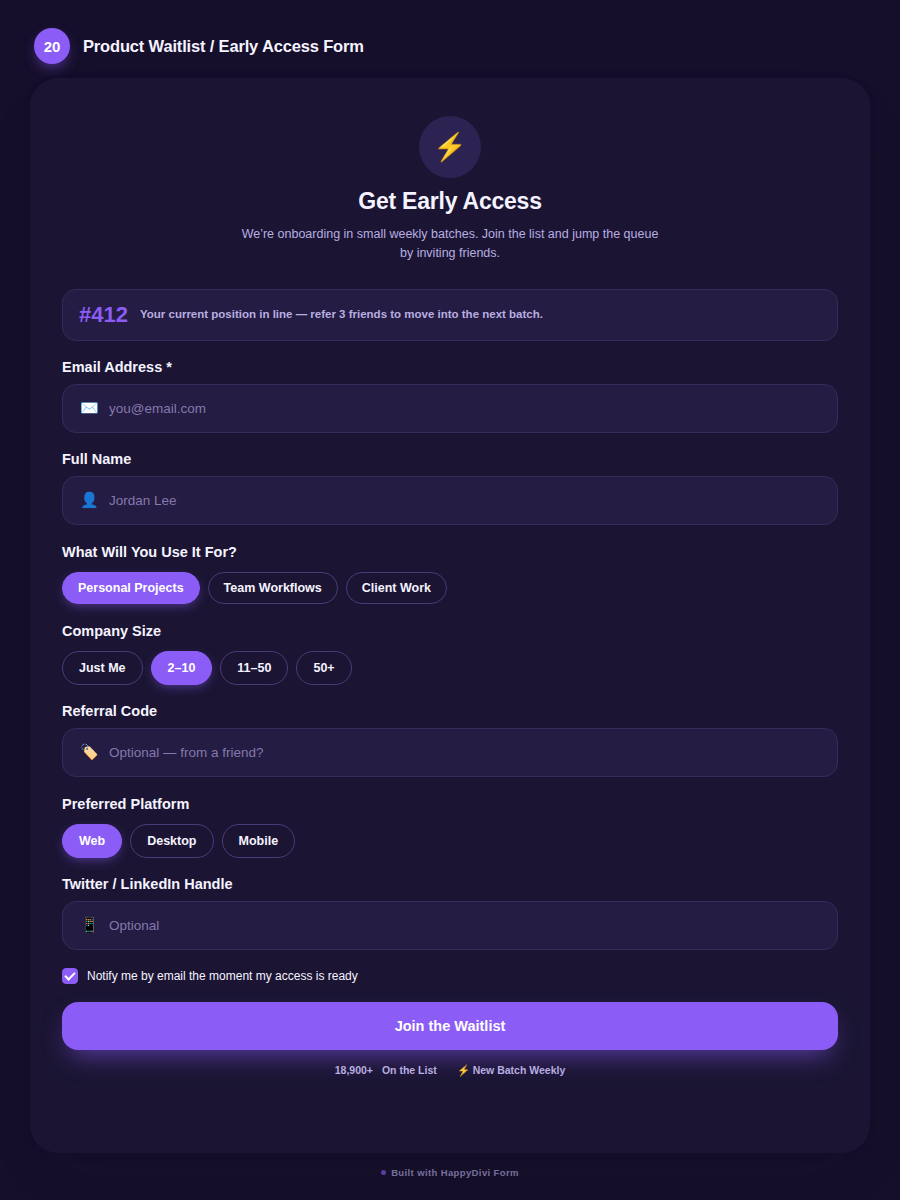
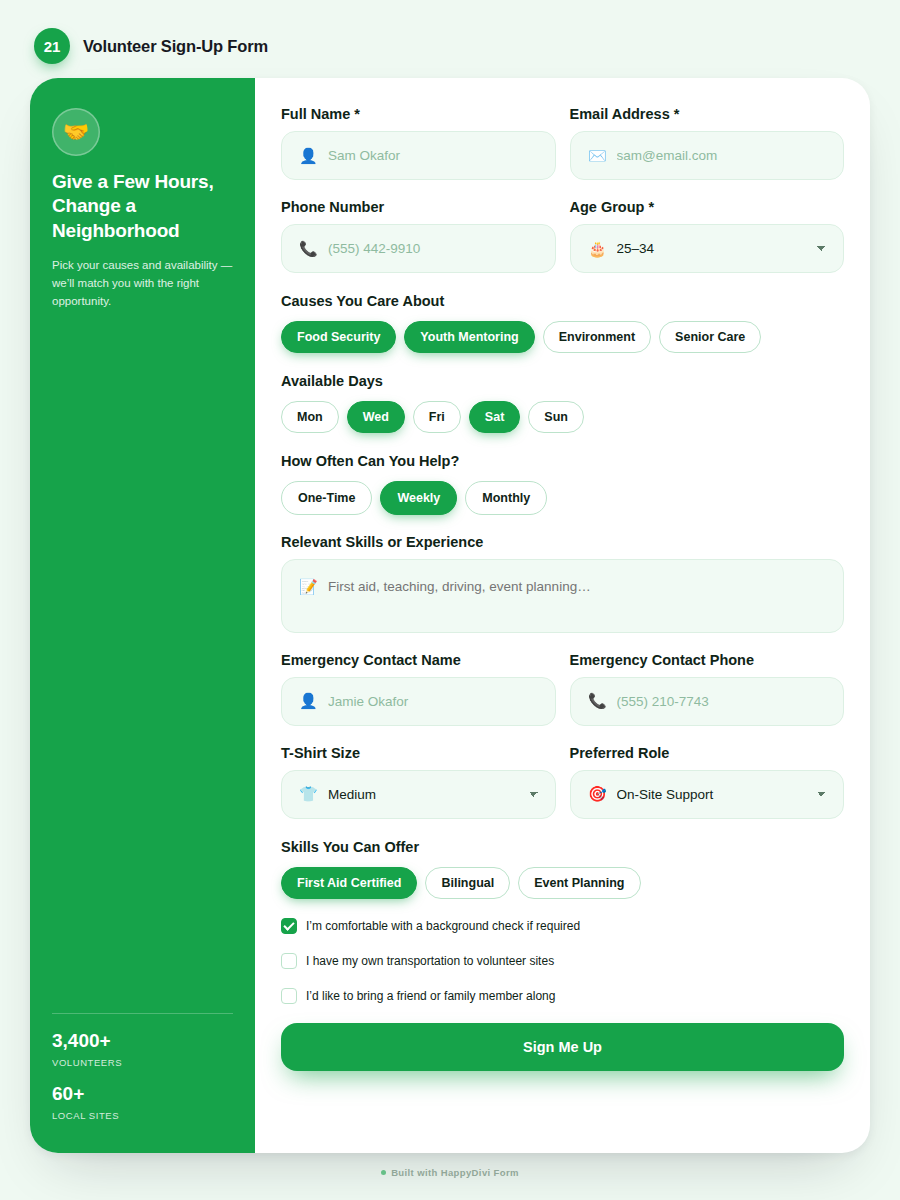
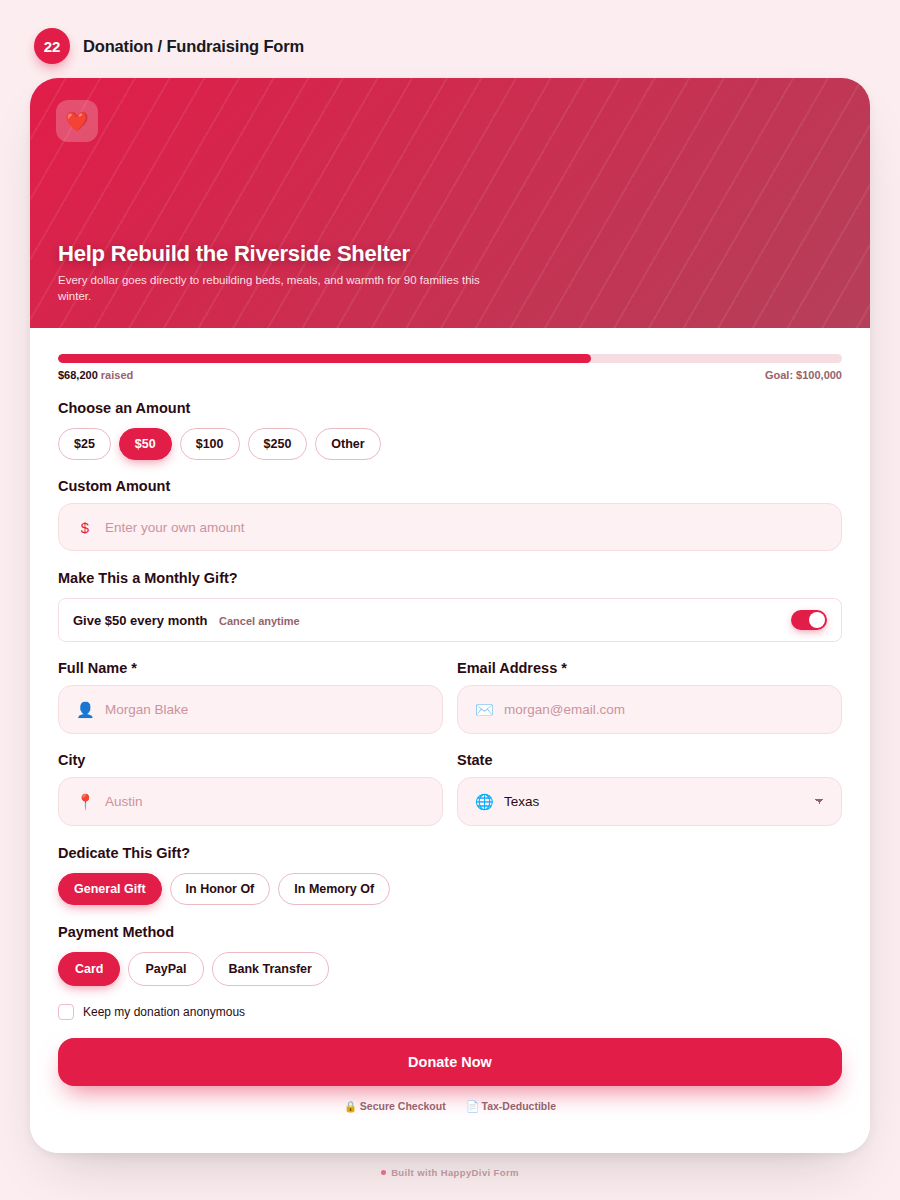
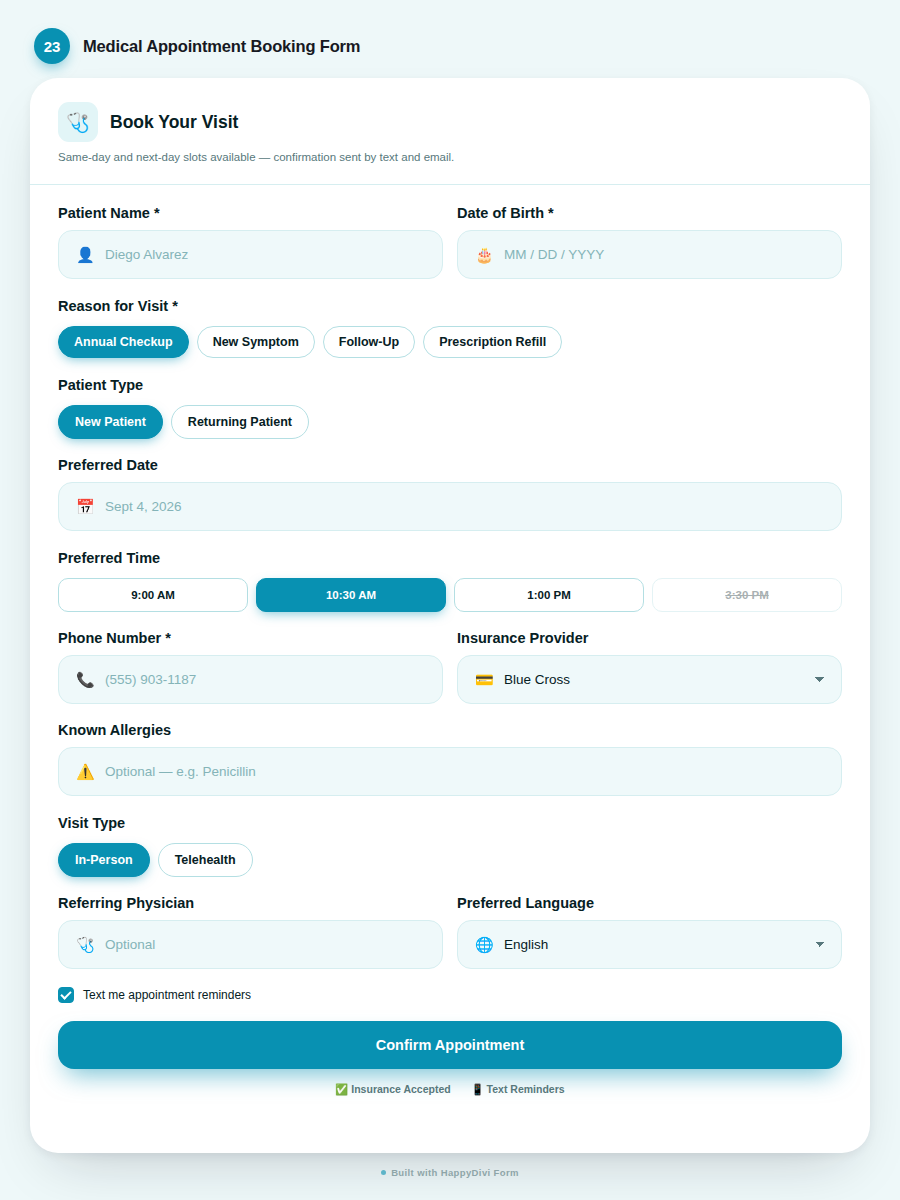
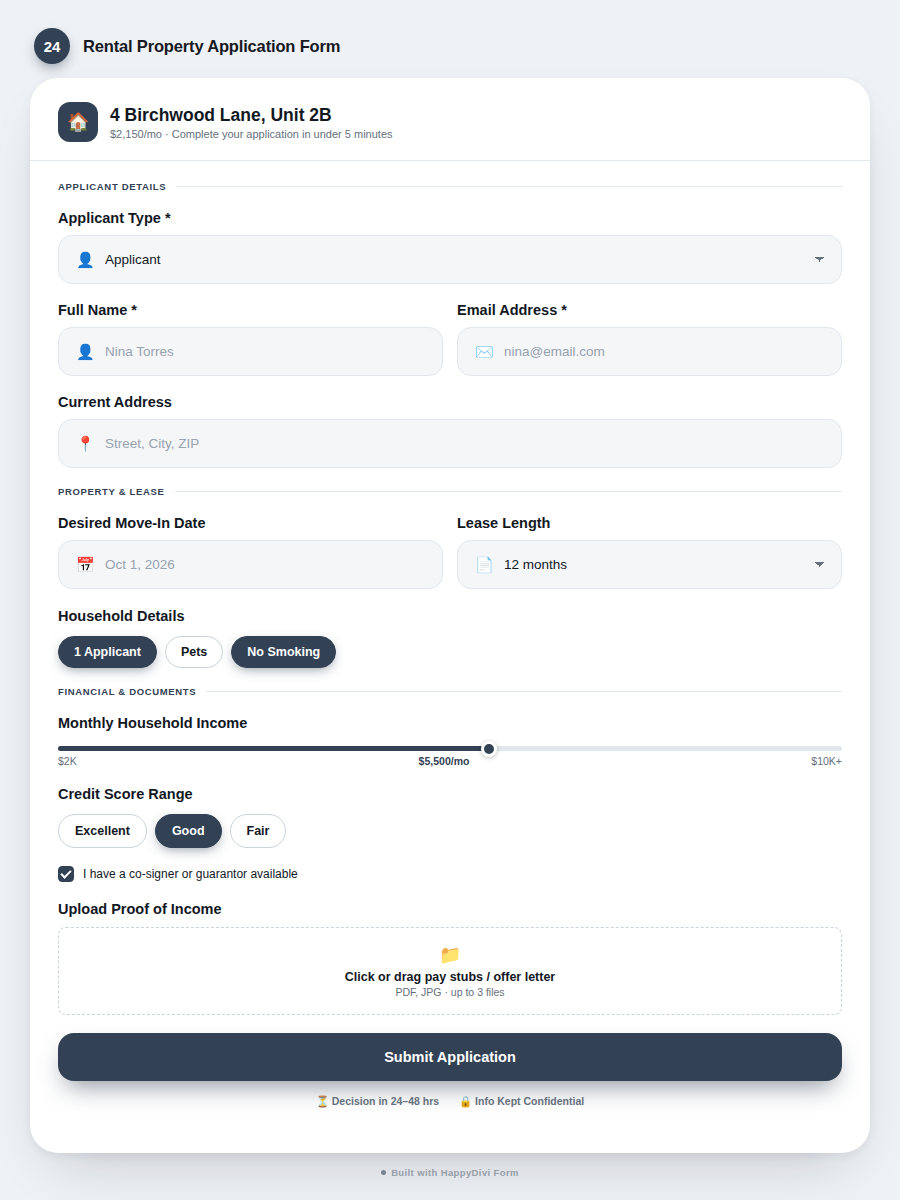
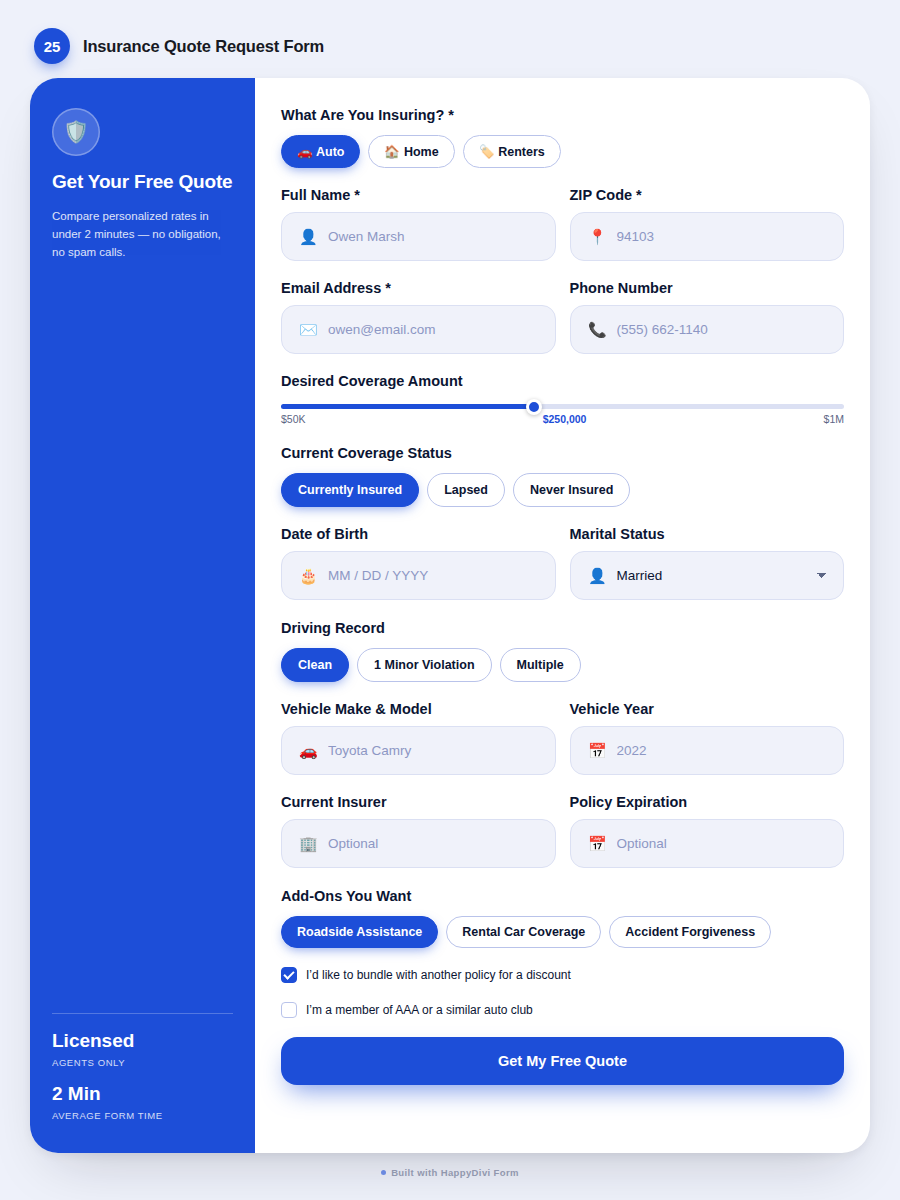
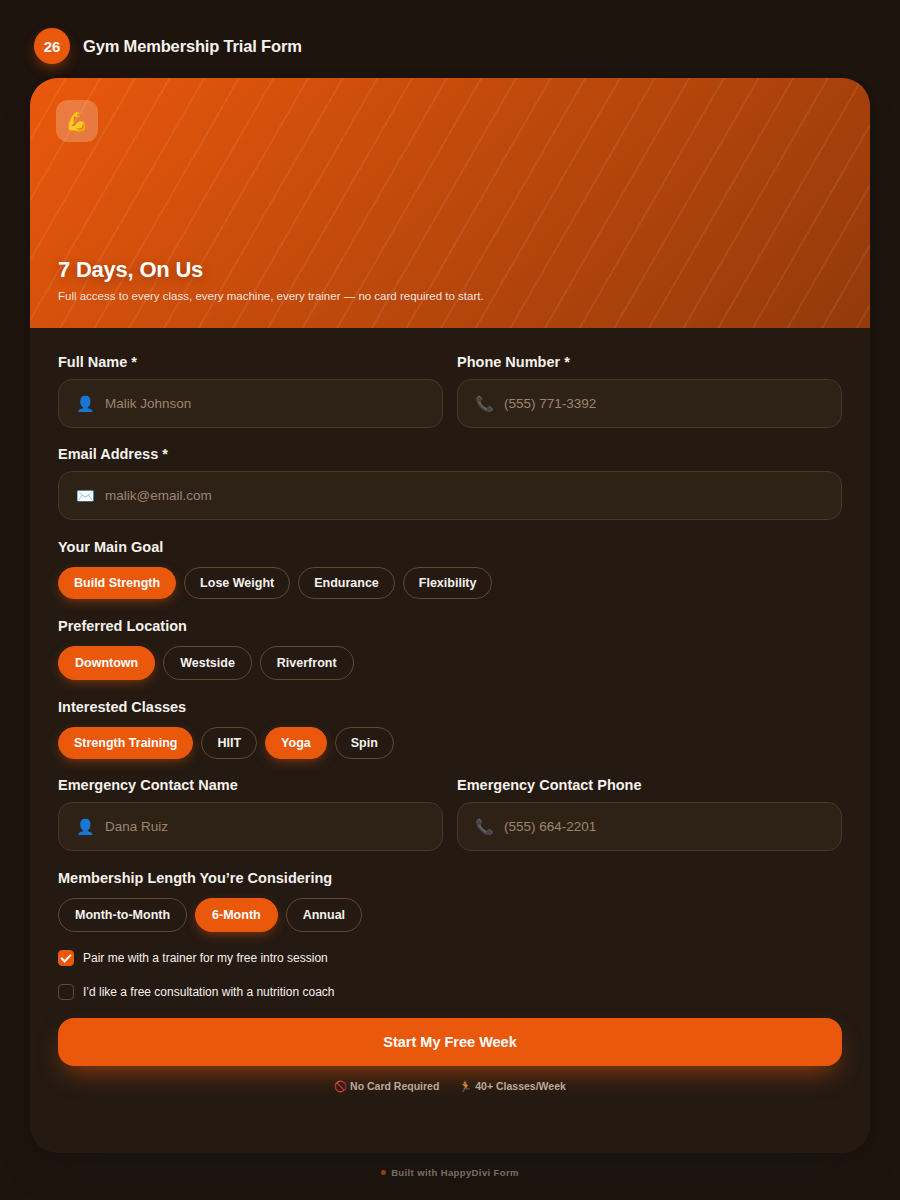
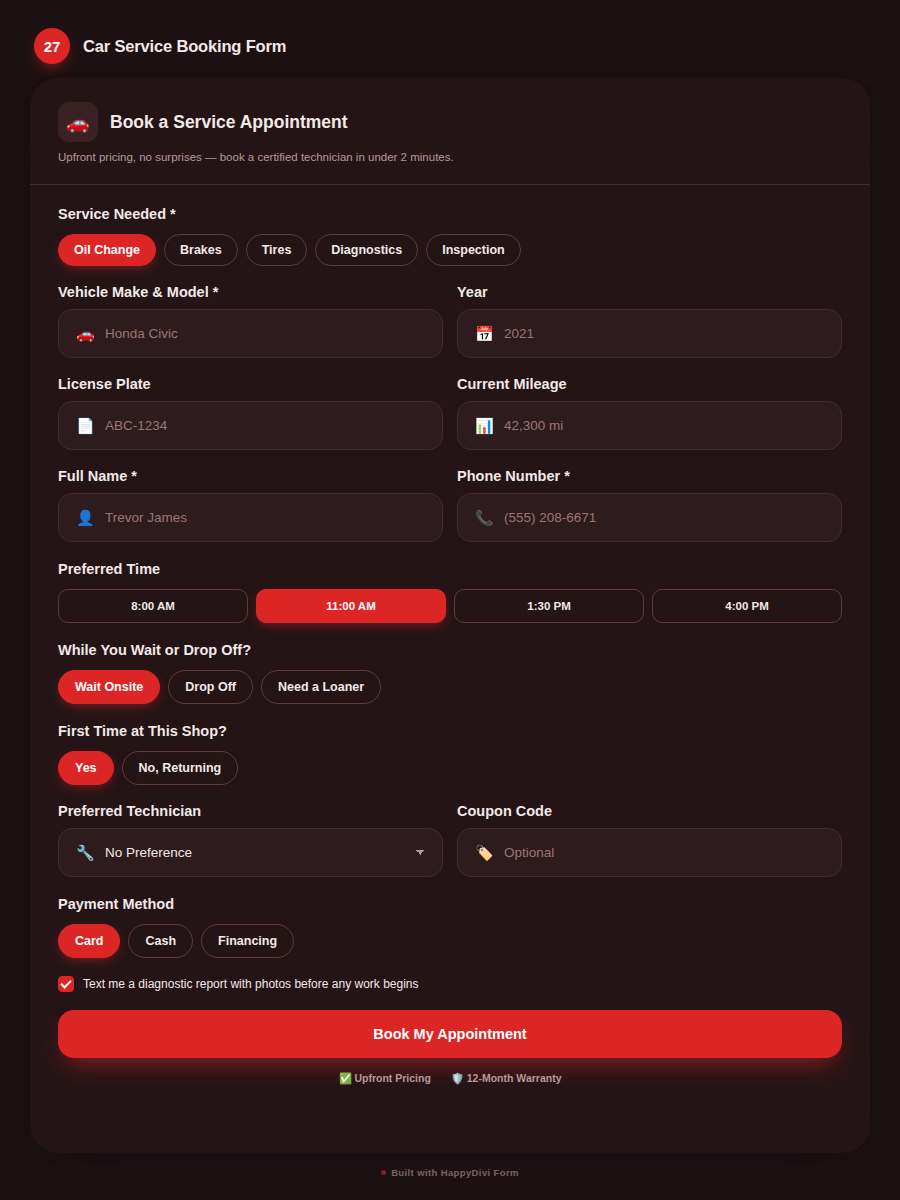
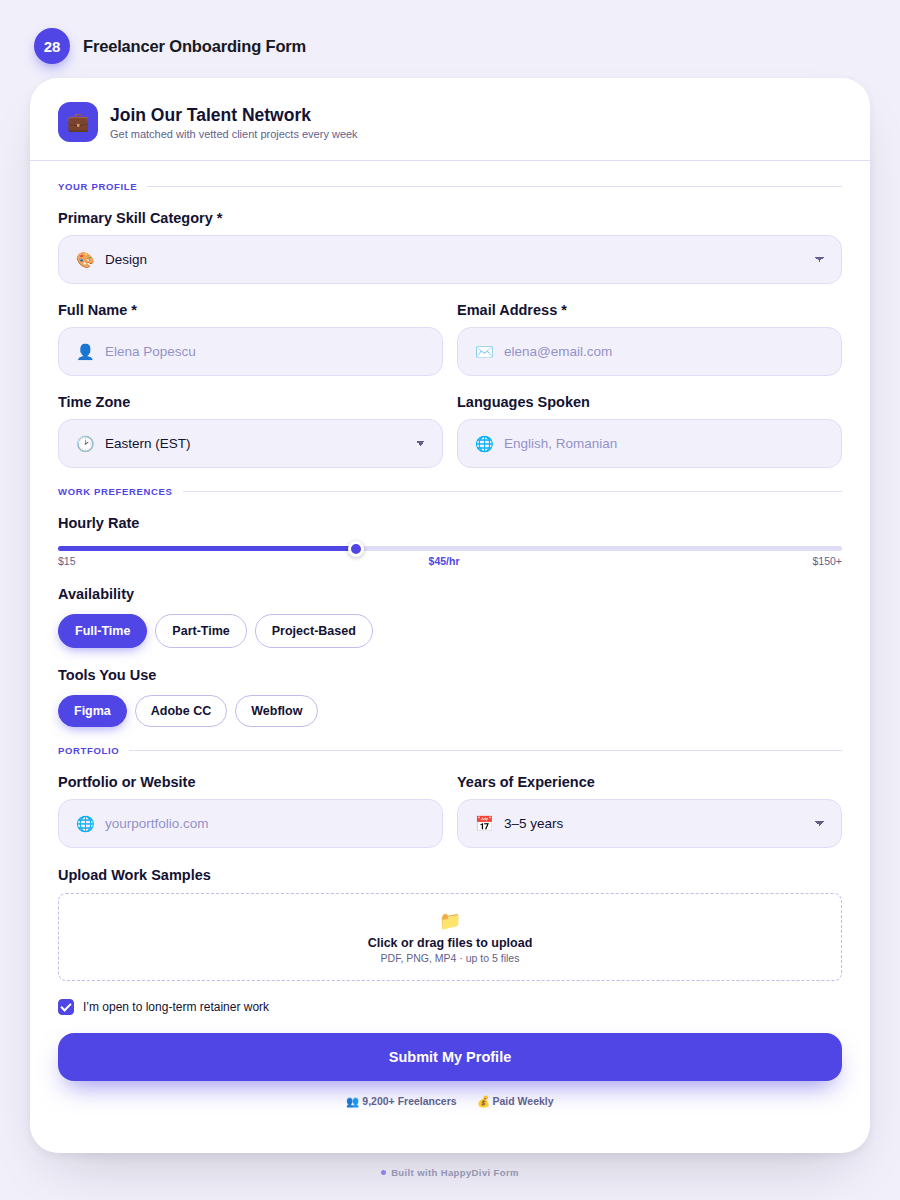


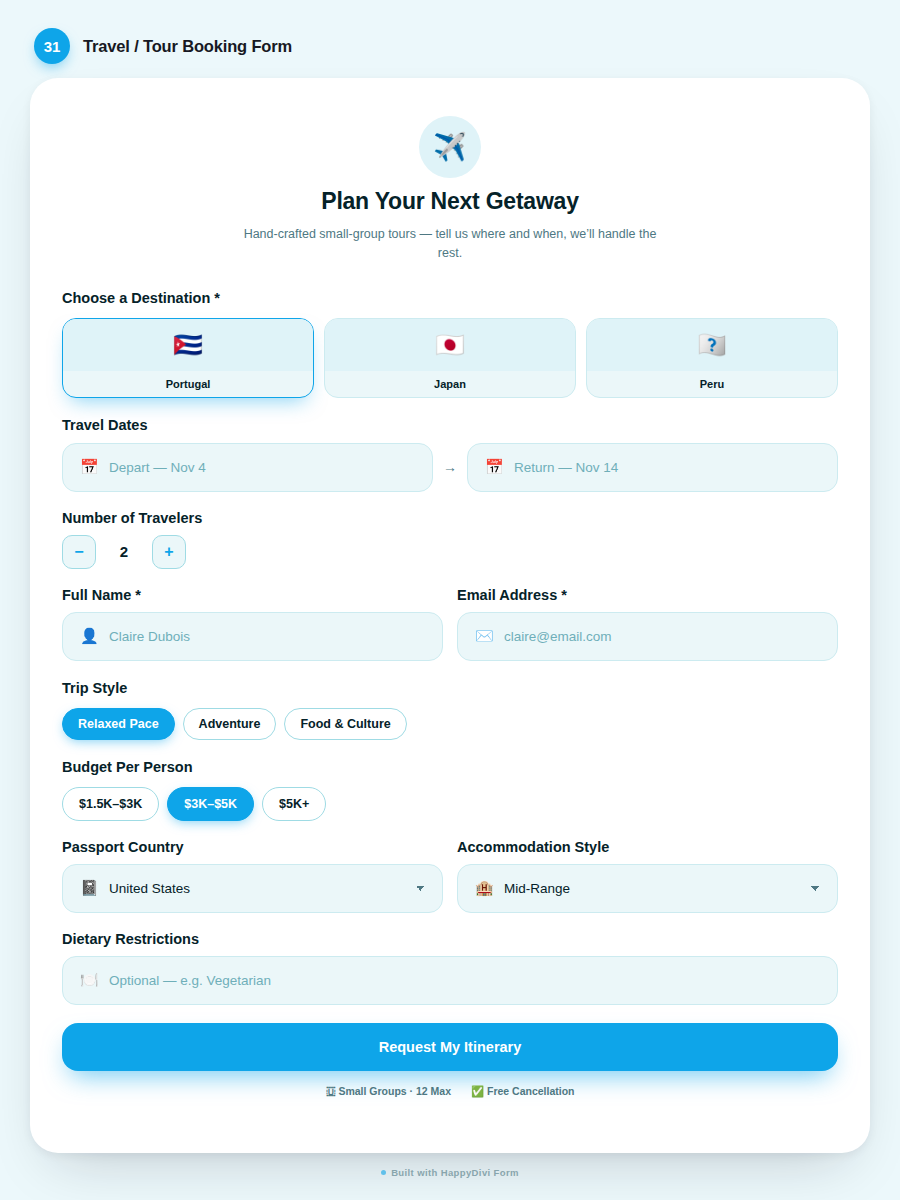
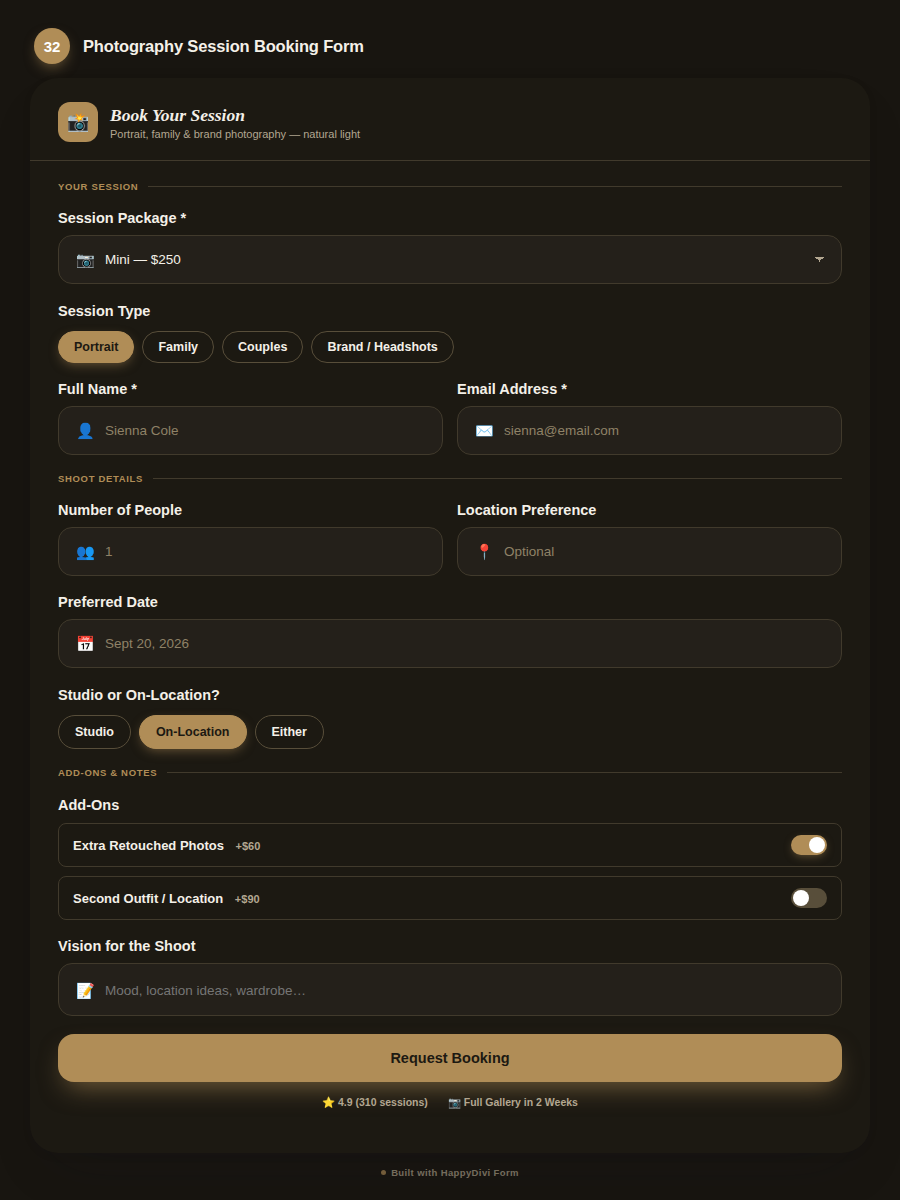
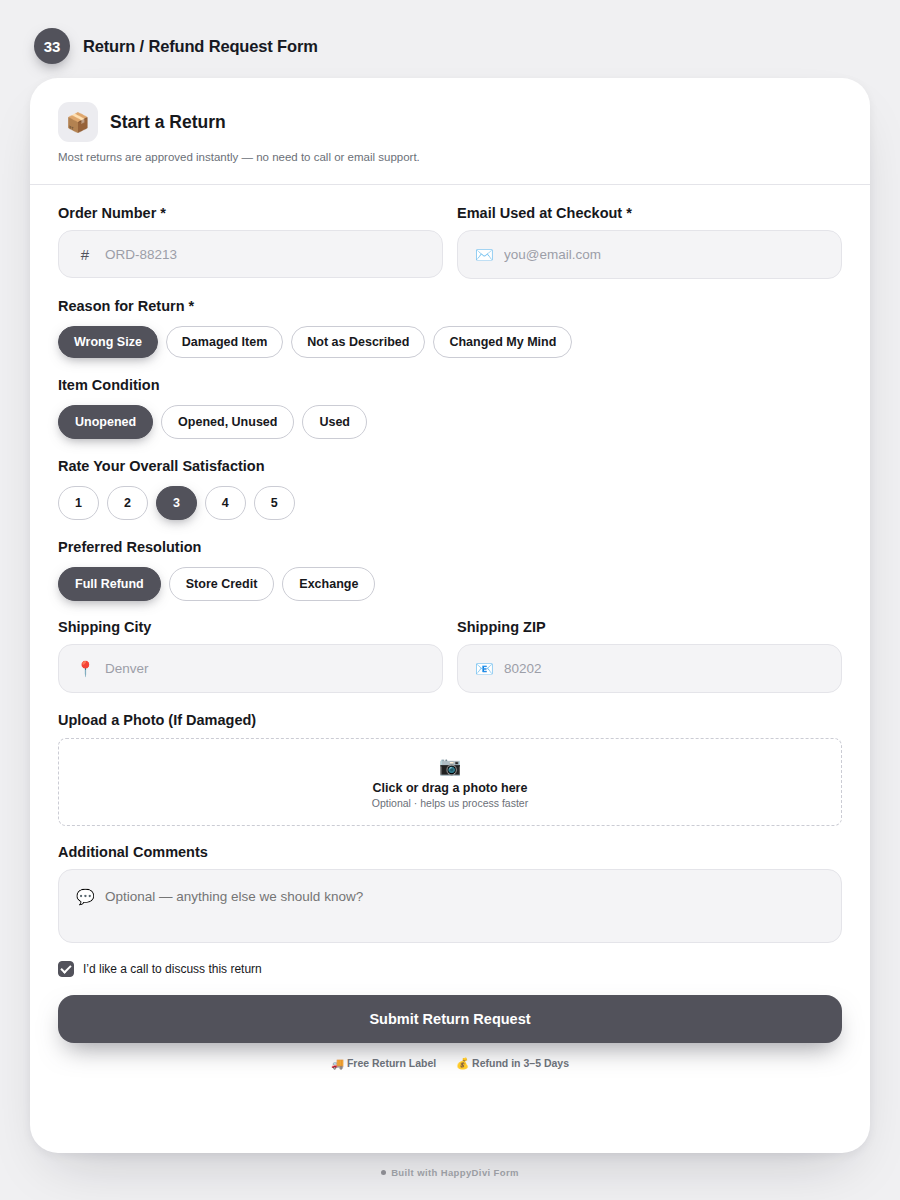
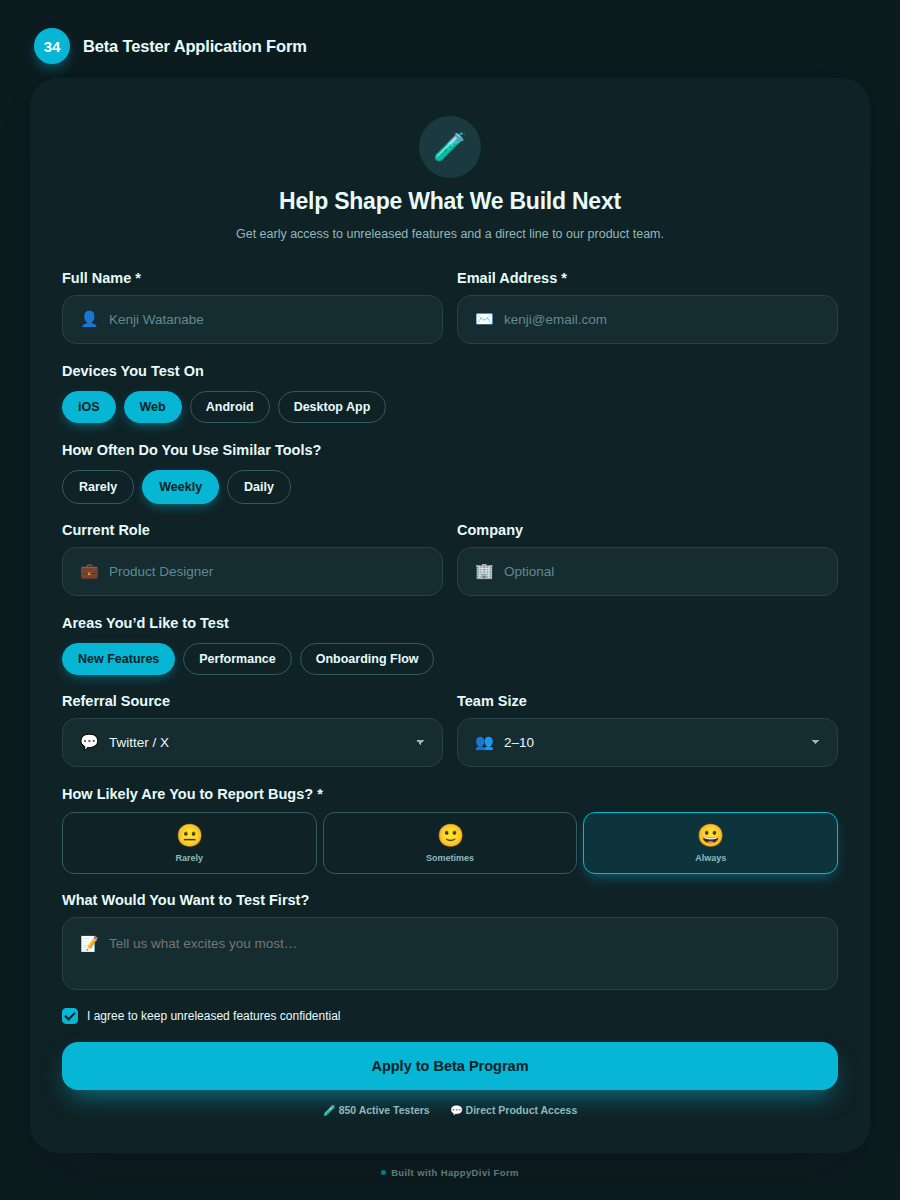
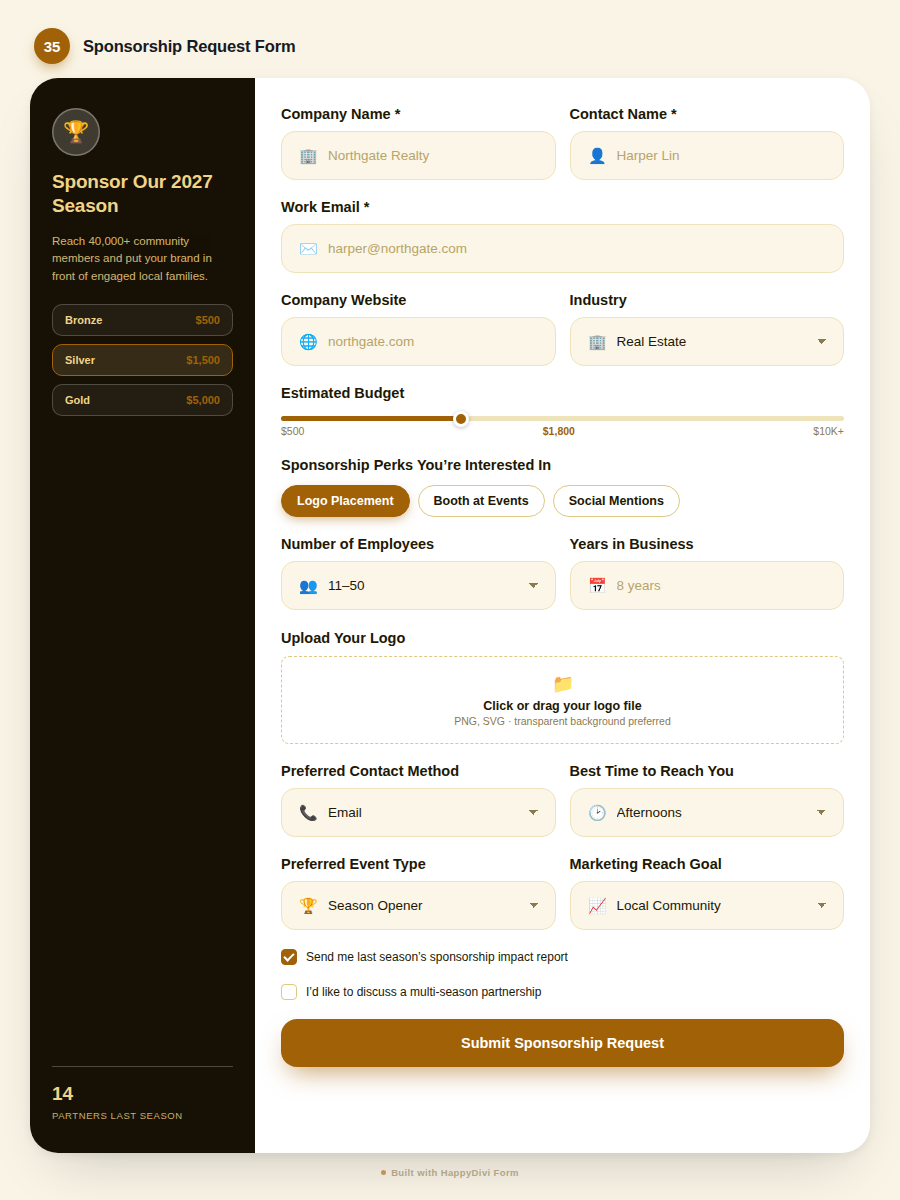
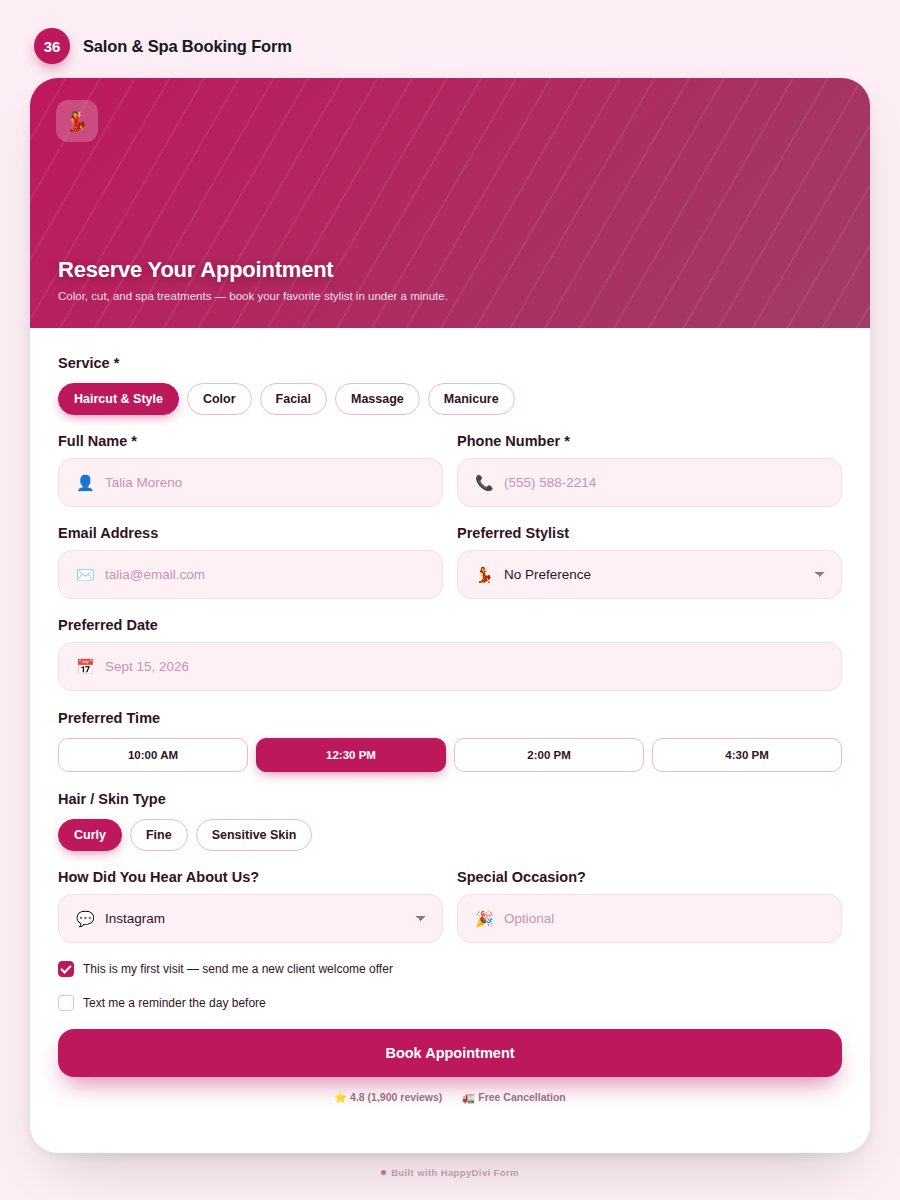
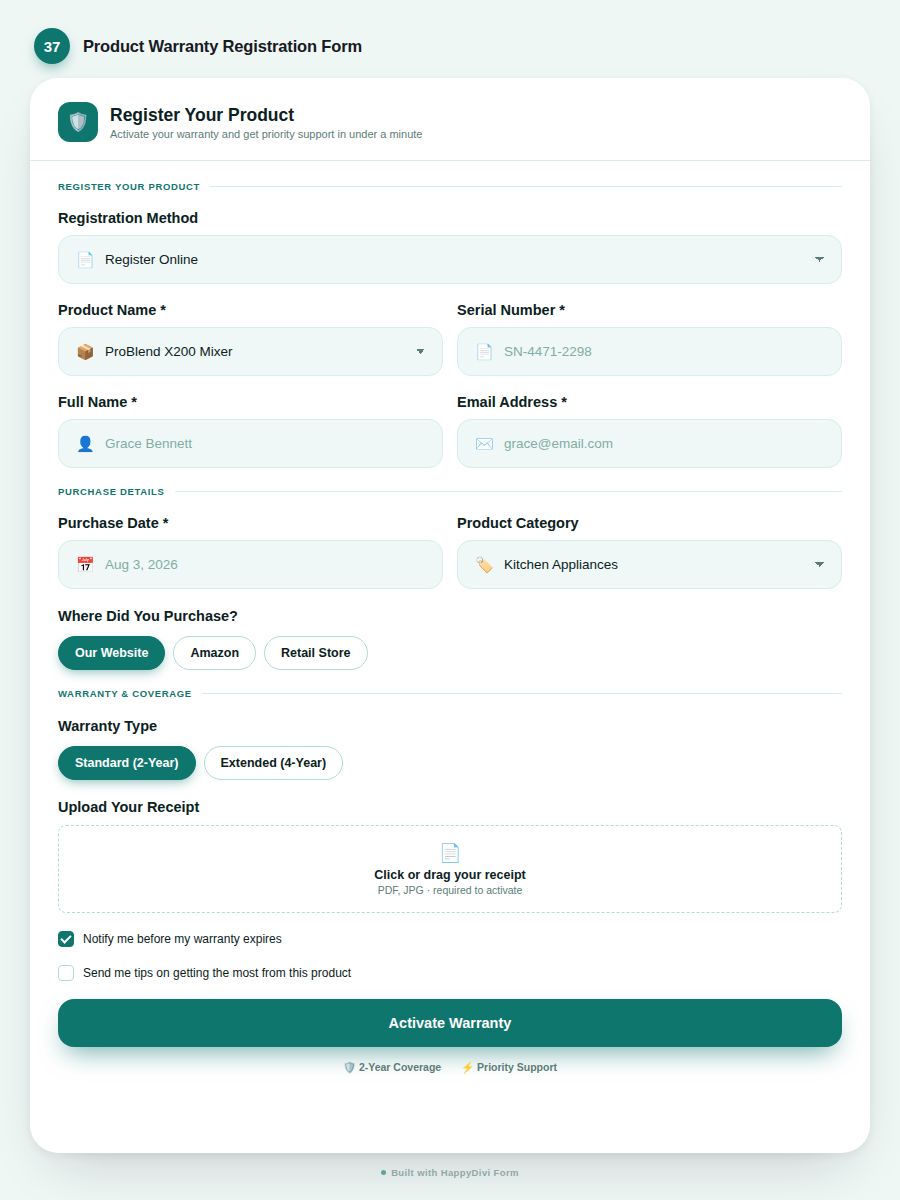
Field Types
20 field types. Divi's has 6.
Text, choice, and advanced fields, each with its own Design-tab styling as a child module, not a generic wrapper around six inputs.
Name
Simple, First+Last, or Extended (Prefix/Middle/Suffix). Each part independently labeled.
Format validation, typo suggestions, disposable-domain detection.
Text
Masks, symbol rules, regex, min/max length, prefix/suffix adornments.
Textarea
Auto-grow, word counter, configurable row height, min/max length.
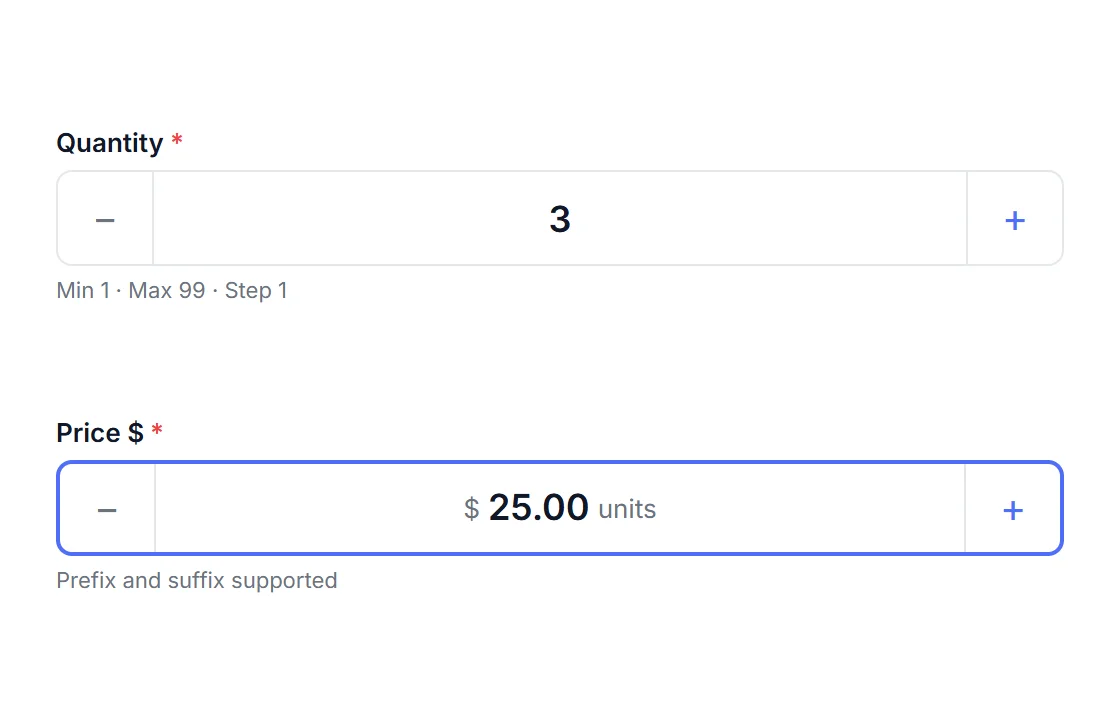
Number
+/− stepper, prefix/suffix (e.g. "$"), min/max/step, thousands display.
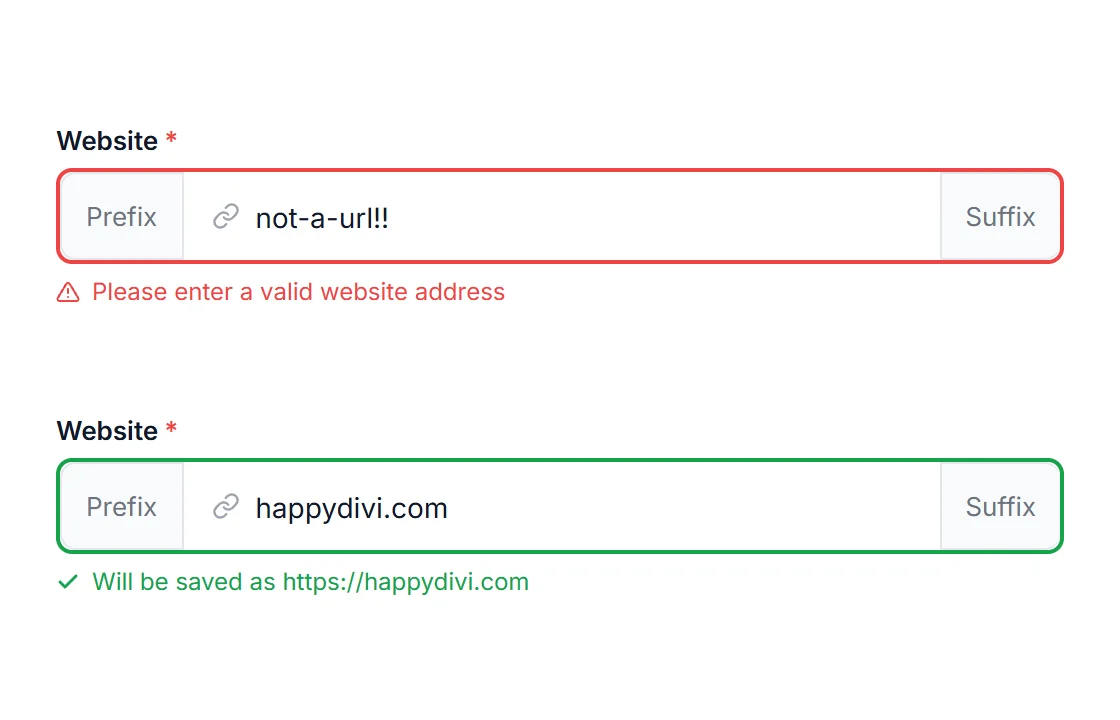
URL
Format validation, auto-prepends https:// so bare domains never fail.
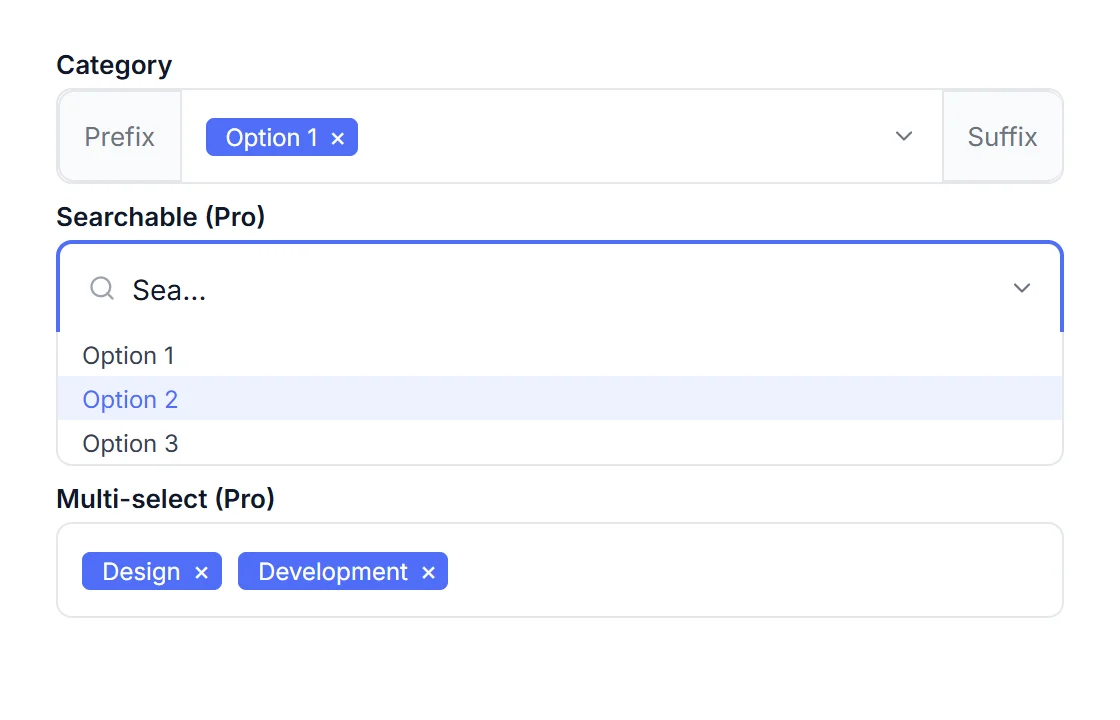
Select
Option groups, per-option pricing. Searchable and multi-select are Pro.
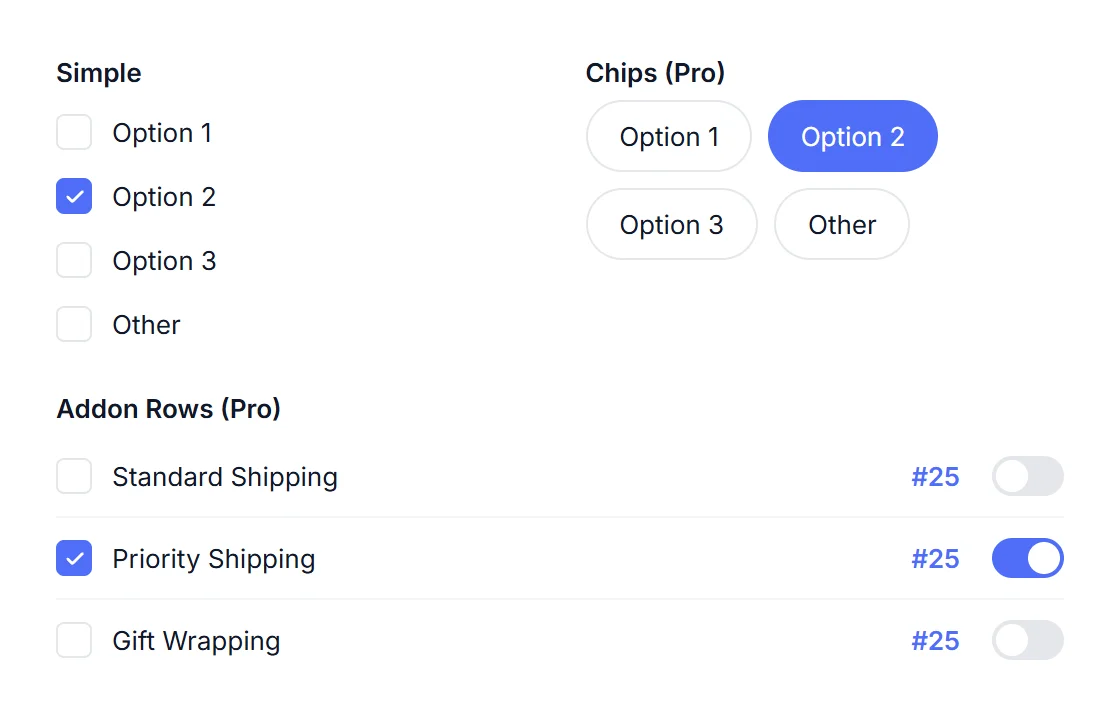
Checkbox
Min/max checked count, per-option pricing. Chips, Addon Rows, "Other" are Pro.
Radio
List or grid layout, per-option pricing. Cards, Segmented, "Other" are Pro.
Rating
1–10 stars, half-star mode, pure CSS hover — no JavaScript needed.
Phone
Basic validation free. International libphonenumber + country picker is Pro.
Hidden
Static value or dynamically prefilled from URL, user profile, or current time.
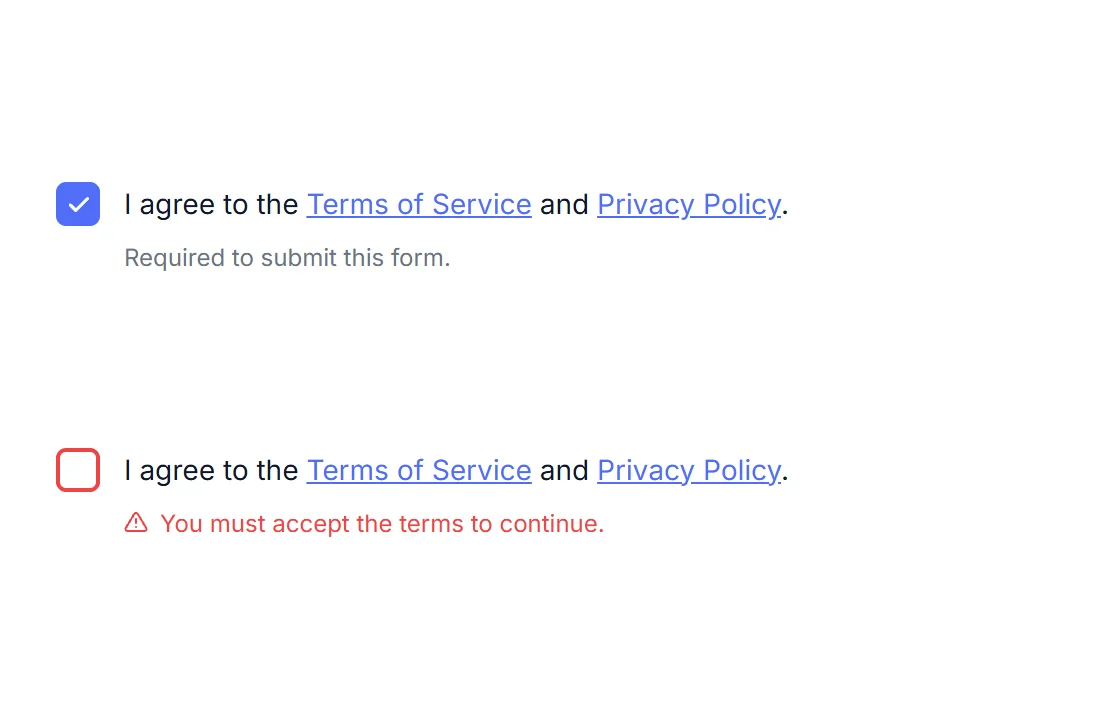
Legal Consent
Required ToS/GDPR checkbox, inline links to your privacy policy, always-required by design.
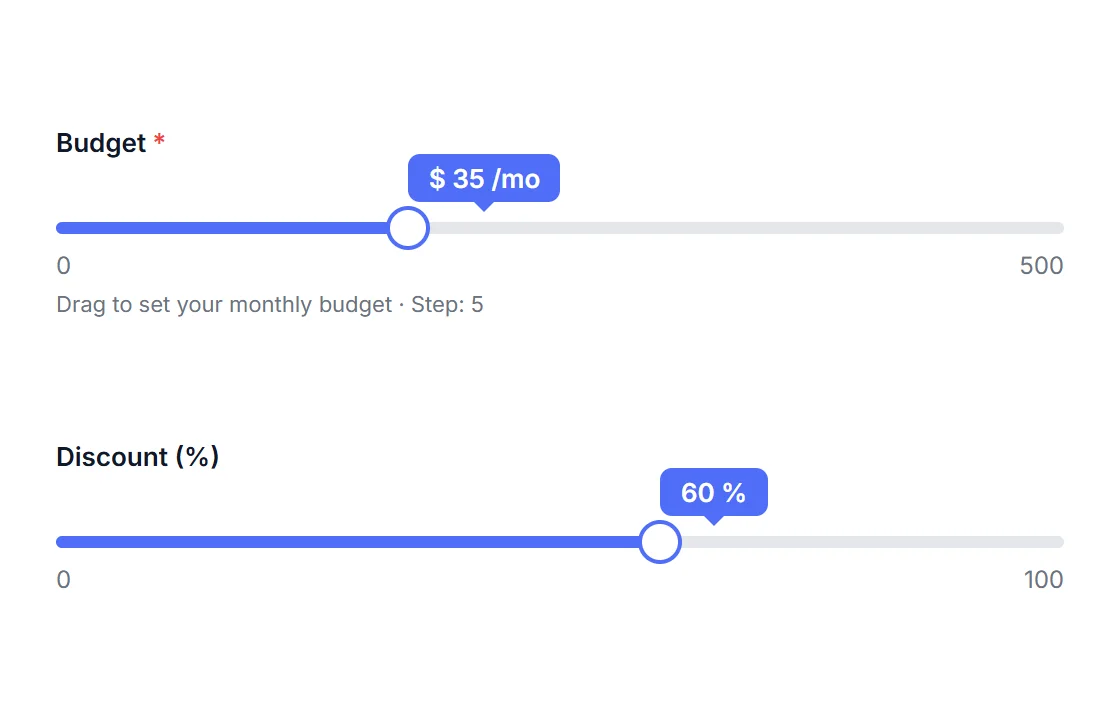
Slider
Range with live value badge, prefix/suffix units, configurable min/max/step, styled track colors.
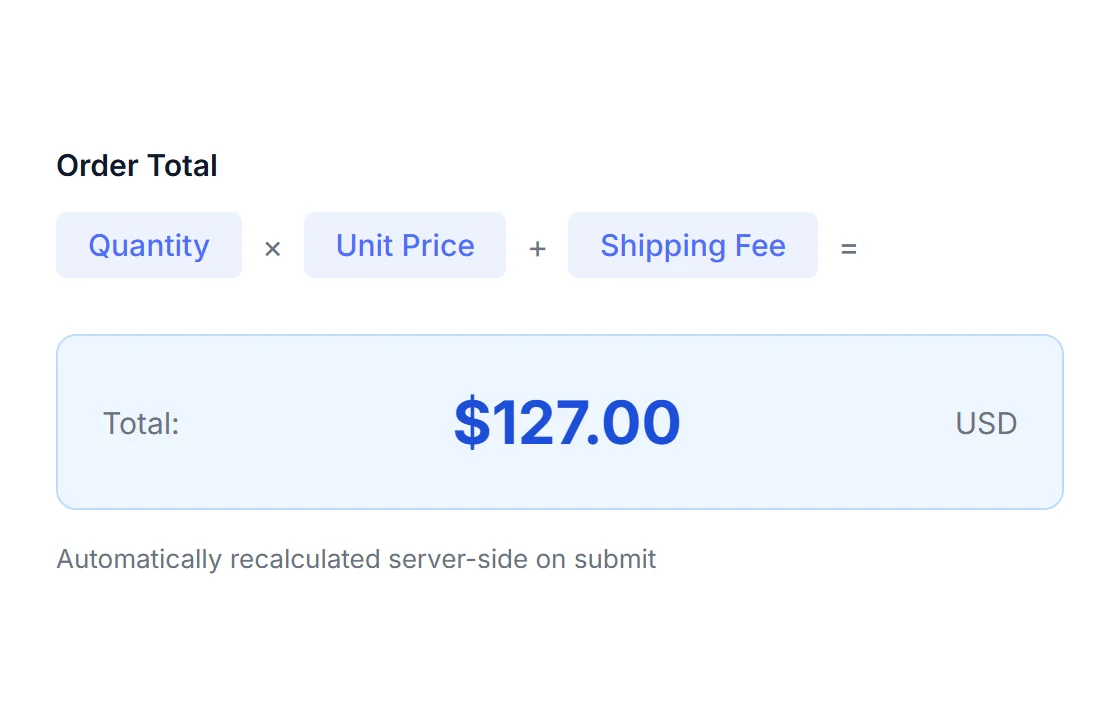
Calculated
Live running total from a visual formula builder. Tamper-proof: always recomputed server-side. Powers payment amounts.
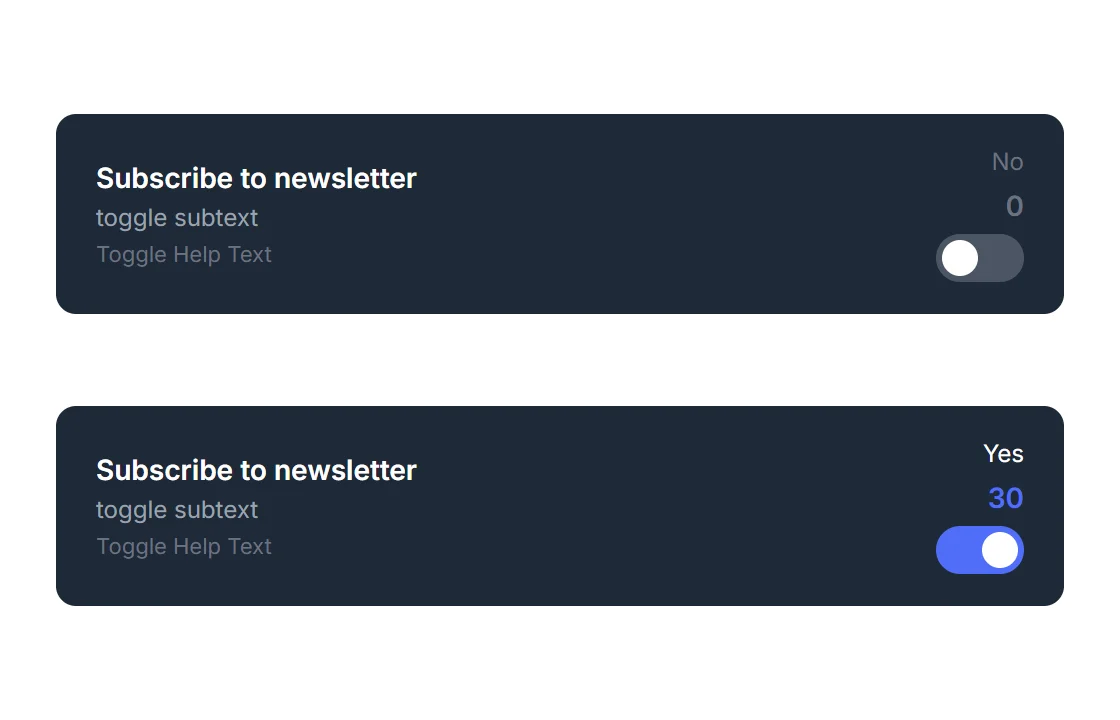
Toggle
Animated yes/no switch, custom on/off labels, optional price contribution, works without JavaScript.
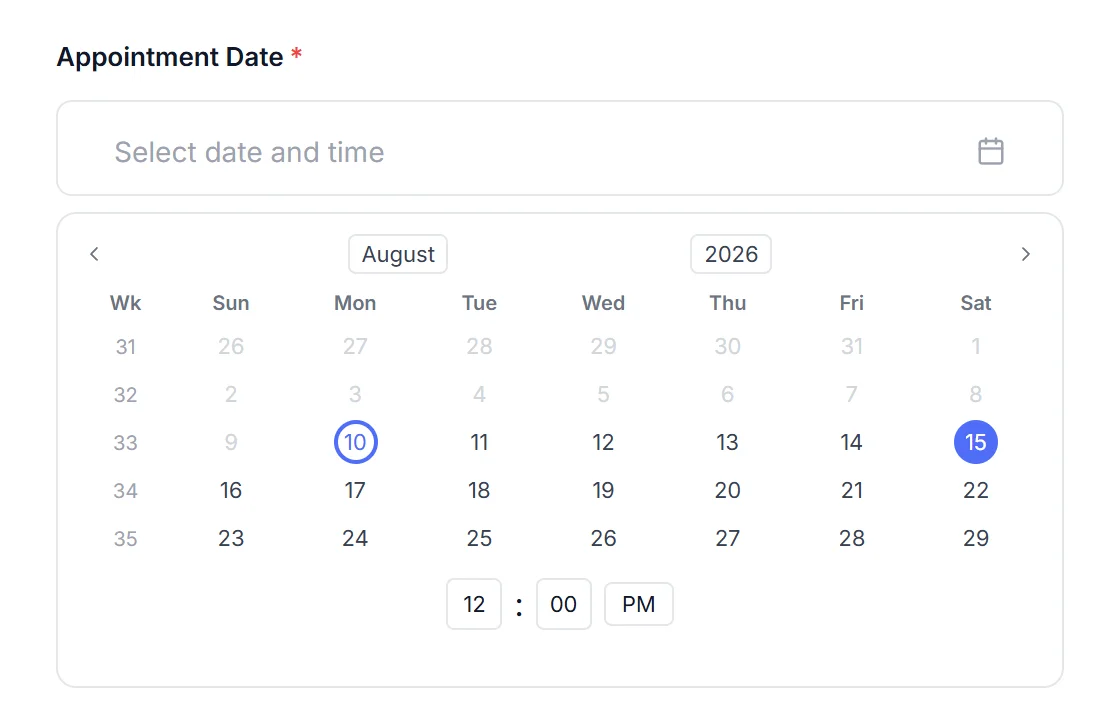
Date/Time
Date, time, or both. Disable specific weekdays, past dates, or set min/max dates. Inline calendar mode. Locale + RTL aware.
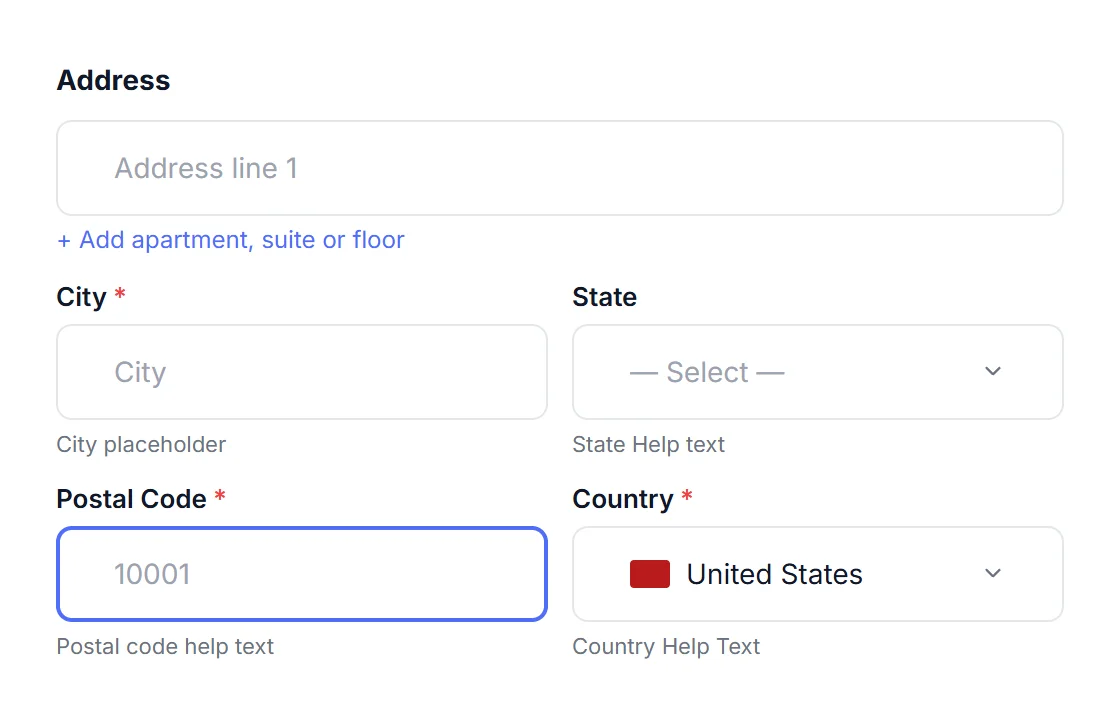
Address
6 sub-fields: Line 1/2, City, State, Postal, Country. Country-aware postal validation, searchable country dropdown.
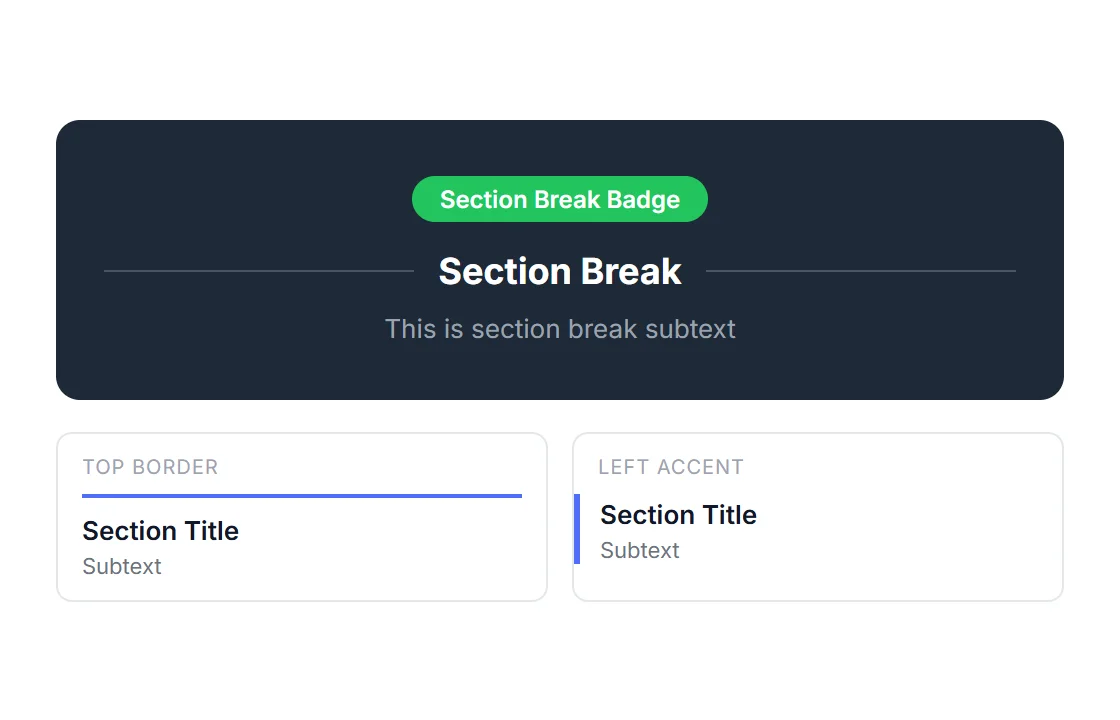
Section Break
Heading, subtext, badge, 7 divider positions. Adds visual structure to long forms. Anchor ID for in-page linking.
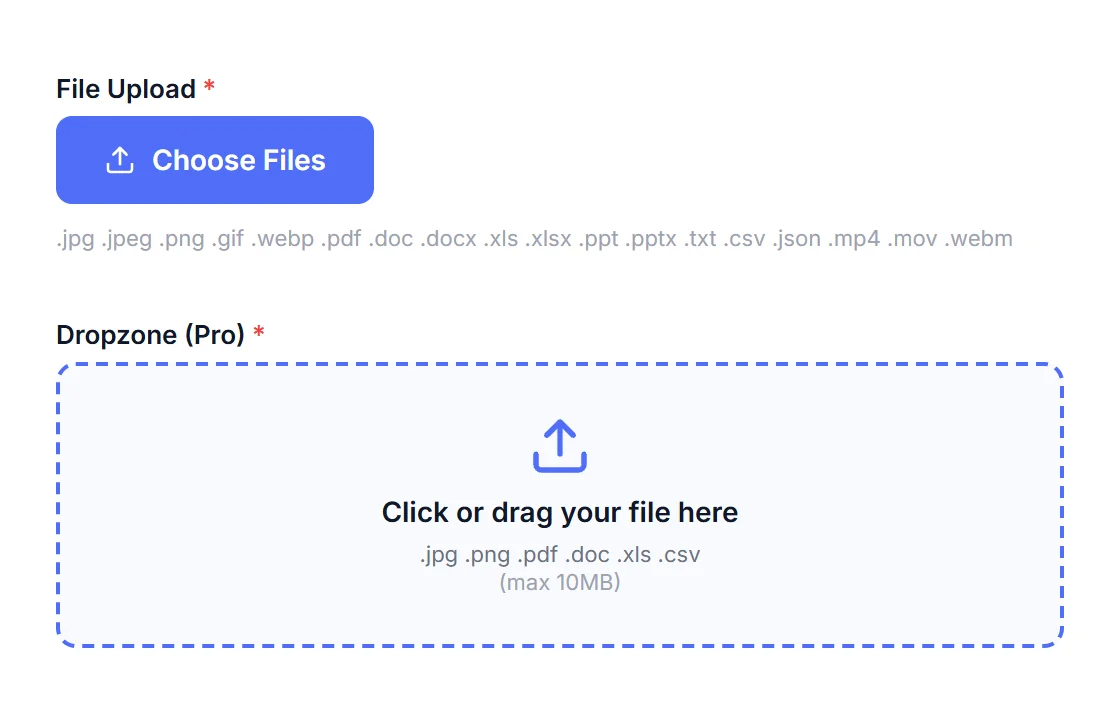
File Upload
Dropzone or button, multi-file, per-extension allow-list. Files quarantined, content-sniffed, and stored securely.
Every field. Up close.
See exactly what you're building with.
Each field below is its own Divi 5 child module with independent label, placeholder, validation, and Design tab controls. Hover any field above to preview it, or browse all 20 here.
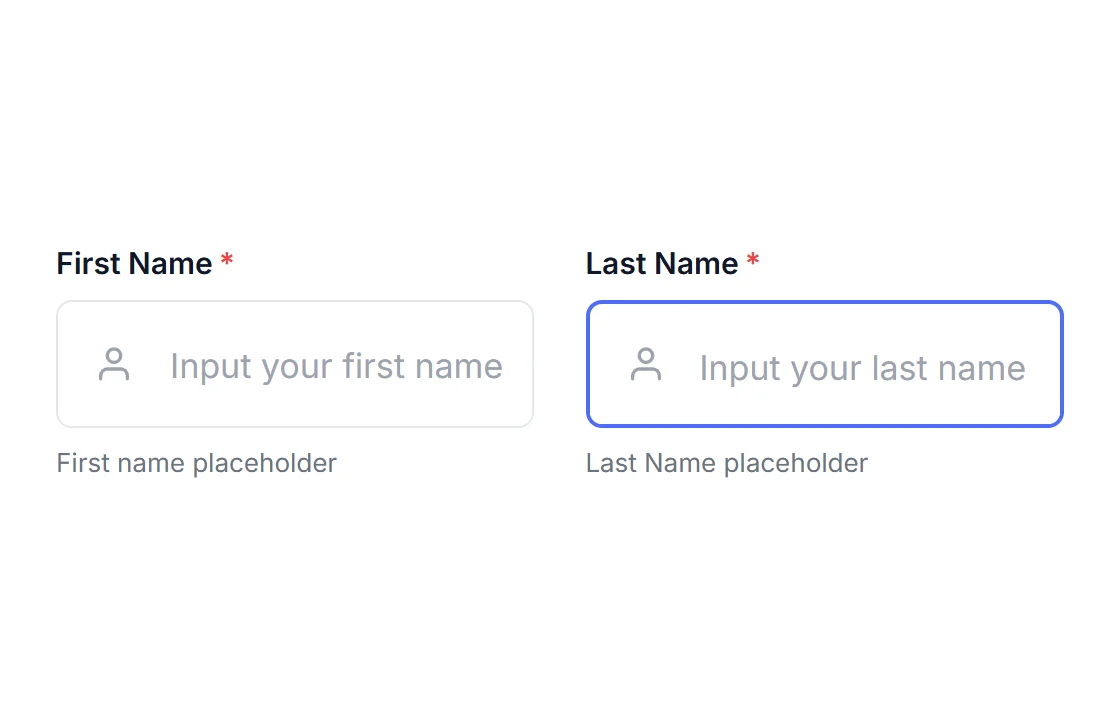
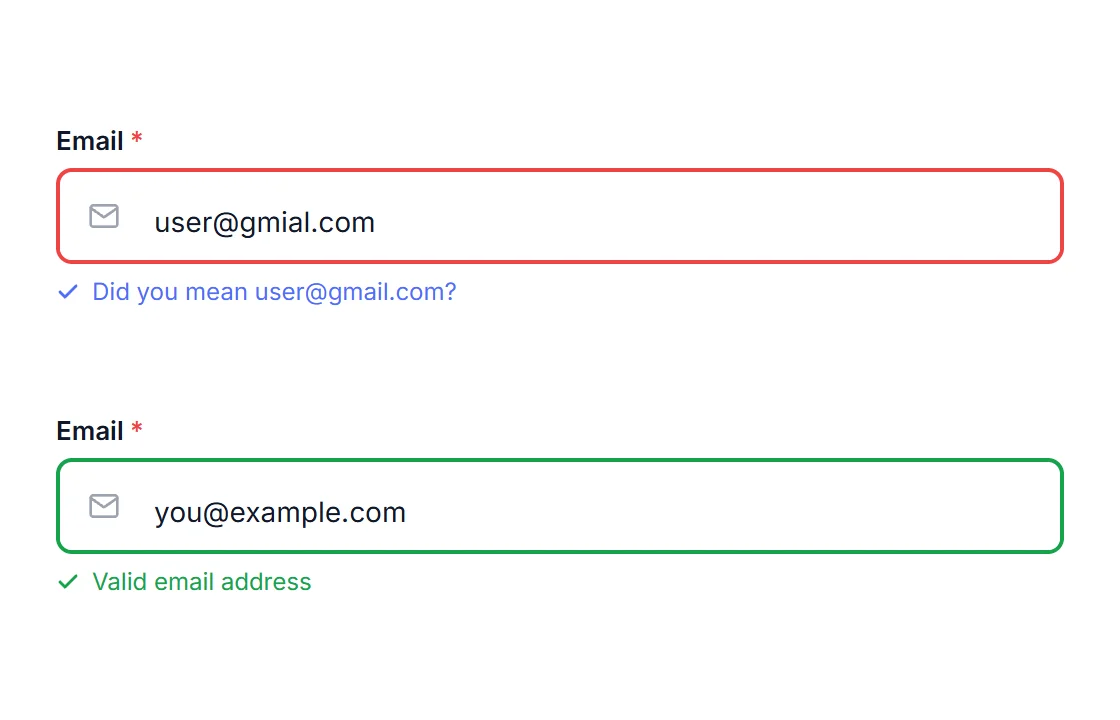
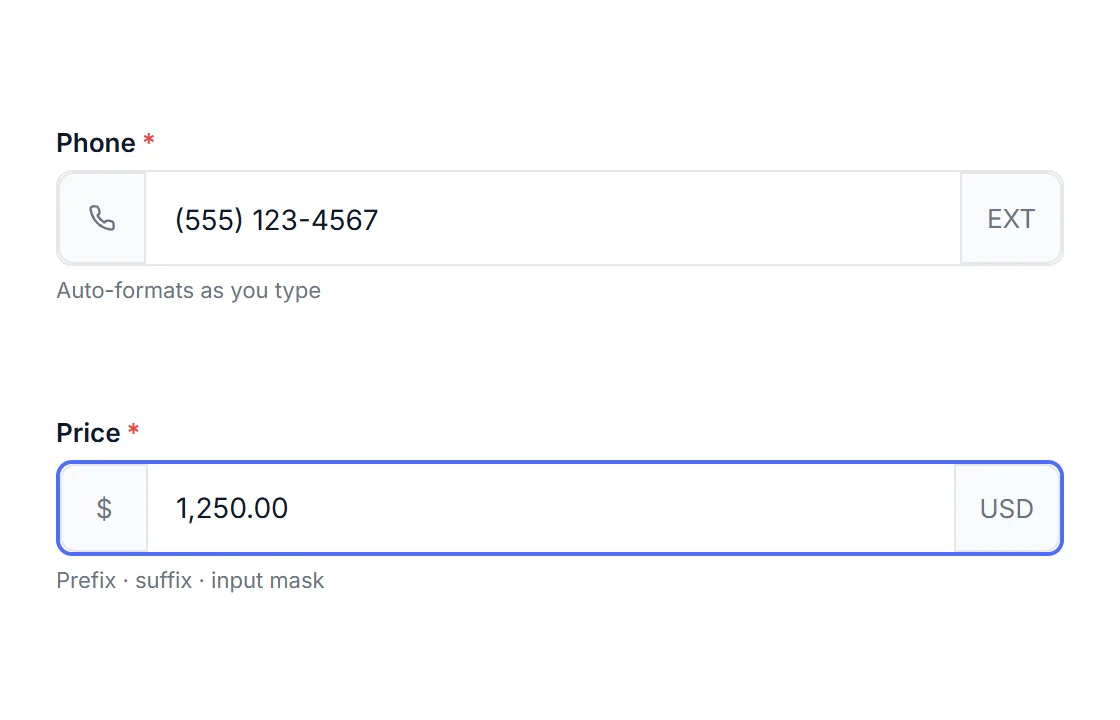
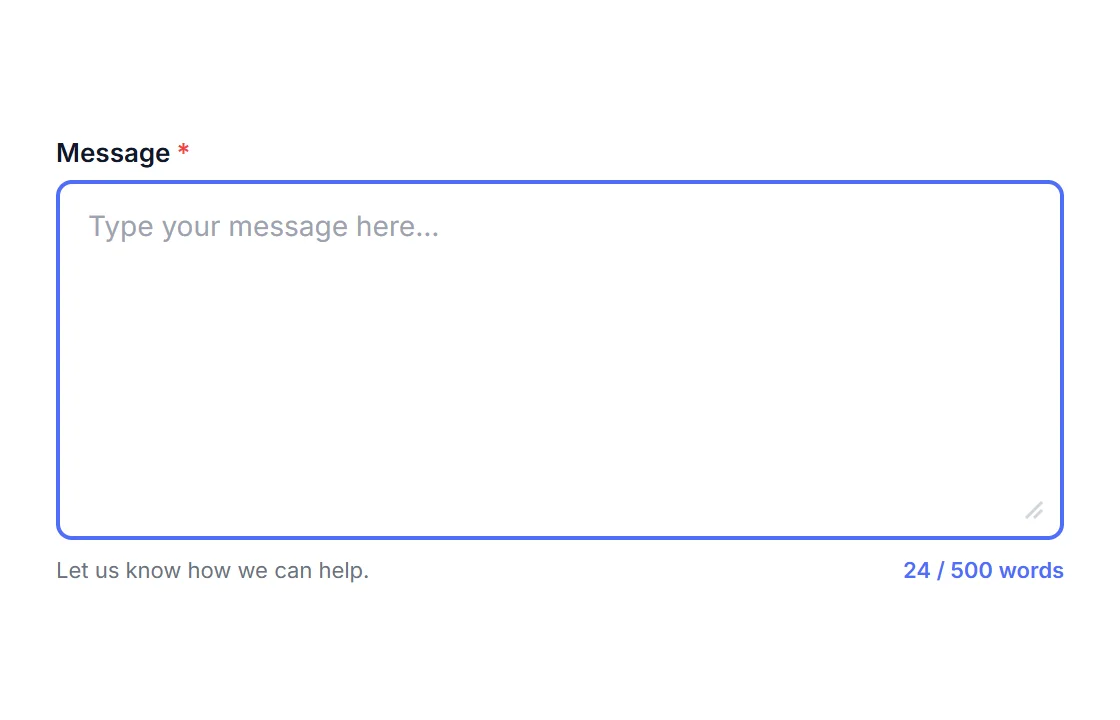
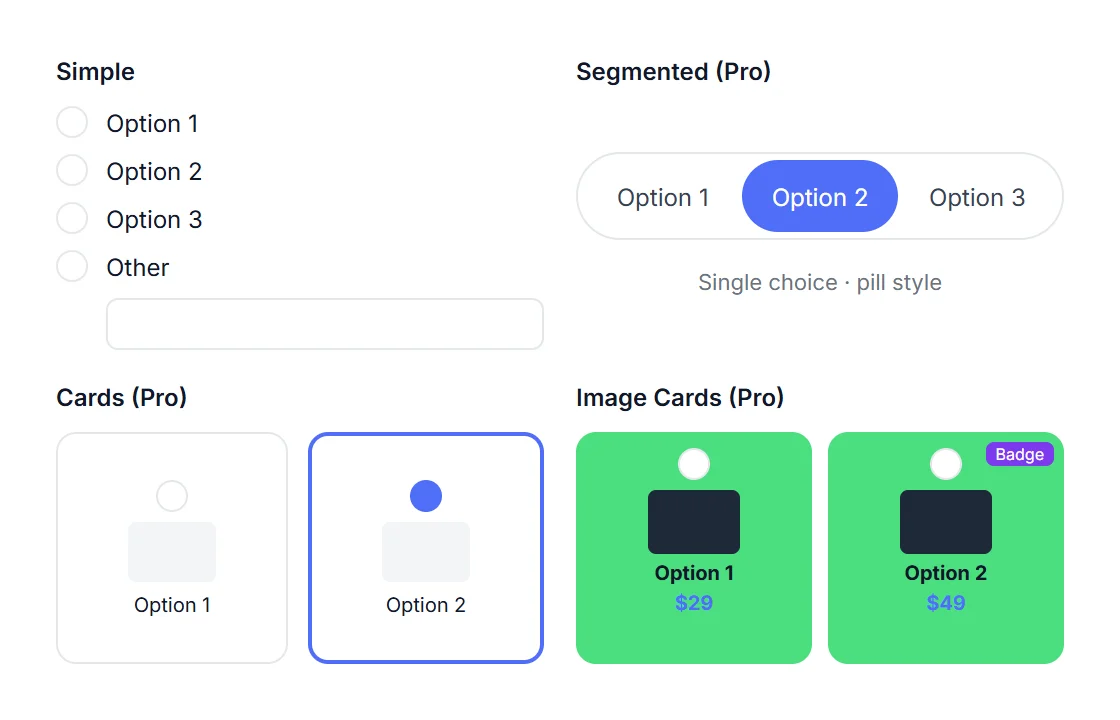
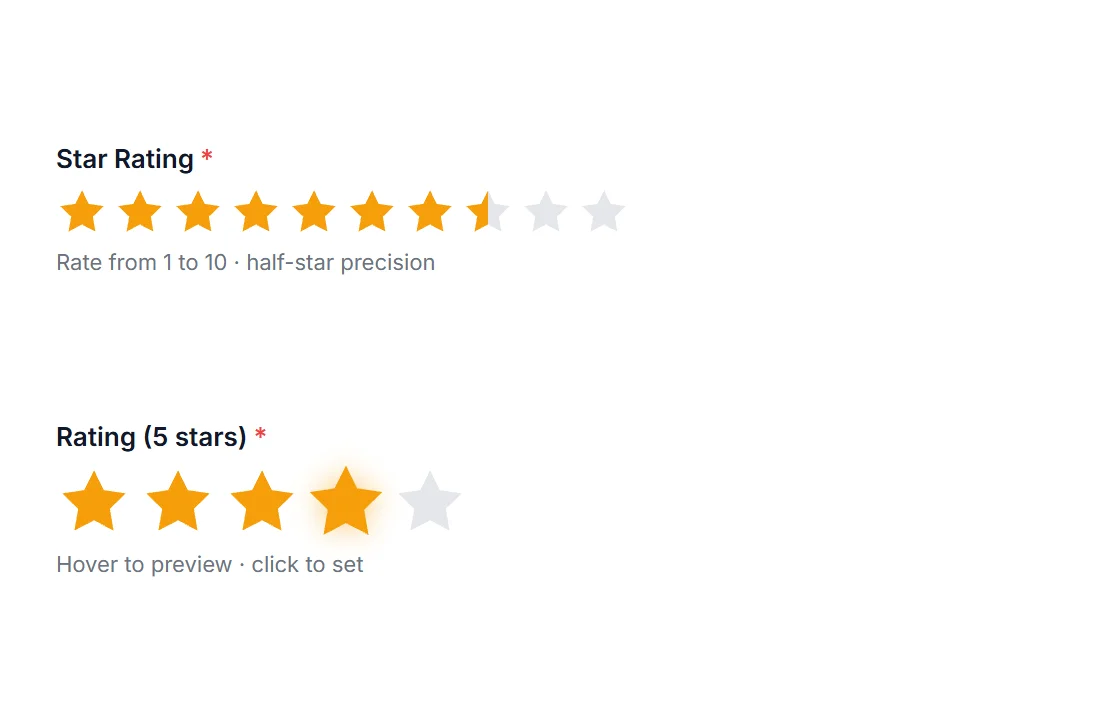
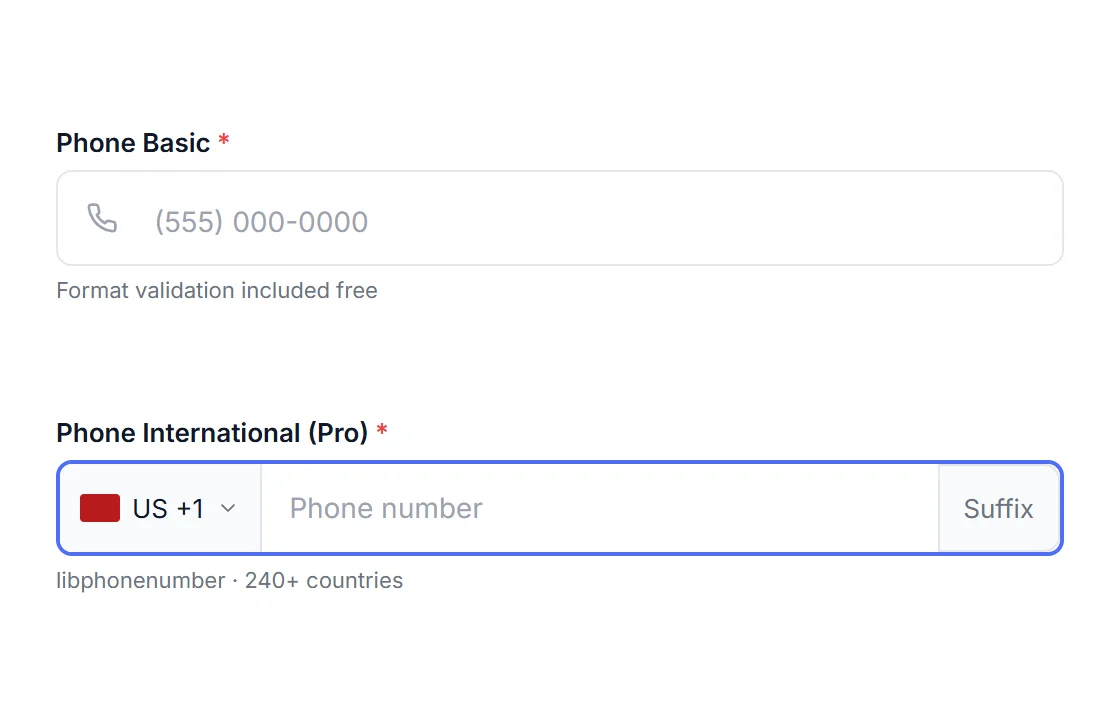
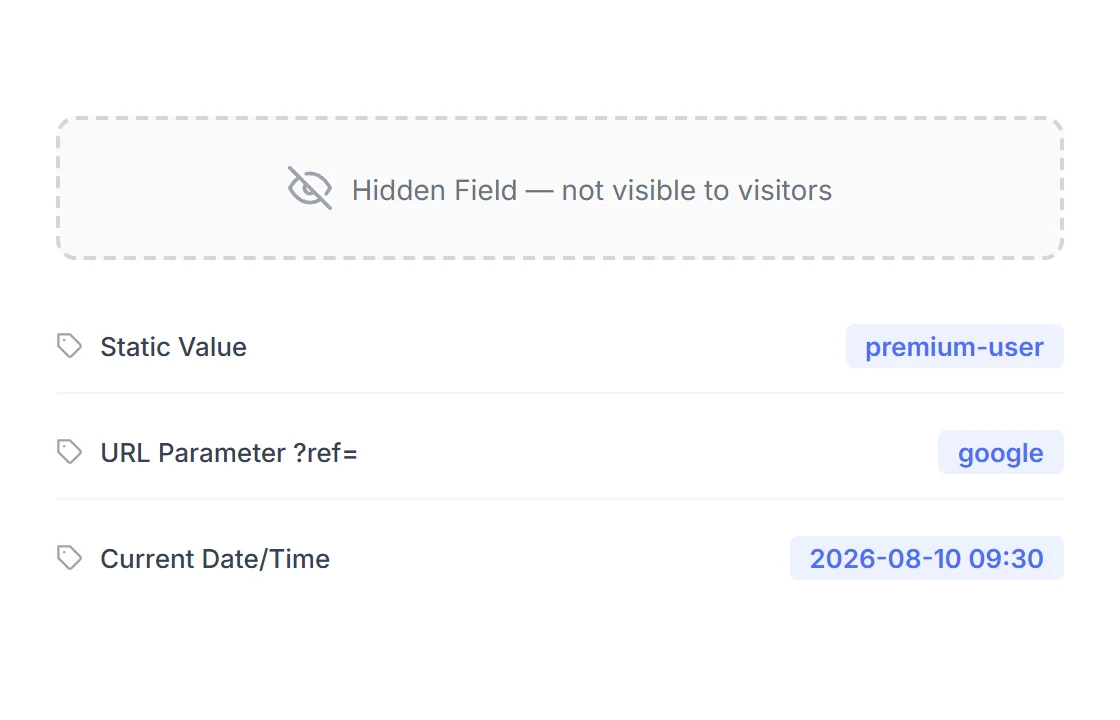
Divi 5 Module . Free & Pro
More than a contact form. Every form your Divi site needs.
22 field types. Stored entries. Inline validation. Stripe payments. Everything Divi's own Contact Form leaves out, built as a native Divi 5 module, styled entirely from the Design tab.

Check How HappyDivi Form shows the Error
•••
Divi Contact Form
Default
you@gnail.com
Please fix the following errors and try again
Submission not saved anywhere. If this email never sends, it's gone.
HappyDivi Form
Smart Fields · Pro
you@gnail.com
√ Did you mean you@gmail.com ?
⇒Saved to Entries - visible in wp-admin instantly
Not a mockup
This is what's actually in your wp-admin.
Every screen below is a real screenshot of the plugin running, not a rendering. Click through to see the Dashboard, live Analytics, Entries, and Settings.
yoursite.com/wp-admin/admin.php?page=happydivi-form
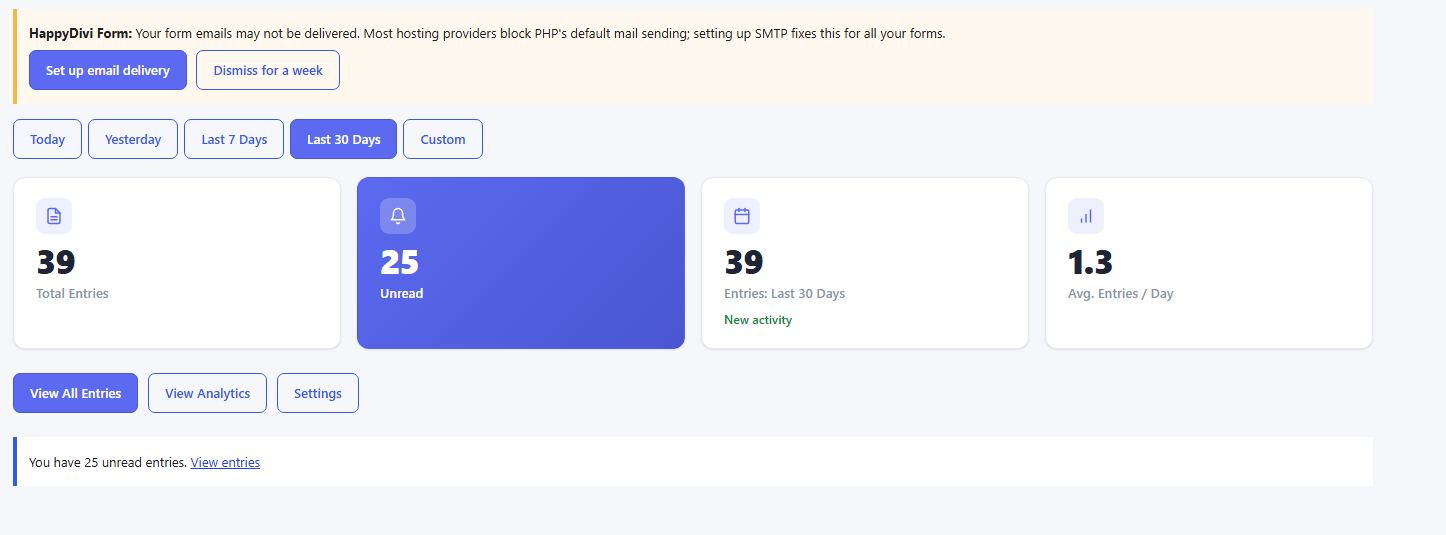
Dashboard
Total entries, unread count, and 30-day activity at a glance, plus a proactive nudge to set up email delivery before it ever becomes a support problem.
yoursite.com/wp-admin/admin.php?page=happydivi-form
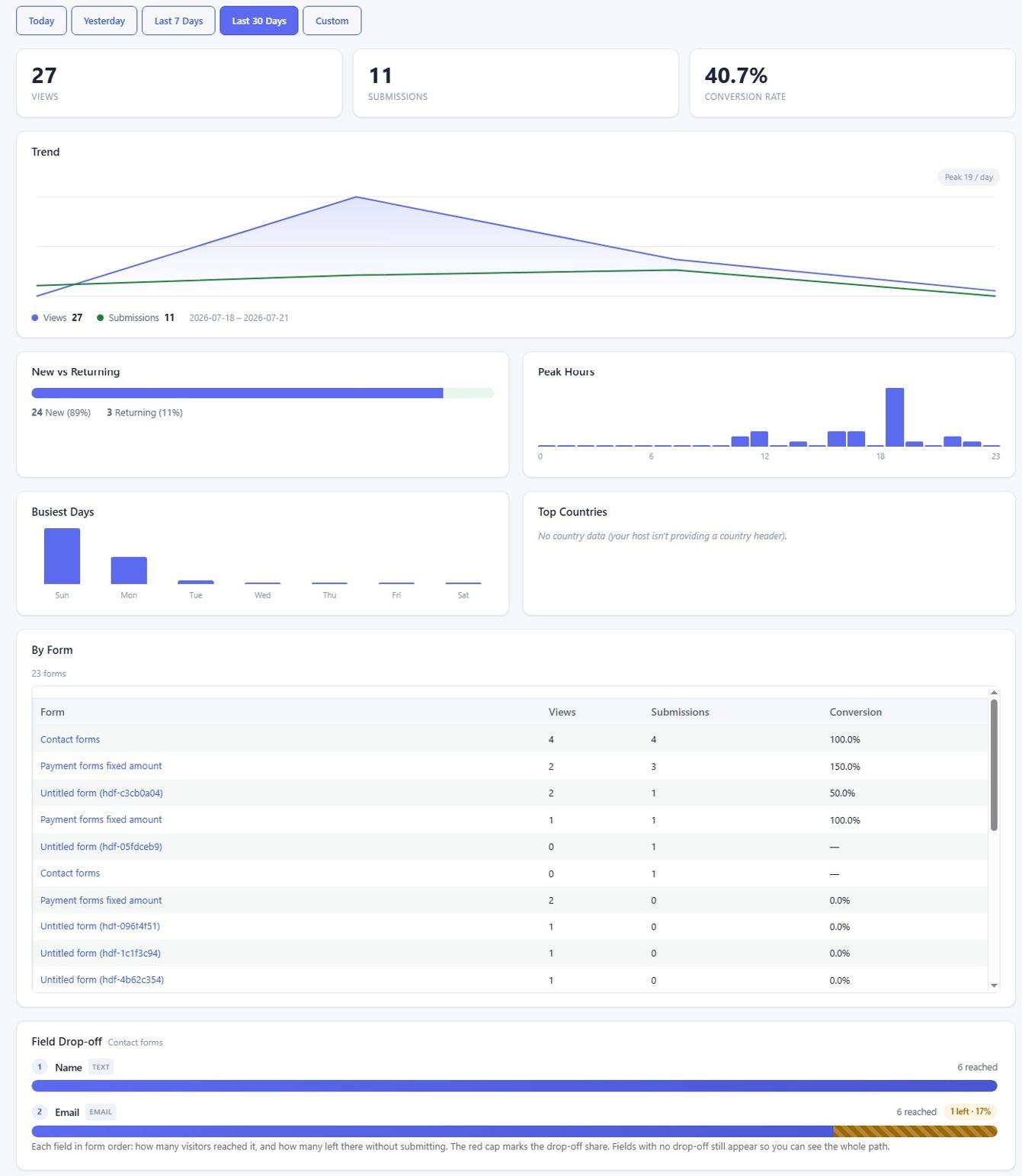
Analytics
Views, submissions, conversion rate, a trend chart, new vs. returning visitors, peak hours, and the Field Drop-off funnel, cookieless and GDPR-friendly by default..
yoursite.com/wp-admin/admin.php?page=happydivi-form
Notification History
Open any entry to see exactly which emails were attempted, their delivery status and error message, and resend one with a single click.
yoursite.com/wp-admin/admin.php?page=happydivi-form
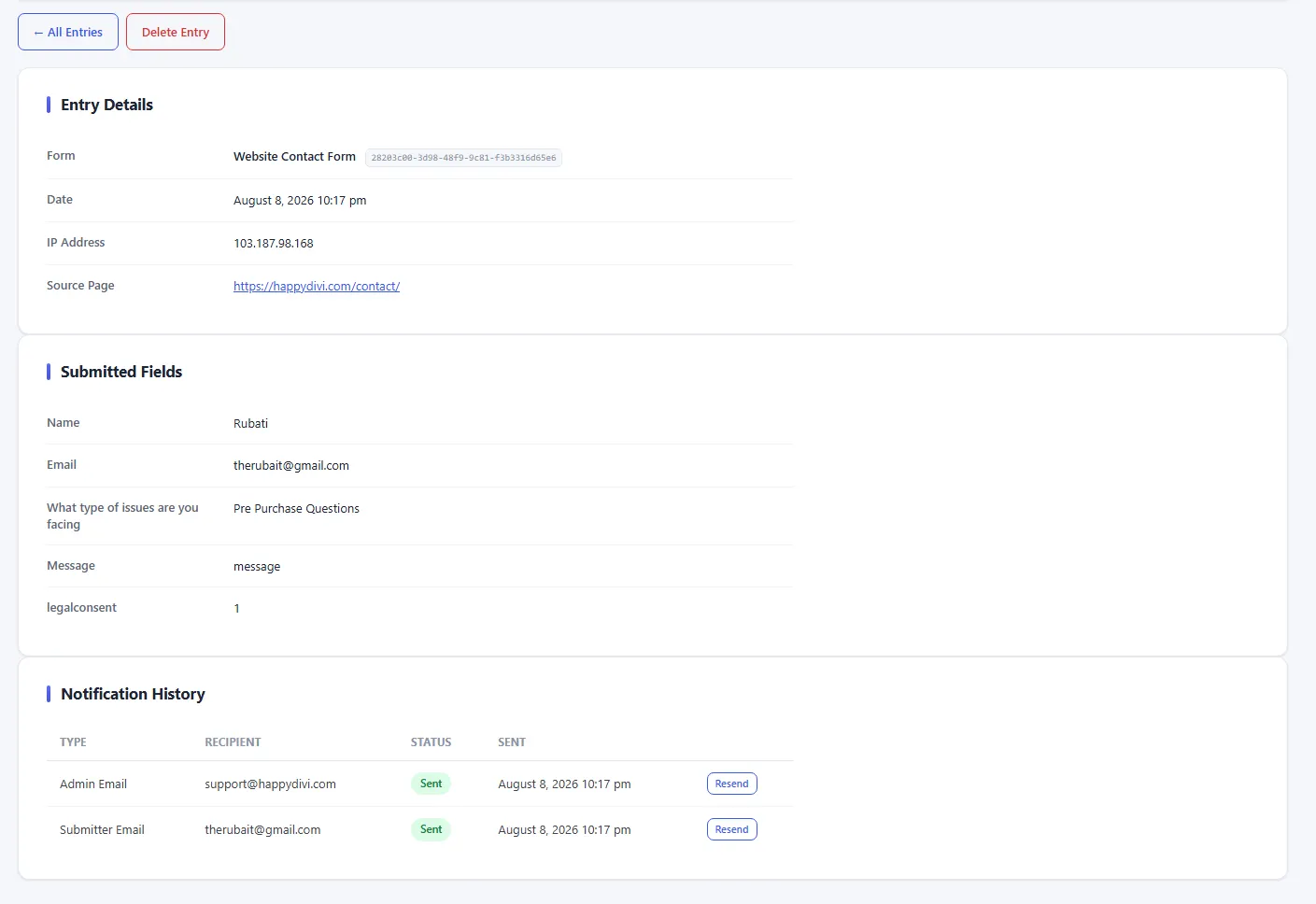
Notification History
Open any entry to see exactly which emails were attempted, their delivery status and error message, and resend one with a single click.
yoursite.com/wp-admin/admin.php?page=happydivi-form
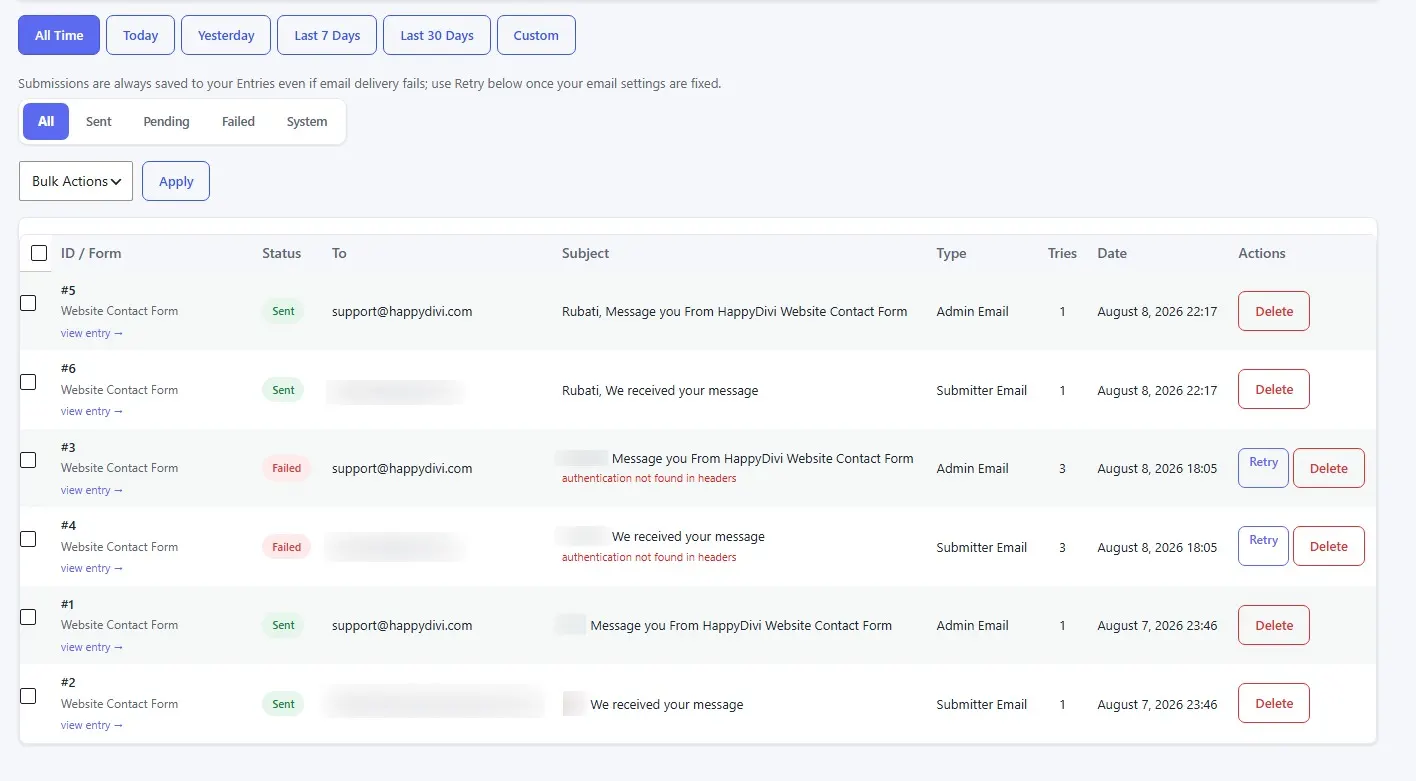
Email Log
A site-wide log of every send attempt across every form, with Retry and Delete actions and the real provider error message.
yoursite.com/wp-admin/admin.php?page=happydivi-form
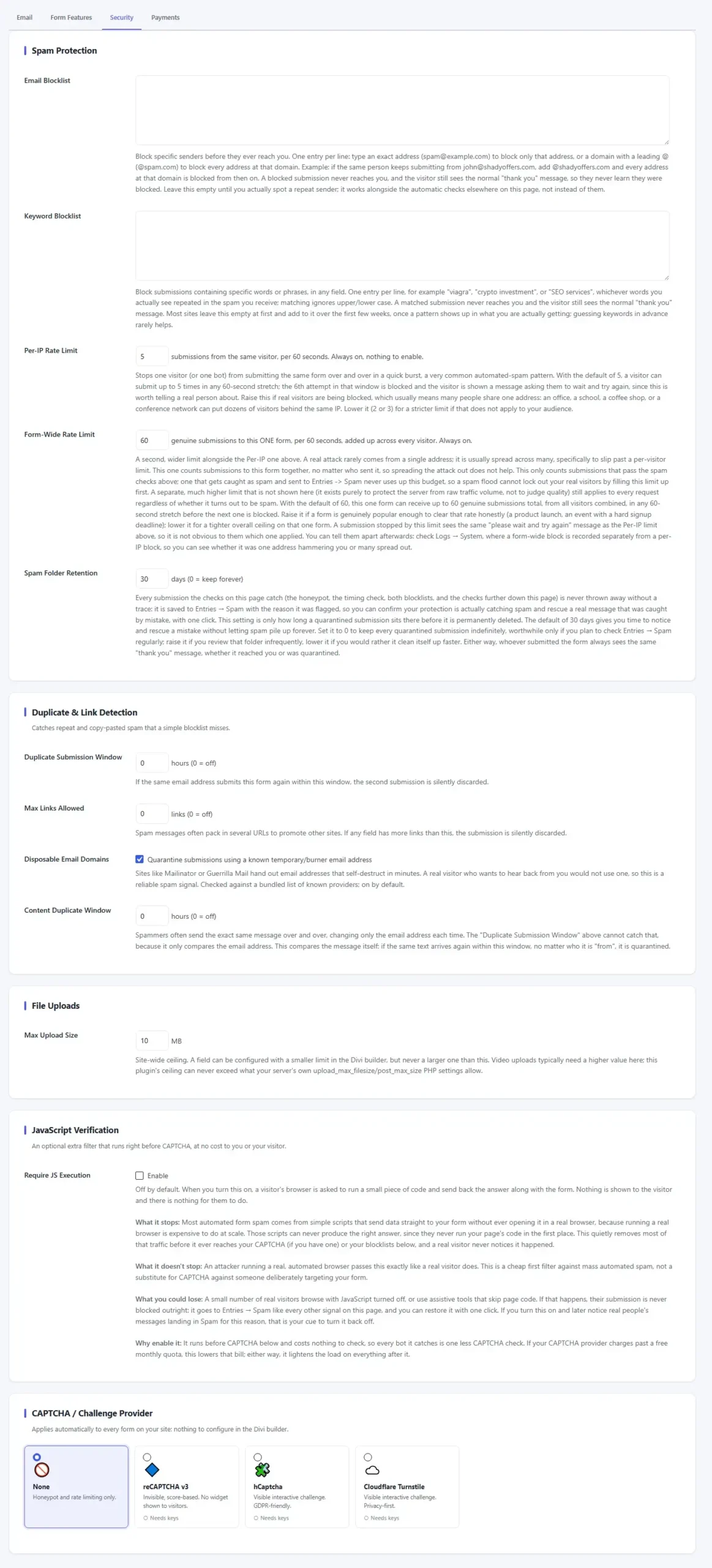
Security
Blocklists, duplicate-submission detection, rate limiting, upload size, and a choice of four CAPTCHA providers, applied automatically to every form.
yoursite.com/wp-admin/admin.php?page=happydivi-form
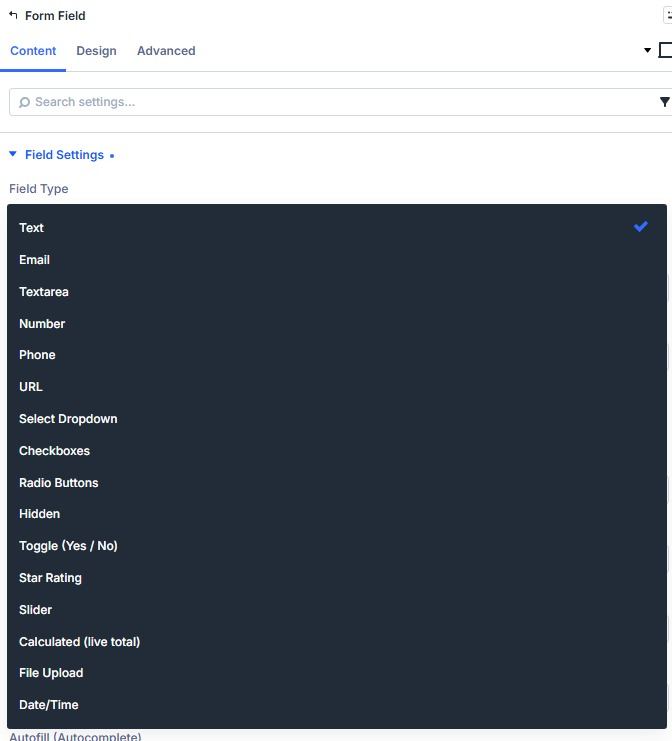
Visual Builder
All 17 field types, right inside the Divi field-type dropdown, added and configured the same way as any native Divi module.
yoursite.com/wp-admin/admin.php?page=happydivi-form
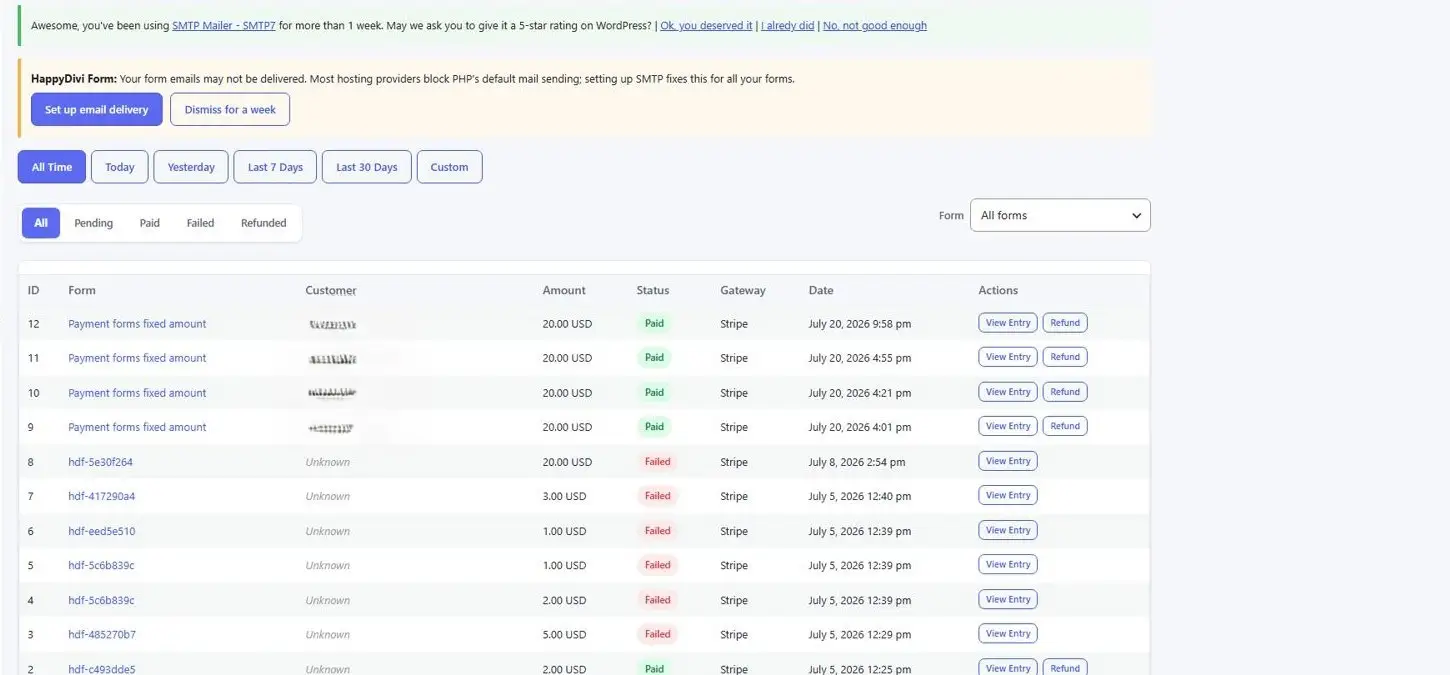
Orders
Every Stripe payment with its status, amount, and gateway, plus a one-click Refund, alongside your form entries, not in a separate plugin.
Validation & Error UX
Errors where your visitor is looking
The single most-complained-about part of Divi's own form: a generic "please fix the following errors" list at the top, disconnected from the field that's actually wrong. HappyDivi Form puts the message right next to the field, in your own words, and four Smart Field toggles do the rest of the work automatically.
Disposable Email Detection
Blocks submissions from temporary email services that expire in minutes. Bundled blocklist, near-zero false positives.
free
Dual-Layer Validation
Every rule runs client-side first for instant feedback, then independently server-side. No way for a visitor to skip validation by manipulating the browser.
Free
Email Typo Suggestions
Catches likely email typos and offers a one-click fix ("Did you mean name@gmail.com?"). Cuts bounced leads.
Pro
Live Validation
Checks each field the moment the visitor leaves it, with an inline error or a green check fewer errors at submit time.
Pro
Auto-Format (Input Masks)
Formats values as they type, e.g. phone → (123) 456-7890. Enable per-field in the form builder.
Pro
Smart Autofill
Adds autocomplete hints so browsers can autofill names, emails, and phones, a big mobile completion boost
Pro
Divi's default behavior
Default
Please fix the following errors and try again.
—> Which field? Not shown.
—> Why is it wrong? Not shown.
—> Where do I look? Top of a long form.
HappyDivi Form
Smart Fields
Phone Number
555-01
Please enter a complete phone number, including area code.
Form Logic
Forms that think ahead.
Show or hide fields based on what the visitor selects. Pre-fill from their account or URL. Show a live price total before they submit. All without touching code.
Conditional Logic
Fields that show or hide based on what your visitor picks.
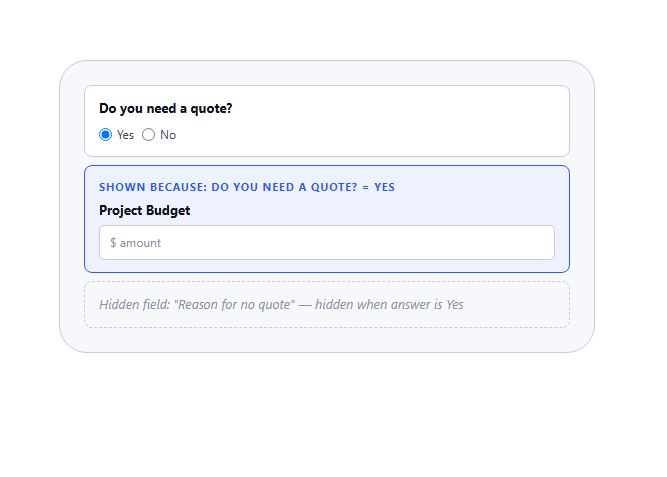
Set rules on any field: show it when another field matches, hide it when it doesn't. Nine operators (is, contains, starts with, greater than, and more), ALL/ANY relation, and the same rule engine runs both in the browser and server-side. So a visitor cannot force a hidden field through by editing the page.
9 comparison operators including contains, starts with, is empty, greater than
Multiple rules per field with AND / OR relation ✓
Hidden fields are excluded from validation a hidden required field never blocks the form
Works with multi-select and checkbox groups
Dynamic Prefill
Fields that fill themselves.
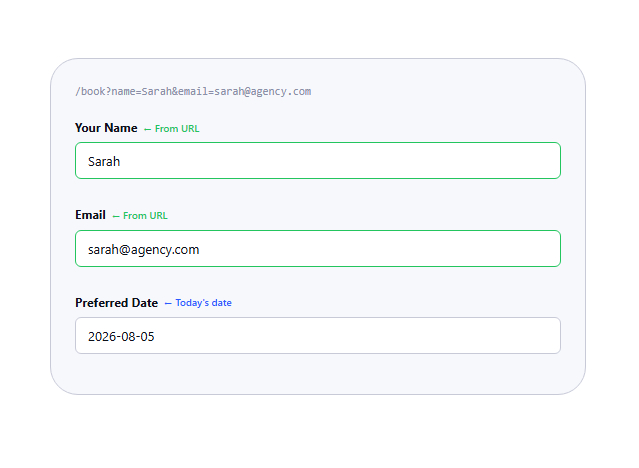
Prefill any field from a URL parameter, the logged-in user's profile (name, email, role), or the current date and time. Resolved in the browser, a cached page never leaks one visitor's data to the next one.
URL query parameter: ?name=John prefills the Name field
Logged-in user profile: first name, last name, email, display name
Current date/time for Date fields
Cache-safe: resolved client-side, never server-baked into HTML
Submissions & Entries
Divi's form forgets. HappyDivi remembers.
Divi's module fires a single wp_mail() call and stores nothing. If that email bounces or hits spam, the lead is gone. Every HappyDivi submission goes into your database first, regardless of what happens to the email.
Custom DB tables, not postmeta
Entries live in dedicated tables built for this job. No slow meta queries, no serialized blobs. Every field value is its own row, individually queryable.
Full triage inbox
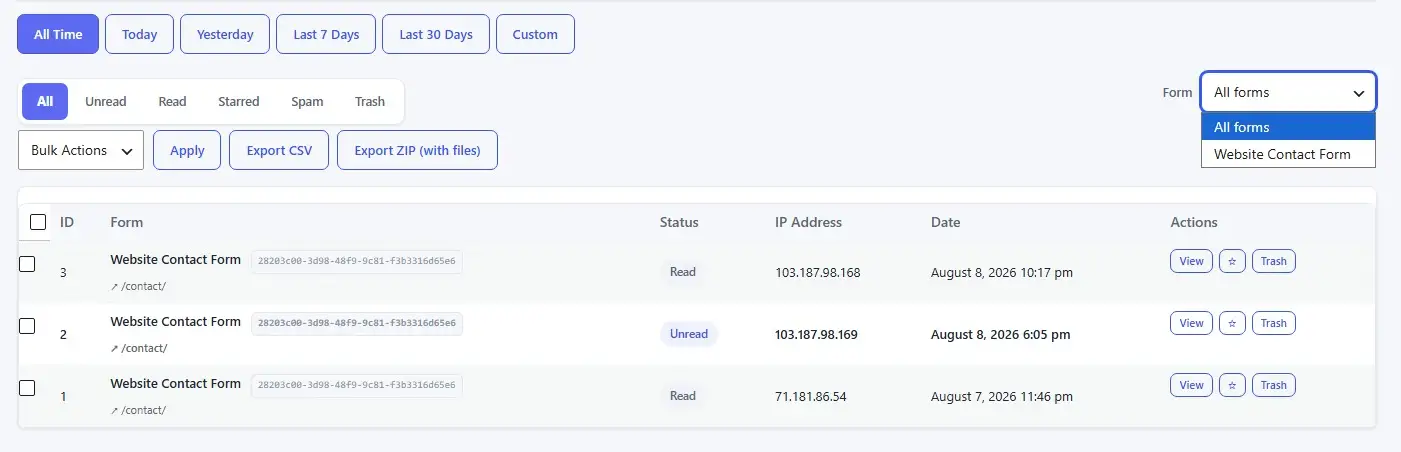
Status tabs: Unread, Starred, Spam, Trash. Filter by form, filter by date. Bulk star, trash, or restore. Per-entry view with every field, file downloads, and notification history.
CSV + ZIP export
Export respects your current filter: status, form, date range. ZIP bundles uploaded files alongside the CSV. Streamed, never buffered, exports stay fast even with thousands of rows.
Pro
GDPR-ready by design
WordPress-native personal data export and erasure, IP anonymization or no-storage mode, configurable retention with auto-delete, and automatic privacy policy text.
Pro
Cache-safe by design
A fresh nonce is fetched on page load, so a caching plugin serving stale HTML can't break your form.
Spam quarantine, not silent discard
A submission caught by honeypot or other signals is saved to Entries → Spam with the reason recorded, not thrown away. One click restores a false positive.
IP address storage
Full / Anonymize / Don't store
Erasure requests
Delete or anonymize, your choice
Sent email queue retention
Auto-clean after N days
Form entries retention
Auto-delete after N days
Uninstall behavior
Off by default, your data stays
Database tables
One-click "Recreate" if ever missing
Entries
Live
James Robert Smith
New
Mary Elizabeth Johnson
★Starred
Jean-Luc Dupont
Replied
Anna Maria Rossi
New
Custom database tables · CSV + ZIP export
Pro
GDPR & Privacy Settings
| Setting | Options | Tier |
|---|---|---|
| IP Address Storage |
Store full
Anonymize last octet
Do not store
|
Free |
| Erasure Mode |
Delete matching entries
Anonymize and keep record
|
Free |
| Entry Retention |
Keep forever
Delete after N days
Global + per-form override
|
Pro |
| Email Queue Cleanup |
Auto-purge after N days
Default: 30 days
|
Free |
| Email Log Cleanup |
Auto-purge after N days
Default: 90 days
|
Free |
| WP Personal Data Export |
Pulls all entries for a given email
|
Free |
| WP Personal Data Erase |
Delete entries
Anonymize and keep record
|
Free |
| Privacy Policy Text |
Auto-appended to WP Privacy Policy guide
|
Free |
How It Works
What happens when someone hits Submit.
Every submission follows the same fixed pipeline, in the same order, every time. Nothing is skipped, nothing runs out of sequence.
1
Security checks
Nonce, rate limit, honeypot, timing, blocklists, CAPTCHA, all run before anything else.
2
Sanitize every field value
Each field type cleans its own input. No raw user data ever touches storage.
3
Recompute all Calculated fields
The server always overwrites what the browser sent. No tampered totals, ever.
4
Evaluate conditional logic, then validate
Hidden fields are excluded from validation. File upload tokens are verified. All errors collected before returning, One round trip to fix everything.
5
Save the entry
Entry goes into the database. Analytics recorded. Uploaded files moved from quarantine to permanent storage.
6
Queue notification emails
Emails are queued, not sent inline. Payment-gated submissions hold notifications until payment is confirmed.
7
Show success message or redirect
Or initiate Stripe checkout for payment-enabled forms. Success Rules let you show different messages per answer.
Email & Delivery
More than One email, sent reliably.
Divi's form has one delivery path and no idea if it worked. HappyDivi Form gives every submission an admin notification and a submitter confirmation, four ways to deliver them, and a paper trail if anything goes wrong.
4 delivery providers, auto-detected coexistence
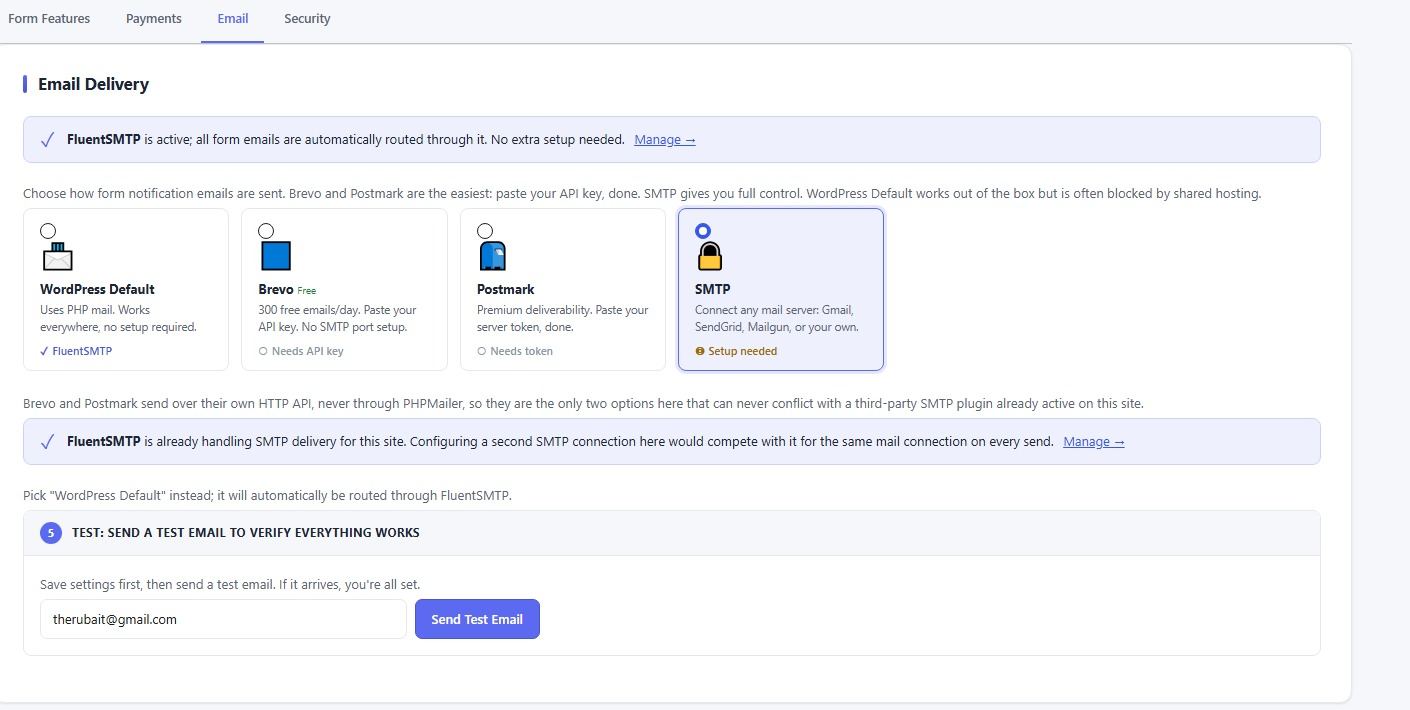
WordPress default, manual SMTP, Brevo, or Postmark. Auto-detects FluentSMTP, WP Mail SMTP, Easy WP SMTP, Post SMTP, SendGrid, and Mailgun, and routes through them instead of conflicting.
Full manual SMTP, when you want control
Host, port, username, password, encryption, connect Gmail, SendGrid, Mailgun, or your own mail server directly, with the password encrypted at rest.
Async queue with real retry backoff
Emails are queued, never sent inline. A slow mail server doesn't block the visitor's response. Failed sends retry automatically with backoff, up to 3 attempts before marking permanently failed.
Conditional Notification Routing, Pro
Unlimited per-form notification blocks, each with its own recipient, subject, body, CC/BCC, conditions, and attached files toggle. Route to Sales when Service = Sales, to Support when Service = Technical.
Email Branding, Pro
Logo, footer signature with image, social links row (Facebook, Twitter/X, Instagram, LinkedIn, YouTube). Outlook-safe rendering with full plain-text fallback. Anti-phishing notice on confirmation emails.
Merge Tags & Conditional Content, Free / Pro
%%field_id%%, %%hdf_all_fields%%, %%hdf_entry_number%%, and more. Pro adds {{if field = "value"}}...{{else}}...{{/if}} inline conditionals anywhere in subjects, bodies, or success messages.
Per-entry notification history + Resend
Open any entry to see exactly which emails were attempted, their status, and why one failed, with a one-click Resend, no re-submitting the form.
An honestly-worded test email
If you're on plain WordPress Default with no SMTP configured, the test-email result says so plainly instead of a false "sent successfully", because a handed-off email isn't the same as a delivered one.
•••
Settings—>Email
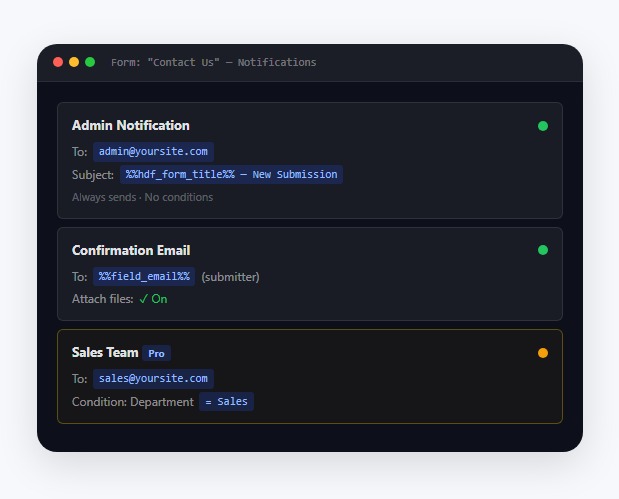
Per-form notification routing, multiple notification emails per form with their own recipients and conditions (e.g. "Department = Sales → sales@yourcompany.com") is in for a Pro License. Every form sends one admin notification and one submitter confirmation, fully configurable, to as many CC/BCC addresses as you need.
Spam & Security
A real security stack, not a math captcha.
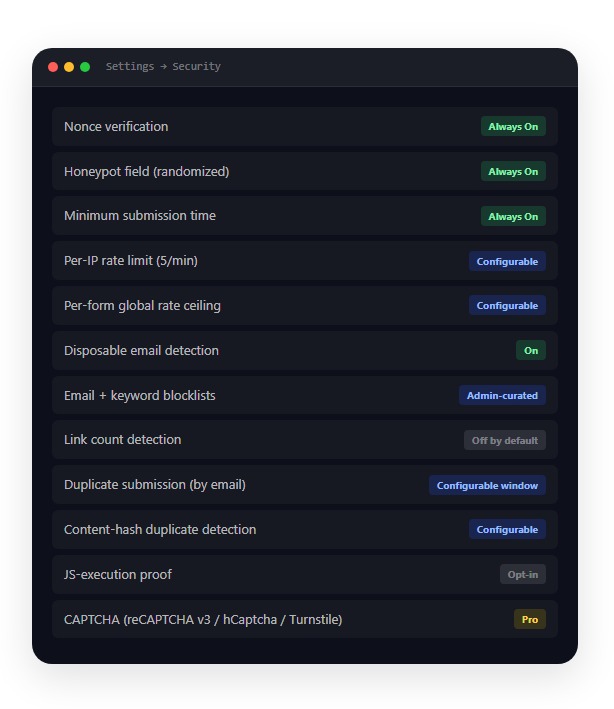
12 independent spam signals run on every submission, combined into a single score, so a submission that barely passes each individual check but looks suspicious overall still gets caught. One settings page applies to every form.
•••
Settings—>Security
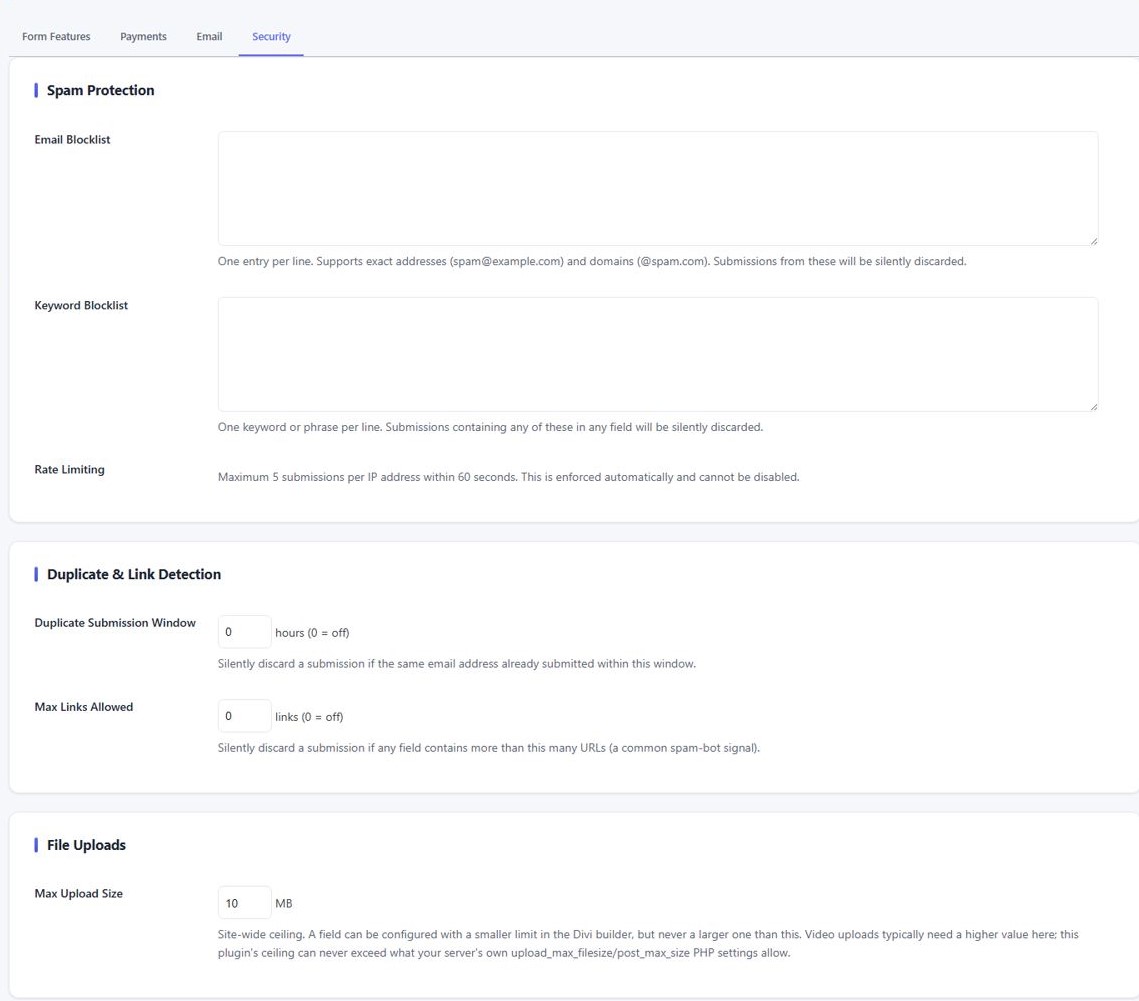
Rate limiting
5 submissions / IP / 60s, always on
Duplicate window
Block repeat email within N hours
Max links allowed
Configurable per-field spam signal
Blocklists
Email + keyword, one per line
Max upload size
Site-wide ceiling, admin-set
CAPTCHA choice
None / reCAPTCHA v3 / hCaptcha / Turnstile
Cumulative scoring, not individual gates
Each spam signal contributes a weighted score. A submission that barely passes each check individually but shows three weak signals together will still be caught. One obvious signal alone can still block. Both weights and the quarantine threshold are filterable for fine-tuning.
Spam quarantine, not silent discard
Blocked submissions are saved to Entries → Spam with the specific signal(s) recorded, shown as plain-English labels. Never thrown away. One click restores a false positive. The submitter always sees a success response, so no bot learns why it was caught.
Six-layer file upload security
Extension blacklist (php, exe, sh, svg, js, and more) checking every dot-segment. Field allow-list. Real-byte MIME sniffing. OOXML structural verification. Size ceiling. Random filenames on disk, capability-gated download only. Files are never directly web-accessible.
3 CAPTCHA Providers, Pro
Cloudflare Turnstile (with Appearance Mode and Theme controls), reCAPTCHA v3 (score-based, configurable threshold), and hCaptcha. Fail-open or fail-closed when the provider is unreachable, your choice, never a silent outage.
Upload hardening - Pro
Content-sniffing & quarantine
Secrets encrypted at rest
Analytics
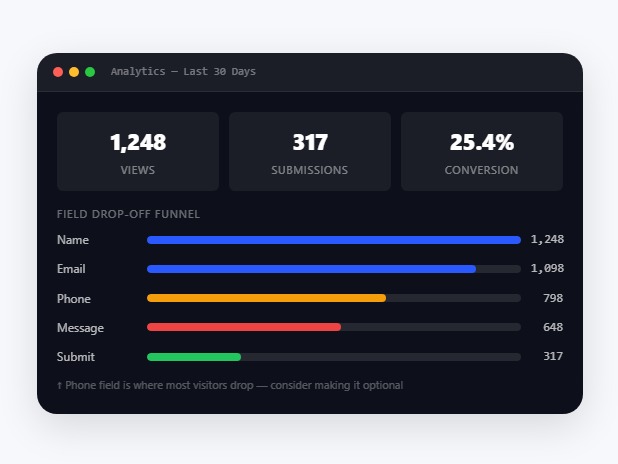
See exactly where visitors give up.
Cookieless by default. No cookies, no IP addresses, no user-agent stored. Analytics recording is free on every plan so history is ready the moment you upgrade to see the dashboard.
•••
Analytics
Cookieless by default
No cookies, no localStorage, no IP address stored. Visitor deduplication uses a server-side daily-rotating HMAC hash, privacy-safe recognition without tracking. A "Full" mode adds optional first-party localStorage for cross-day returning-visitor detection.
Field Drop-off Funnel Pro dashboard
Shows every field in form order, how many visitors reached it and how many left there. The funnel covers every field, not just where drop-off happened, so you see the whole path. The field where the bar turns red is your optimization target.
Peak Hours & Weekday Distribution
See which hour of day and which day of week gets the most submissions. Useful for scheduling follow-up, support staffing, or knowing when to run ads.
Top Countries & Visitor Type
Up to 8 top countries when geo is enabled (opt-in). New vs. returning visitor split. All built into the same analytics panel. No Google Analytics or third-party script needed.
Recording starts on day one
Data collection runs on every plan. When you upgrade to Pro, the analytics dashboard shows historical data from before the upgrade, no starting from zero.
Payments Pro
Take payments. Safely.
Add a price to any form. Fixed amount or calculated from what the visitor selected. Stripe handles the card. The amount is always computed server-side, so no one can tamper with the price in their browser.
Stripe Hosted Checkout
Card data never touches your server. Stripe handles the payment page. Test and Live modes are separate so you can rehearse without risk. No PCI scope for your site.
Hourly Reconciliation
A cron checks any payment stuck as Pending after 25 hours and resolves it against Stripe directly. A lost webhook self-heals within an hour instead of staying stuck forever.
Tamper-Proof Server-Side Amount
The charged amount is always recomputed from the form's own formula on the server. A visitor who edits the hidden price field in their browser pays the correct amount regardless.
Deferred Notifications
For payment-enabled forms, admin and confirmation emails are held until payment is confirmed. Abandoned checkout never sends an email. On confirmed payment, notifications fire just like a normal submission.
Auto Webhook Setup
Saving a Stripe key auto-creates the webhook endpoint and stores the signing secret. Nothing to wire up manually in the Stripe dashboard.
One-Click Refund
Refund directly from the Orders page or an entry's detail view. The gateway is called immediately, the entry status updates, and the refund hook fires for third-party integrations.
Divi 5 Visual Builder
Designed and built inside Divi.
Not a settings page bolted to the side of Divi. Every field is a real child module in the layer panel. The same Content/Design/Advanced tabs. Live canvas preview. Full responsive controls.
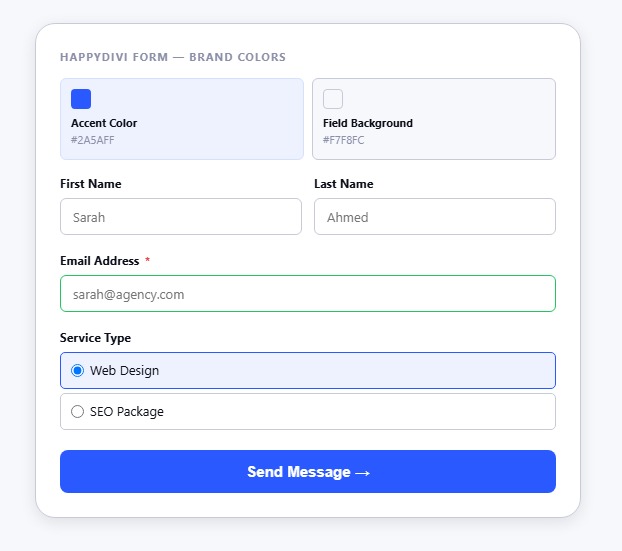
Brand Colors, one place for every color
Set your accent color, field background, text, placeholder, borders, and button colors once. Every field inherits them. Override per field or per state (hover, focus) using Divi's native Design tab cascade. No !important hacks.
Genuine Responsive Field Width
Full, half, third, or quarter width, resolved against whatever breakpoints your Divi theme actually has, not a hardcoded desktop/mobile assumption. Collapses to full width under 640px automatically.
Full Design Tab on Every Element
Label, placeholder, help text, success message, error message, submit button, and button icon each get independent Font, Background, Border, Box-Shadow, and Spacing controls, with responsive and hover-state toggles.
Live Canvas Preview
The Visual Builder renders the exact same markup as the published frontend. Drag a field, change a color, switch the layout, what you see is what visitors get, with no refresh. Date field just the preview
10 Custom Builder Components
Purpose-built where Divi had no stock control: a conditional logic rule builder, visual formula editor, searchable field picker, date-list editor, merge-tag pickers, upload extension picker, and more.
•••
Analytics
Templates Library
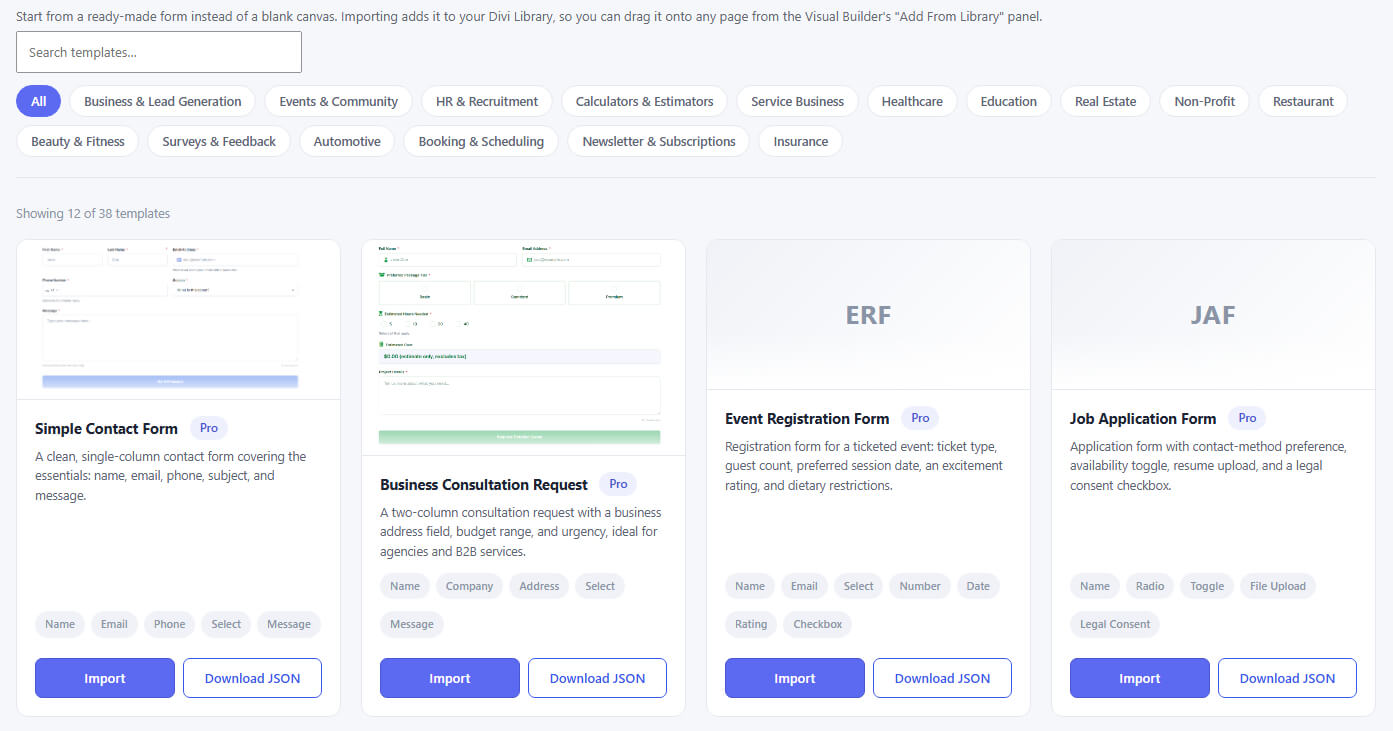
38 ready-to-use forms. Import in one click.
Every template is real, working form JSON, not a screenshot. Import it into Divi's own Layout library as a saved Section, then drag it onto any page.
For Divi Lover
Start free. Upgrade when you need to.
A genuinely complete free contact-form plugin. Pro adds field types, automation, payments, and the analytics dashboard. Nothing is hidden behind a paywall you weren't told about.
Free
Everything Divi's form does, plus the community's top asks.
$0 / one site, lifetime update
No credit card. No time limit.
12 field types (Text, Email, Textarea, Phone, Number, URL, Hidden, Name, Select, Checkbox, Radio, Rating)
Full Divi 5 Visual Builder with Brand Colors, Font Styles, and Design tab on every element
Conditional logic, dynamic prefill, dual-layer validation
All entries stored in custom DB tables
Admin notification + confirmation email.
4 email providers: wp_mail, SMTP, Brevo, Postmark
Async email queue with retry backoff
All spam signals: honeypot, timing, blocklists, rate limiting
GDPR tools: export, erase, IP policy
Analytics recording from day one
38 templates (Free-classified), Preview & Test tool
8 REST routes + 24 extensibility hooks
File Upload, Date/Time, Address, Slider, Toggle, Calculated, Legal Consent, Section Break fields
CAPTCHA (Turnstile, reCAPTCHA v3, hCaptcha)
Stripe payments
Analytics dashboard and funnel
CSV/ZIP export, entry retention auto-delete
🔥 Unlimited Sites Offer
Pro
Unlimited Sites, Lifetime License $149
Automation, revenue, protection, and insight.
$36 / Unlimited sites per year
Regular updates · unlimited-site license
Everything in Free, plus:
8 Pro field types: File Upload, Date/Time, Address, Slider, Toggle, Calculated, Legal Consent, Section Break
Phone International mode (libphonenumber + country picker)
Select: searchable + multi-select. Radio: Cards + Segmented. Checkbox: Chips + Addon Rows + "Other"
Smart Fields: typo suggestion, live validation, auto-format, smart autofill
Unlimited per-form notification blocks with conditions and routing
Email branding: logo, signature, social links
{{if}} conditional content in emails and success messages
Success Rules: different success message per form answer
Stripe payments (hosted checkout, tamper-proof)
CAPTCHA: Turnstile, reCAPTCHA v3, hCaptcha
Full analytics dashboard: trend chart, funnel, geo, peak hours
CSV + ZIP export, automatic entry retention/deletion
All Pro templates (38 total)
Priority support
Pro settings are never wiped on downgrade, toggle back on anytime you re-upgrade.
Head to head
HappyDivi Form vs. Divi Contact Form
Divi's own module is a contact widget. HappyDivi Form is a form platform.
| Feature | HappyDivi Form Free & Pro | Divi Contact Form Built-in |
|---|---|---|
| Fields & Form Building | ||
| Field types | 20 field types (12 Free + 8 Pro) | 6 field types |
| Conditional field logic | 9 operators, ALL/ANY, server-enforced | Limited |
| Dynamic prefill | URL, logged-in user, current date | Not available |
| Per-field Design tab styling | Full Design tab on every element | Limited |
| Prebuilt templates | 38 templates across 16 categories | None |
| Submissions & Data | ||
| Stores submissions | Custom DB tables + Entries admin | Email only — if it bounces, it's gone |
| Inline per-field validation | Next to the field that failed | Generic list at the top |
| CSV + ZIP export | Filter-aware, streamed export Pro | Not available |
| GDPR tools | Export, erase, IP policy, retention | None |
| Cache-safe submission | Fresh-nonce endpoint, config fallback | Classic nonce-vs-cache failure |
| Email & Notifications | ||
| Email delivery providers | wp_mail, SMTP, Brevo, Postmark | wp_mail only |
| Confirmation email to submitter | Yes, configurable | No |
| Email delivery log and resend | Per-entry history with error details | No |
| Security & Spam | ||
| CAPTCHA options | Turnstile, reCAPTCHA v3, hCaptcha Pro | reCAPTCHA (ET account required) |
| File uploads | Dropzone, 6-layer security pipeline Pro | Not available |
| Payments & Analytics | ||
| Stripe payments | Hosted checkout, tamper-proof Pro | Not available |
| Form analytics | Views, conversion rate, drop-off funnel Pro | Not available |
Shipping fast
What's Next
HappyDivi Form is v1.0 today. Here's what's already in motion, kept honest, no vaporware.
Next Up
Multi-step / multi-page forms are live now from version 1.0.3
Repeater / nested field groups
PayPal & WooCommerce payments
Webhooks + Zapier / Make
Mailchimp, ActiveCampaign, HubSpot
Depth & Polish
Signature field (draw-to-sign)
Quiz / survey scoring
Entry editing + notes
PDF of an entry
Form templates + import/export
Coupons for payment forms
Differentiators
Conversational one-question mode
Front-end entry directory
Divi global presets integration
AI-assisted form building (optional)
Spam-scoring insights dashboard (optional)
FAQ
Frequently asked Questions
Is this a native Divi 5 module or a shortcode plugin?
Native Divi 5. HappyDivi Form registers a parent form module and a per-field child module on Divi's own registration hook, with full Content, Design, and Advanced tabs and a live Visual Builder preview. A shortcode adapter is also included for use outside Divi layouts.
What happens to my entries if I downgrade from Pro?
Nothing is deleted. Entries stay in your database, and Pro settings are preserved rather than reset, turning Pro back on re-enables them exactly as you left them.
Which email providers are supported?
wp_mail out of the box, plus direct SMTP, Brevo, or Postmark, all on the Free tier. Delivery is queued asynchronously with error capture and admin health notices either way.
Is the built-in analytics GDPR-compliant?
Yes. It's cookieless by default and uses a daily-rotating salted hash instead of storing IP addresses, user agents, or cookies recording still accrues from day one even on the Free tier.
I already have an SMTP plugin installed. Will they conflict?
No. HappyDivi Form detects FluentSMTP, WP Mail SMTP, Easy WP SMTP, Post SMTP, and the official SendGrid and Mailgun plugins, and automatically defers to whichever one is active rather than fighting it for the same connection. Brevo and Postmark go further, they never touch PHPMailer at all, so they're safe to use even alongside another SMTP plugin.
What happens if an email actually fails to send?
The submission itself is always saved to your Entries first, regardless of what happens to the email. A failed email retries automatically with backoff, and shows up in the Email Log and that entry's Notification History with the real error message and a one-click Resend, you're never guessing whether a lead got lost.
Does the plugin track form abandonment?
Yes, the Analytics dashboard's Field Drop-off panel shows, per field and in form order, how many visitors reached it and how many left without submitting. Automatically emailing visitors who abandon partway through is on the roadmap; today's abandonment data is tracking and reporting, not recovery outreach.
Does it work with Divi 4?
No, HappyDivi Form is built specifically for Divi 5's native React-based module architecture, which is what enables the live Visual Builder preview and full per-field Design-tab controls.
What's the refund policy?
30 days, no questions asked, on every paid license, same policy as HappyDivi Gallery.
Free tier included
The form your Divi site deserves
Join HappyDivi. Free to start, upgrade anytime. Instant access, 30-day money-back guarantee on Pro.